2-20 Modem Installation
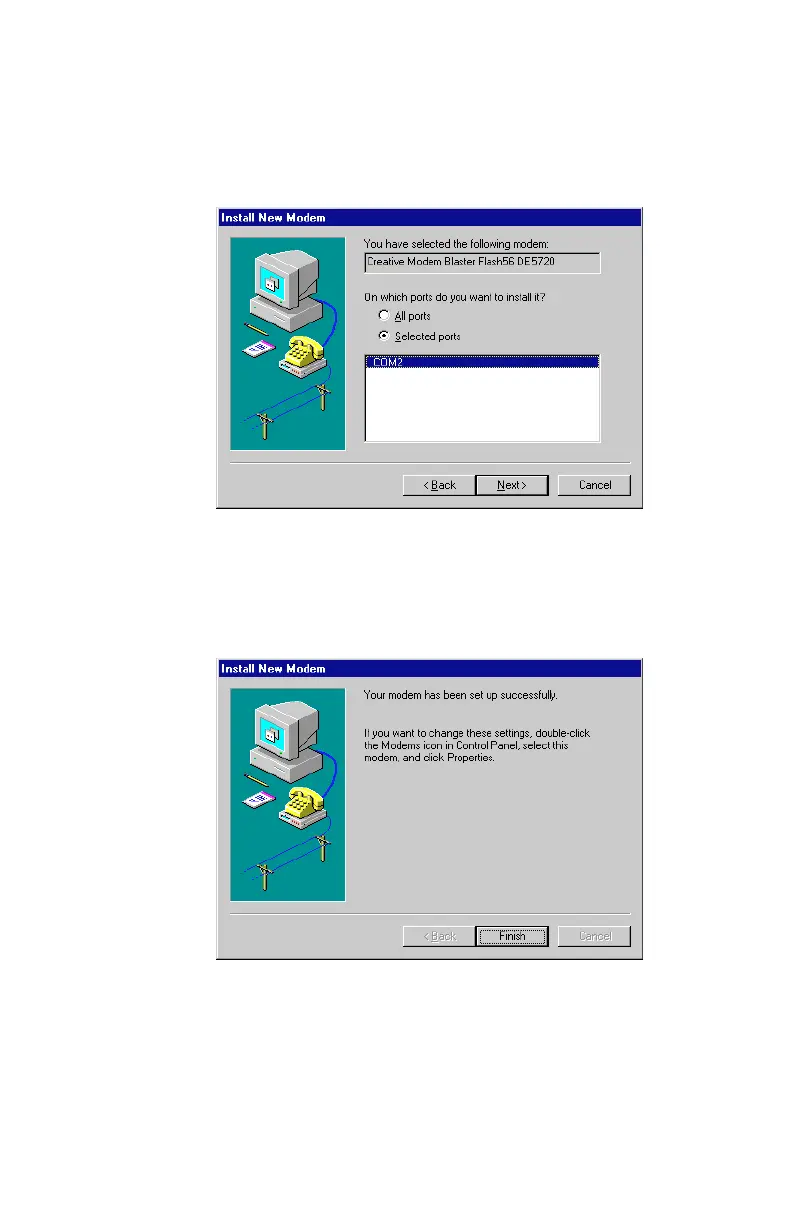
7. When
Figure 2-28
appears, select the Com port to which your
modem is attached, for example COM 2. Click on Next to
continue.
8. A dialog box similar to
Figure 2-29
appears, indicating that the
modem has been successfully installed. Click on Next.
Figure 2-28: Choose the COM Port of your selection
Figure 2-29: Modem driver installation is complete













 To Next Page