Your NOMAD Jukebox Package 1-3
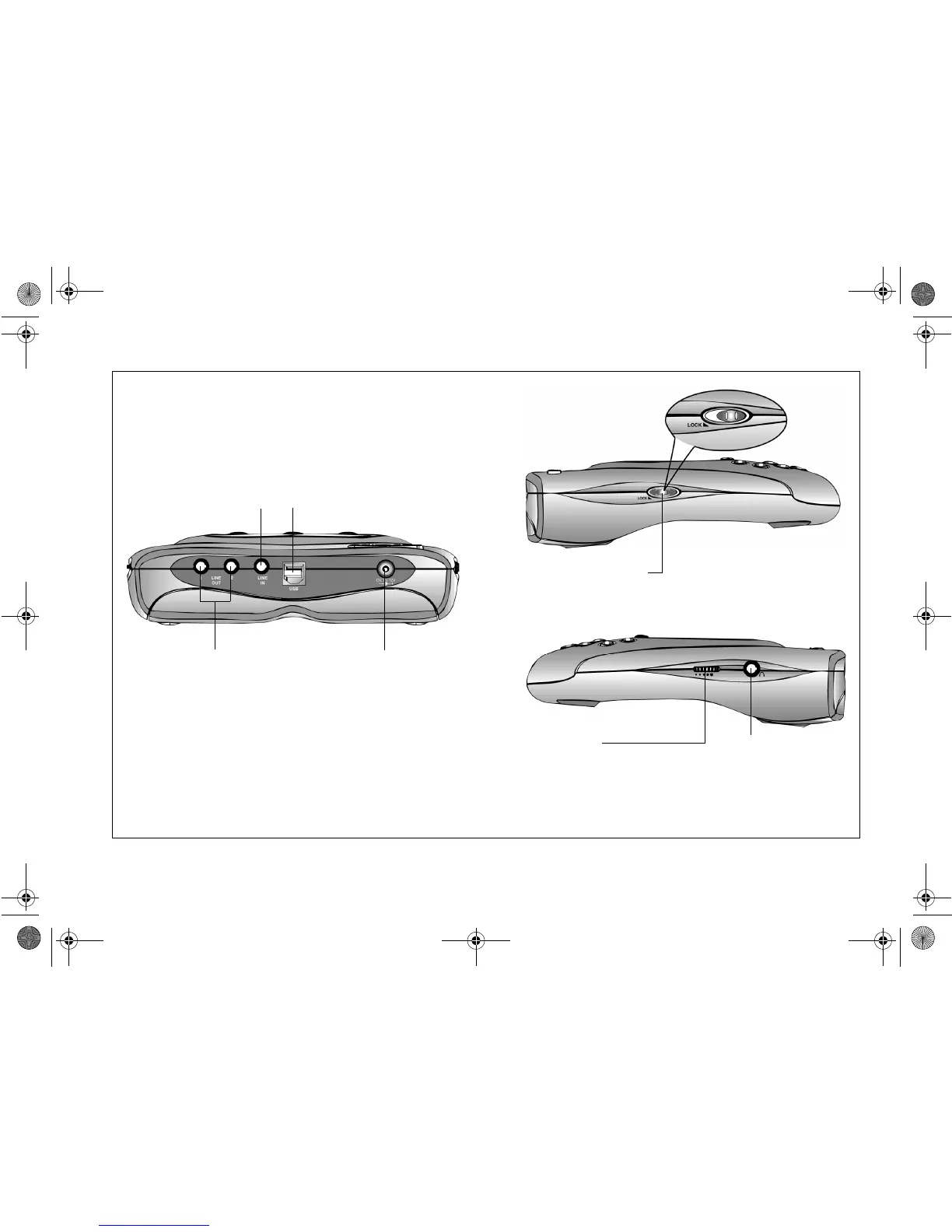
Figure 1-3: Side views of NOMAD Jukebox.
NOMAD Jukebox - Side Views
Lock switch
While in the Locked position, the control
buttons cannot be operated.
Volume Control
Controls audio playback volume
through the headphones only.
Note: To control the playback volume of
speakers connected to NOMAD
Jukebox using Line Out Jacks 1 & 2,
adjust the volume control of the
speakers instead.
Headphones Jack
Power Jack
Connects to the supplied
power adapter.
Note: NOMAD Jukebox will
charge the rechargeable
NiMH batteries if the
batteries are in NOMAD
Jukebox regardless of
whether the power is
turned on or off.
USB Port
Line In Jack
Connects to an external
audio source for recording
to NOMAD Jukebox.
Line Out Jacks 1 & 2
Connects to a four speaker
system such as Creative
Cambridge SoundWorks
FourPointSurround for
enhanced audio effects.
Note: Line Out Jack 1
connects to front speakers
while Line Out Jack 2
connects to rear speakers.
NJb.book Page 3 Friday, August 11, 2000 10:08 AM













 To Next Page