Setting Up Your NOMAD Jukebox 2-4
Step 6: Switch on
NOMAD Jukebox &
Connect Headphones
1. Ensure that the Lock switch on NOMAD
Jukebox is in the Unlock position (see
Figure 1-3 on page 1-3).
2. Press and hold the
Play
button for 2
seconds.
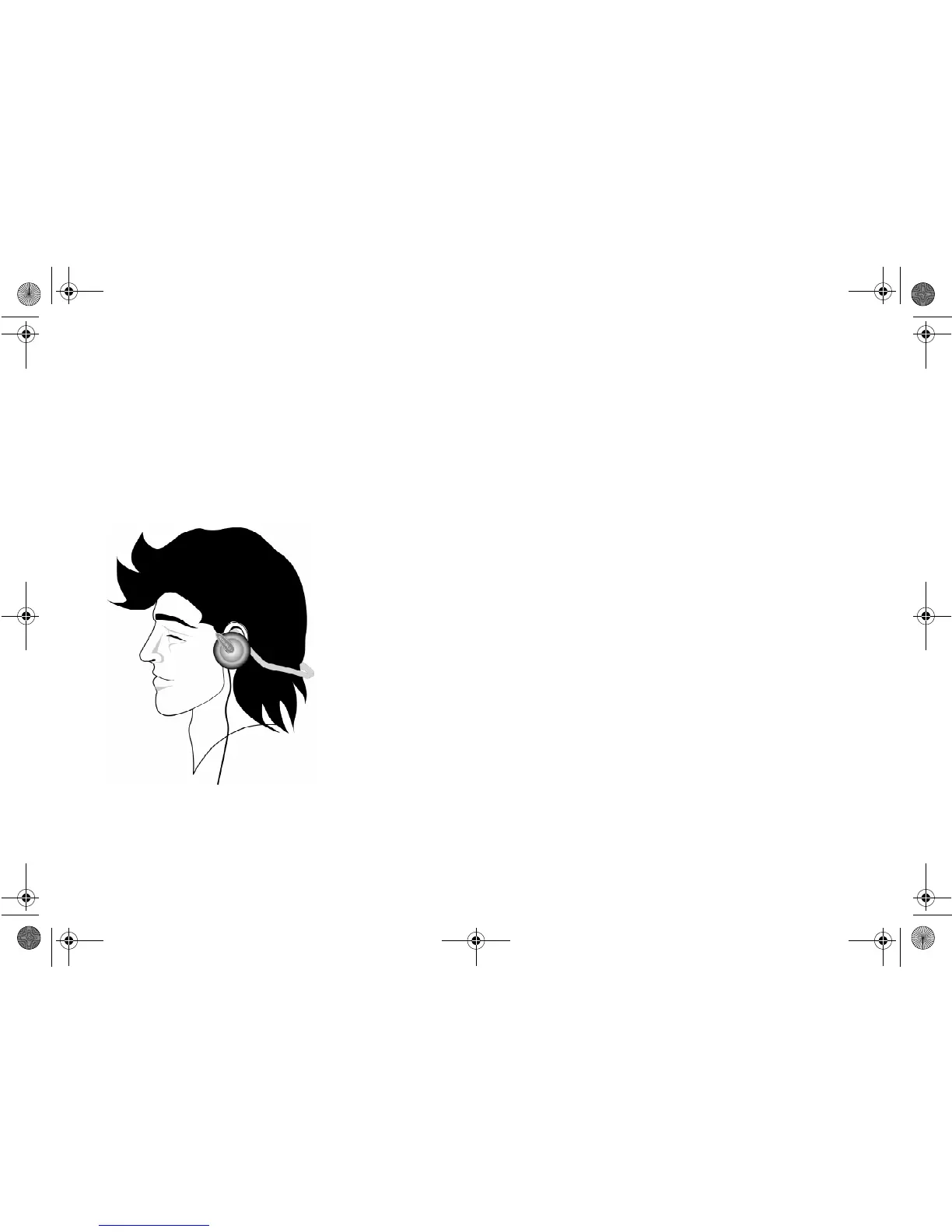
3. Put on your backphones as shown below.
Step 7: Select & Play
a Track
Refer to the
Quick Reference card’s
“How to
Play a Track” to play your favorite MP3 song.
Figure 2-5: Putting on backphones.
NJb.book Page 4 Friday, August 11, 2000 10:08 AM













 To Next Page