108 • TS-70 Series Product Manual — Doc. 8555F
RTSPTest
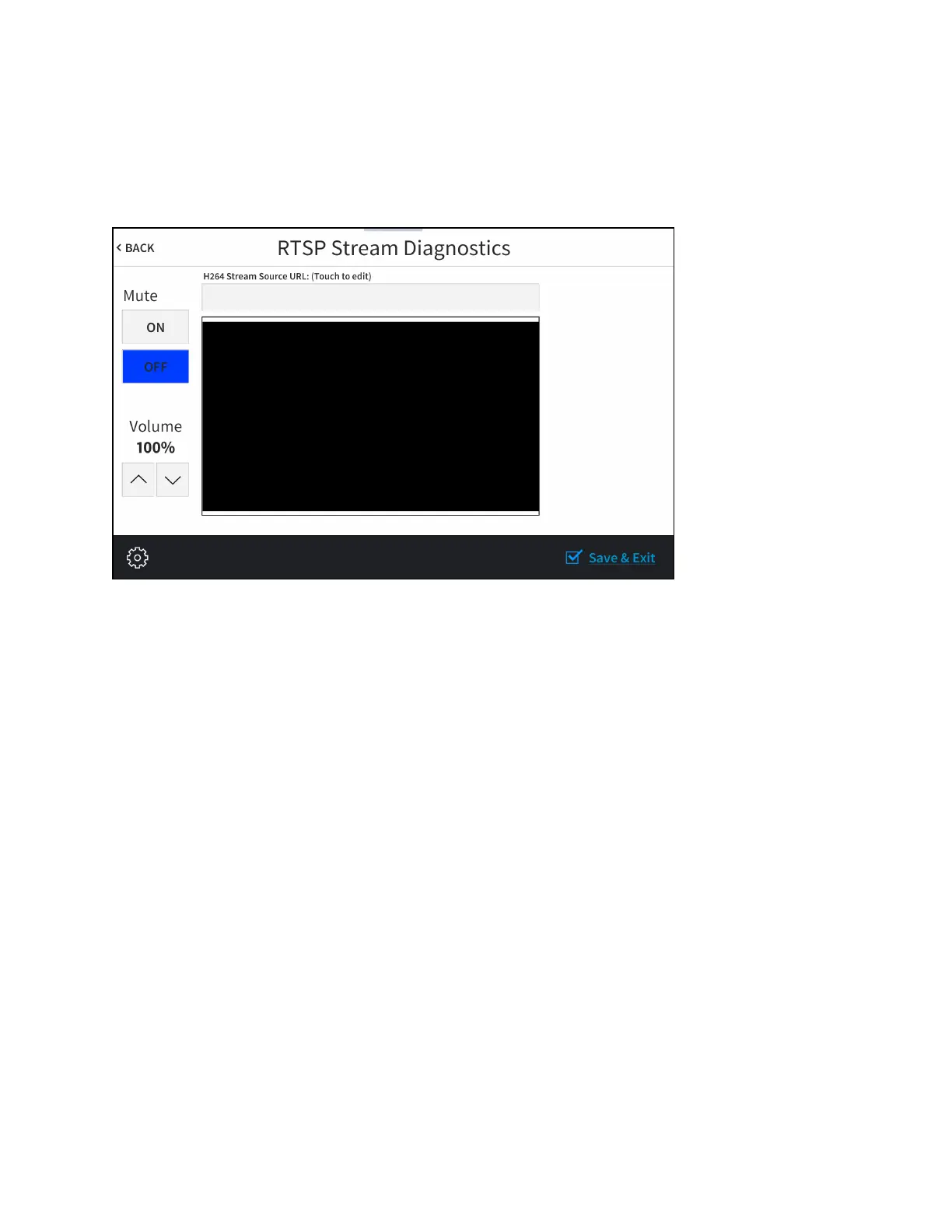
Tap RTSP Test on the Diagnostics & Advanced screen to display the RTSPStreamDiagnostics
screen.
RTSPStream Diagnostics Screen
Use the RTSP Stream Diagnostics screen to view and test RTSP (real time streaming protocol)
on the touch screen.
l
Tap the text field under H264 Stream Source URL: (Touch to edit) to display an on-screen
keyboard for entering an H.264 streaming video source URL.
l
Tap the up and down arrow buttons under Volume to raise or lower the media volume
incrementally from 0 to 100%.
l
Tap On or Off under Mute to mute or unmute the media volume.
Tap < BACK to return to the Diagnostics & Advanced screen.


 To Next Page
 Loading...






