Auxiliary Contacts
Auxiliary Contacts 48
47 CULLIGAN GLOBAL ELECTRONIC CONTROLLER
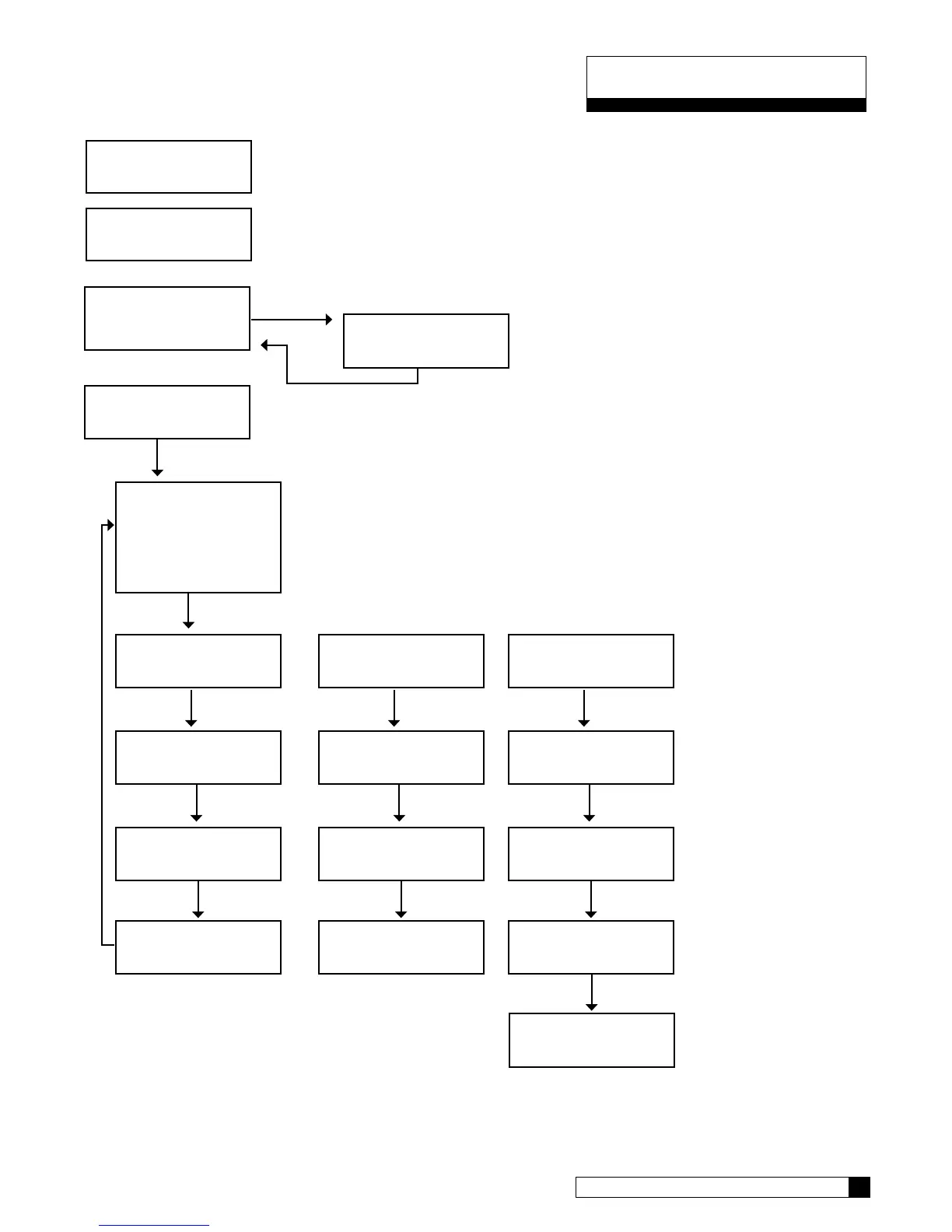
4) aux outputs
> 3) aux in
1) aux input
> 6 seconds
> 2) aux out#2
3) aux out#3
aux 2 Cycle type
> normally off
aux out 2
> service
aux2 out
delay > 0 minutes
aux2 out
on > o Minutes
aux 2 cycle type
> normally on
aux out 2
> service
aux2 out
delay > 0 minutes
aux2 out
off > o Minutes
aux 2 cycle type
> rep eat cycle
aux out 2
> service
aux2 out
gallons > 0
aux2 out
on 0 minutes
(“NORMALLY ON” Type) (“REPEAT CYCLE” Type)
(1)
2)
> 4) Accessories
system ok
7:32 am 2-1-08
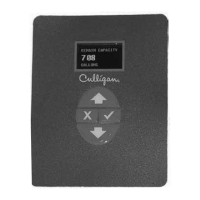
To use the auxiliary contacts, some configuration settings
must be changed.
From the home screen, press the DOWN arrow to
ACCESSORIES. Press the CHECK MARK button.
Press the DOWN arrow key to scroll to AUX IN.
aux2 out
off 0 minutes
AUX OUT 2 and AUX OUT 3 menu selection are the same.


 To Next Page