48
49
Main Power Switches
Standard Power Switches
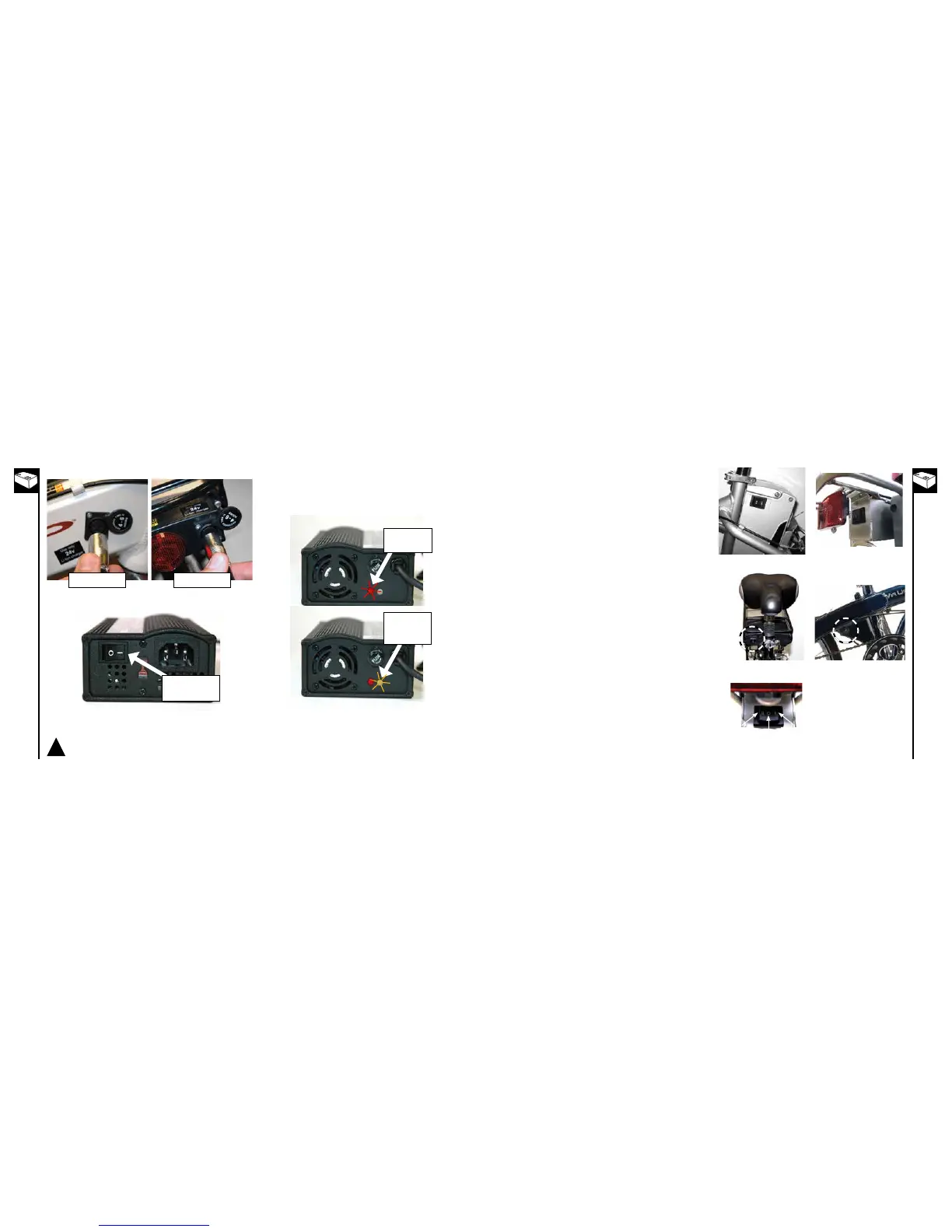
The power switch may be located, depending on the model of
bike, in the following locations
• Onthebatterypackitself(STBSeries)
• Onthebacksideoftherackbehindtherearreflector
(RMBSeries2008+)
• Onthefrontsideoftherack,directlybeneathand
behind the saddle (RTMB 2009)
• Onthecontrollerbox(ViaUrbano,RTMB2010)
Be sure to turn the switch off whenever you are not using the
bicycle or when charging the bicycle.
STB Bicycles
RMBBicycles(2008+)
Enlightened TMM
Bike
RTMB Bike
Power Switch - turn
to “ON” position
Red light should
turn“ON”first
Orange light
should turn
“ON” while
charging
3. Plugchargerinto24Vbatterychargerport
4. Turn the charger’s power switch “ON”
5. The red light should come on indicating the charger has
power. The orange light should then come on indicating
that the charger is charging the battery. When the light
changes from orange to green the battery is full and the
charger has completed charging the battery.
Use only Currie Authorized Li-Ion chargers with bicycles equipped with Li-Ion batteries.
Using any other charger will damage the batteries and void your warranty.
!
*Iftheorangelightasheswhenthechargerisplugged
into the battery, the charger does not recognise your
battery. Please contact Customer Service for help
resolving this issue.
RTMBBicycles(2009+)
Via Urbano
Three-Position Power
Switch
Three-Position Power Switches
Bikes with dual rack mounted battery packs (RMB) are
equipped with a three-position power switch. This switch has
two "ON" positions that correspond to the two battery packs.
The switch is "OFF" when placed at the center position.
On
(Right pack)
Off
On
(Left pack)



 To Next Page