37
GB
Using the Features
Teletext (ATV Mode)
Teletext is a free service broadcast by some TV stations which gives up-to-the-minute information on news, weather, television
programmes, share prices and many other topics. Using the Teletext control buttons you can view pages of information that are
listed in the teletext index.
To Turn on Teletext Function
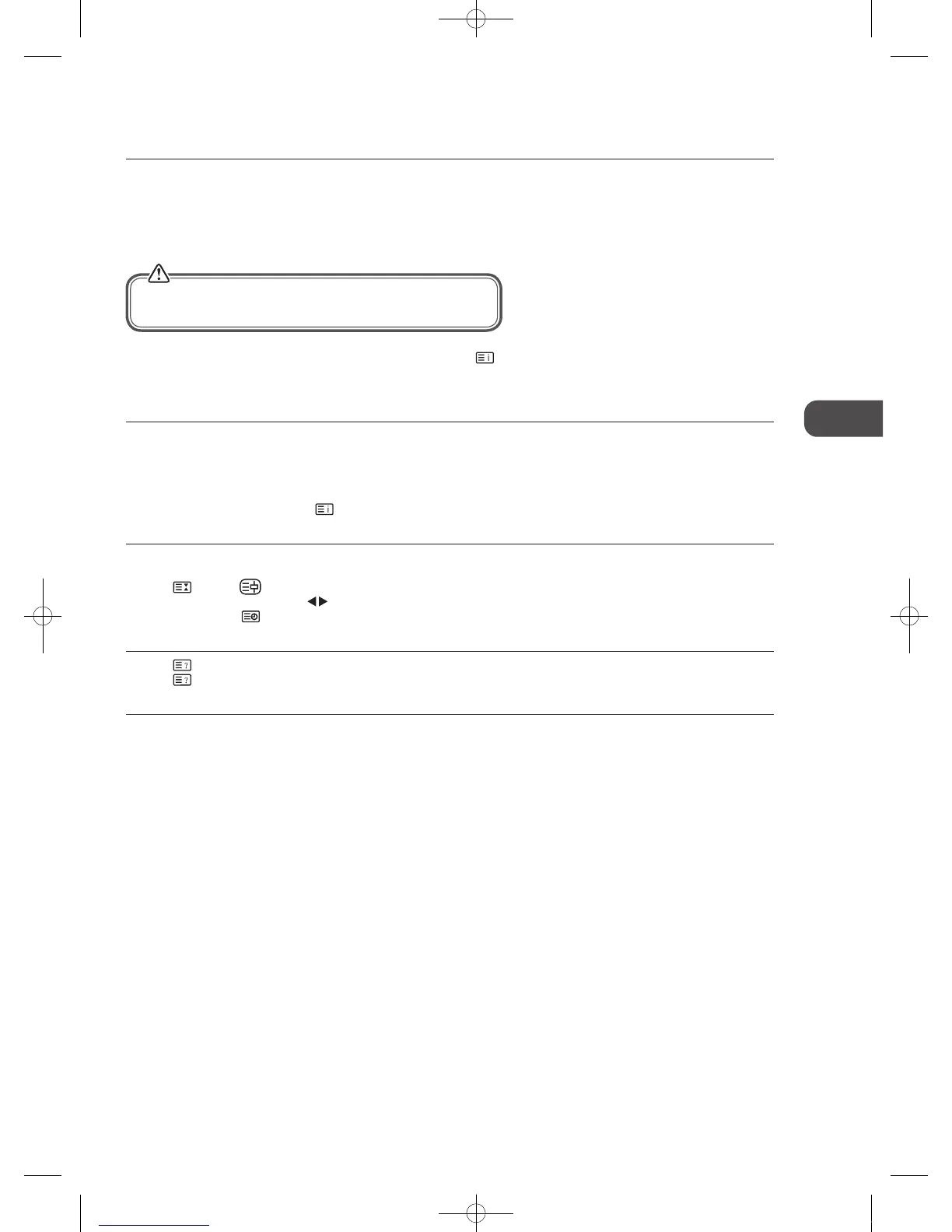
In ATV mode, press the TEXT button to enter Teletext mode. Press the button to display the index page.
Press the TEXT button once to exit and the TV will return to the channel you were watching.
To select a page of text
Find the number of the page in the index and enter it using the 0-9 buttons. The number of the page will appear on the top left
corner of the screen.
The page counter will search for your page. When it finds it, the page will be displayed.
To move to the next page of text, press the CH + button.
To move to the previous page, press the CH – button.
To return to the index page, press the
button.
Page STOP
If the page of text you have selected contains subpages, these subpages will automatically be displayed in order with a delay to
allow you to have enough time to read the page.
Press the
button. “ ” will appear on the top left corner of the screen.
While the page is on-hold, press the
buttons to scroll through the subpages in your own time.
Alternatively, press the
button, use the colour buttons to scroll through the subpages.
To Reveal Information
Press the button to reveal concealed information (quiz answers etc.).
Press the
button again to conceal the information again.
Fasttext
At the bottom of the teletext screen is a row of subject headings in red, green, yellow and blue.
The remote control has a row of colour buttons corresponding to the row of coloured subjects on the screen.
Pressing one of the colour buttons will take you directly to the page corresponding to the subject heading.
Make sure the TV channel you are watching transmits teletext.
“No Teletext” sign will show on the screen if teletext is not available.
C16LDVB11_IB_110404_Annie.indd 37 11年4月4日 下午6:05


 To Next Page