41
GB
Using the Features via USB Port
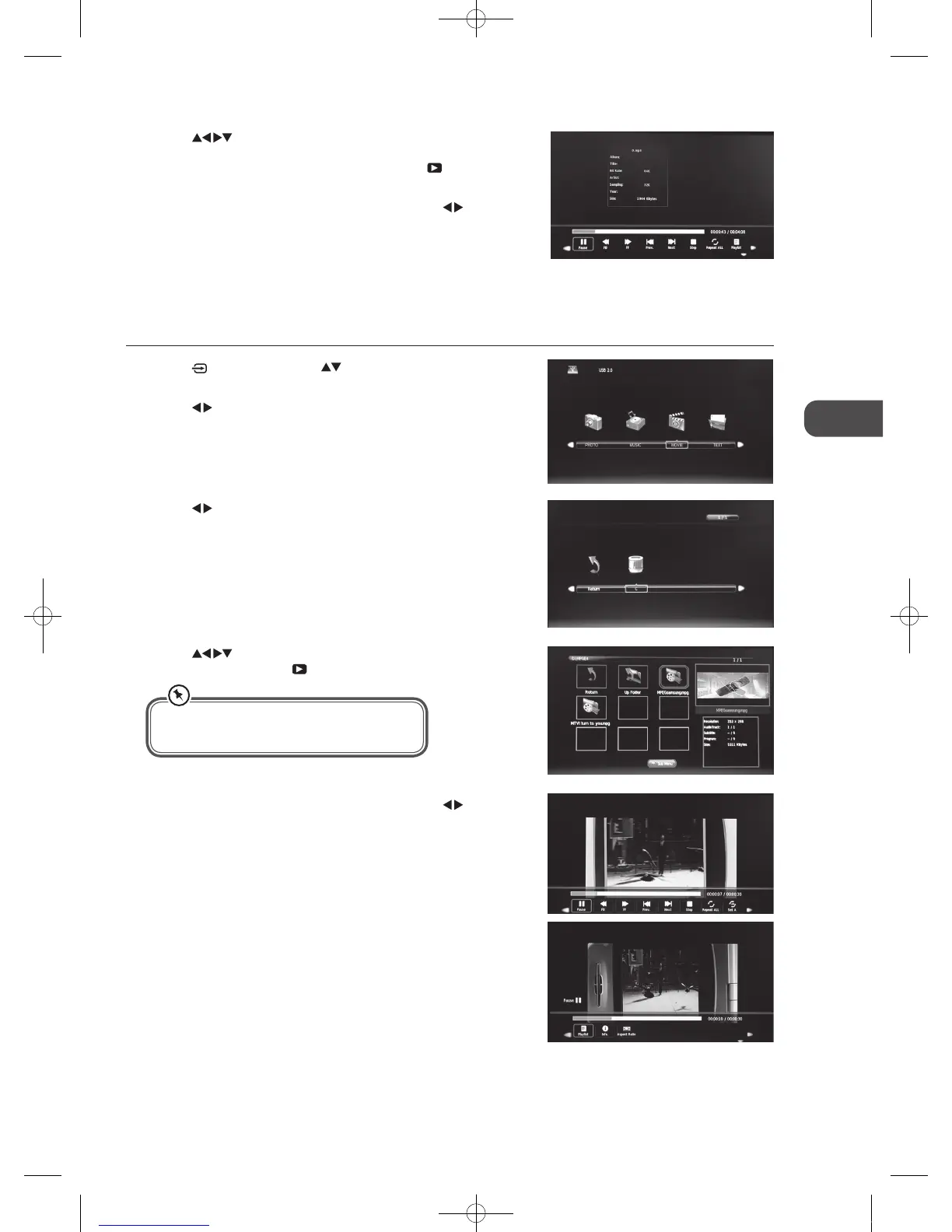
4. Press the buttons to navigate in the movie folder. Select the
movie file and then press the
PLAY button to view.
5. Press the INFO button to display the function bar. Press the
buttons
and then press the OK button to select the function: Pause / FB / FF /
Prev. / Next / Stop / Repeat All / Set A / Playlist / Info / Aspect Ratio.
6. Press the EXIT button to return back to the previous menu.
3. Press the
buttons to select your storage device and then press the
OK button.
My Movie
1. Press the button then press the buttons to select the DMP mode
and then press the OK button.
2. Press the
buttons to select MOVIE and then press the OK button.
5. Press the
buttons to navigate in the music folder. Select the
music you want to play, it will show the music information (Album / Title
/ Bit Rate / Artist / Sampling / Year / Size). Then press the
PLAY button
to play.
6. Press the INFO button to display the function bar. Press the
buttons
and then press the OK button to select the function: Pause / FB / FF /
Prev / Next / Stop / Repeat All / Playlist / Goto Time.
7. Press the EXIT button to return back to the previous menu.
• Some audio file formats will not be supported.
• Supported file formats: MPEG1/2
C16LDVB11_IB_110404_Annie.indd 41 11年4月4日 下午6:05


 To Next Page