44
GB
PVR (Personal Video Recorder)
2. Press the RED button on the remote control while on the selected
programme, the RECORDER menu will be displayed. Press the
buttons to select the settings in the RECORDER menu for the Channel, Start
time, End time and Mode.
Channel Press the buttons to select the channel that you
wanted to record.
Start time
(for Mode Once,
Every Day,
Weekly)
Press the
buttons to select the Minutes / Hour
/ Month / Date and then press the
buttons to
adjust the start time.
End time
(for Mode Once,
Every Day,
Weekly)
Press the
buttons to select the Minutes / Hour
/ Month / Date and then press the
buttons to
adjust the end time.
Mode Press the
buttons to select the Auto / Once /
Every Day / Weekly.
3. After finishing all the recorder adjustments, press the OK button to confirm
your settings.
Timer Programming
This function is used to perform scheduled recording.
1. Press the GUIDE button on the remote control. The EPG menu will appear.
EXIT Info
Schedule
Record
Date
Reminder
OK
800 France 2
801 France 4
802 France 5
803 ARTE
804 LCP
805 France 3
Information
Movie 1
Programme 2
Programme 3
Programme 4
Programme 5
DTV
17 Jan
17:0016:00
PROGRAMME GUIDE
17/ Jan 22:07 15:55.16:25 Movie 1
801 SZTVM02
802 SZTVM03
Start Time
59 Minute
19 Hour
Dec Month
29 Date
RECORDER
BACK
OK
_
+
End Time
29 Minute
20 Hour
Dec Month
29 Date
Mode AUTO
Recording DTV Programme onto a USB Storage Device
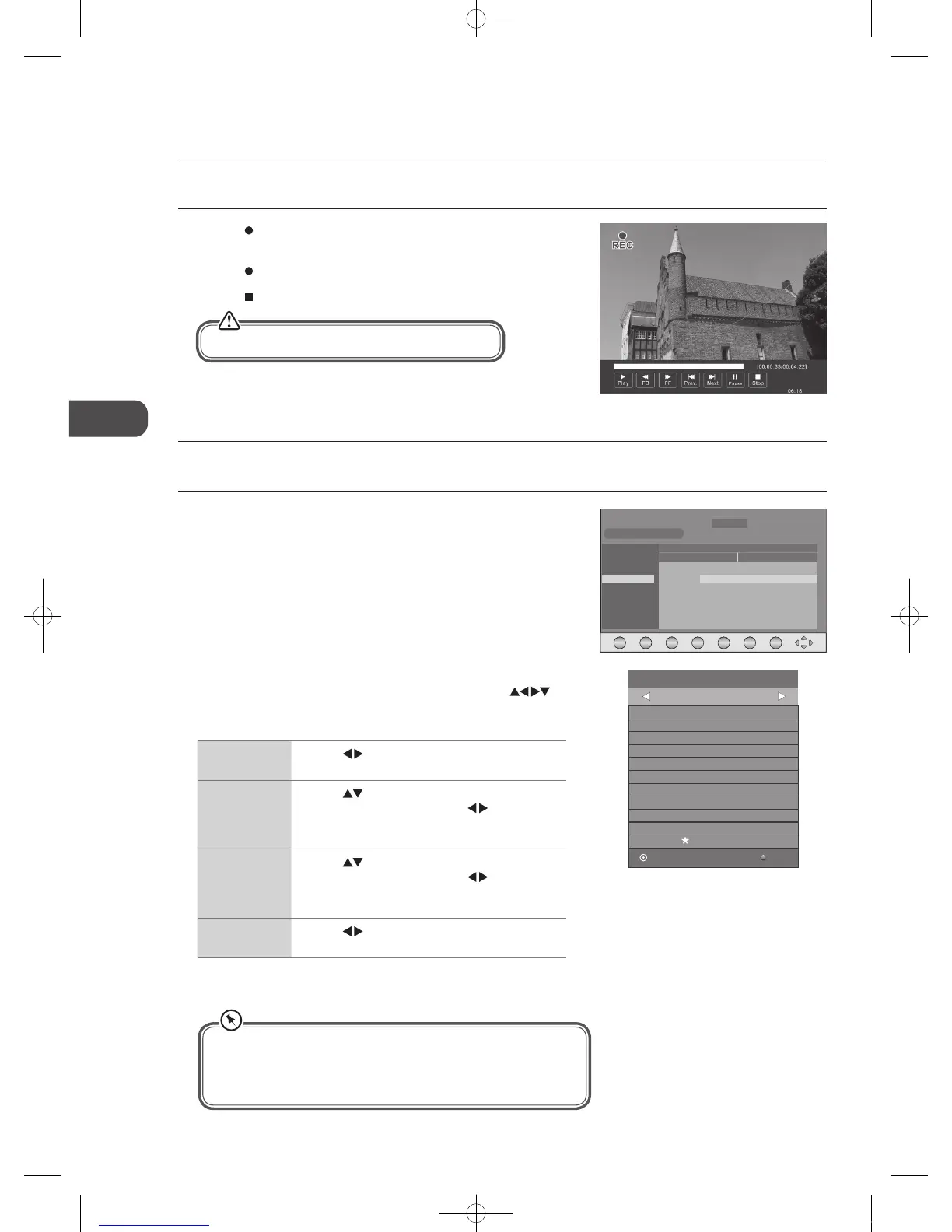
Use this function to record the DTV programme you are watching on the main screen and save them for future viewing.
1. Press the
REC button to record the programme that you are currently
watching.
2. Press the
REC button again, the recording progress bar will disappear.
3. Press the
Stop button to stop recording.
Recording will stop automatically when the disk is full.
• After confirmation, you can press the GREEN button to view your
scheduled recording in the Schedule list.
• If a programme recording starts when the TV is in standby mode,
the green / red LED indicator will flash.
C16LDVB11_IB_110404_Annie.indd 44 11年4月4日 下午6:05


 To Next Page