53
GB
Using the DVD Features
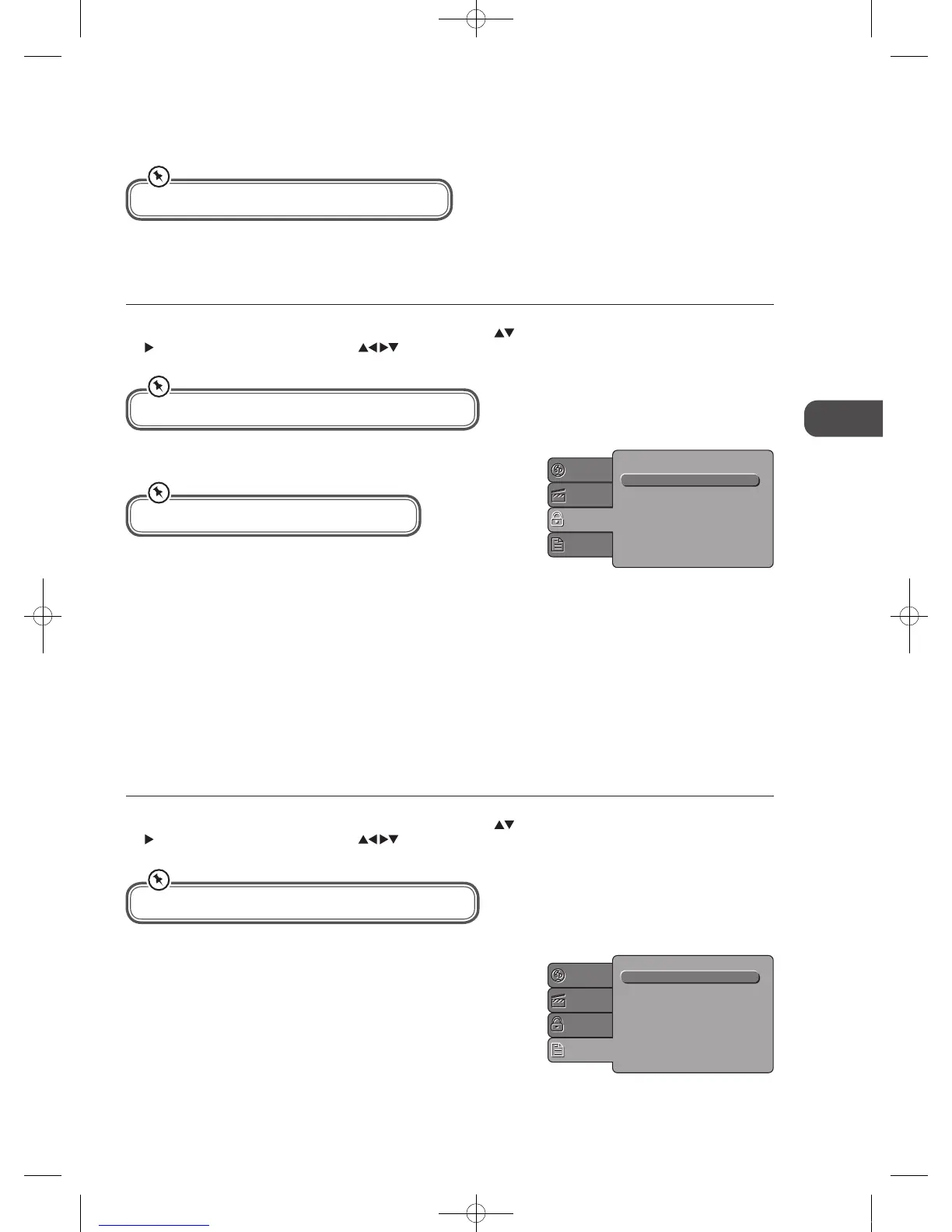
MISC Setup
• Select MISC in the setup menu, and display the submenu
• Use Default Settings
• Reset setup data to factory default value
TV System
You can select from either PAL, NTSC or Auto.
Parental Control
Set the parental control feature of the player.
Set the Password
Input four digits(password), then press the OK button to confirm.
Select to change the old password to a new password.
(Factory default is 6666)
To change the password, you need to:
1. Input the old password.
2. Input a new 4 digit password.
3. Confirm the password again.
Using the DVD Misc Setup Page
In DVD mode, press the D.SETUP button on the remote control. Press the buttons to select the Misc menu and then press
the
button to enter the sub menu. Press the buttons to select the menu options. Press the D.SETUP button to exit the
menu.
Using the DVD Rating Setup Page
In DVD mode, press the D.SETUP button on the remote control. Press the buttons to select the Rating menu and then press
the
button to enter the sub menu. Press the buttons to select the menu options. Press the D.SETUP button to exit the
menu.
Language
Video
Rating
Misc
Use Default Settings
The DVD player setting should be matched to your TV set.
In Setup mode, the disc playback function will not be available.
Password is needed before setting Parental Control.
Parental control : 8. Adult
Set Password
Language
Video
Rating
Misc
In Setup mode, the disc playback function will not be available.
C16LDVB11_IB_110404_Annie.indd 53 11年4月4日 下午6:05


 To Next Page