User Guide DDOC0199-000-A9
1-Slot Data Transport System (CSfC) 6 - 7 Encryption
© 2024 Curtiss-Wright Defense Solutions Revision 3.0
3. Type
cmkey -s 0 -e EDEK string -m MAC string -force
and press
ENTER
key
.
Example
6.3.5 Hardware Encryption Key Storage
NOTE
Encryption keys are associated with individual RMC modules. As a result, up to 32 separate keys
can be saved for 32 individual RMC modules.
The --save option is an optional command that will save the key entered to a specified crypto
module location. There are 32 locations available [0 through 31]. The --save command is used
with either plain text DEK or encrypted DEK (EDEK), depending on which option has been used to
access the RMC module. These stored key locations are reported when a status command is
issued, as shown / explained in paragraph 6.3.5.3 Status Report.
6.3.5.1 Plain Text DEK
Type cmkey --save 0 thru 31 -d User-generated DEK string -p PSK string and
press E
NTER key.
Example (DEK / PSK)
6.3.5.2 Encrypted DEK
Type cmkey --save 0 thru 31 -e EDEK string -m MAC string --force and press
E
NTER key.
Example (EDEK / MAC)
6.3.5.3 Status Report
NOTE
The DTS1+ CSfC has only one RMC module available (s0), s1 and s2 will always be unavailable
(=0).
The cmkey command without options reports key status. To obtain the key status type cmkey and
press E
NTER key.
Example
The locations of stored keys are reported in the deks=0xnnnnnnnn field. The hex number
represents the location in the crypto module memory. Figure 6.1 shows how to interpret and
correlate the value reported with the storage location selected in the cmkey -- save command.
Example 0x00000004 = 1 key in location 2
0x00F00000 = 4 keys, 1 each in locations 20, 21, 22, and 23
0xFFFFFFFF= 32 keys, 1 each in location 0 through 31
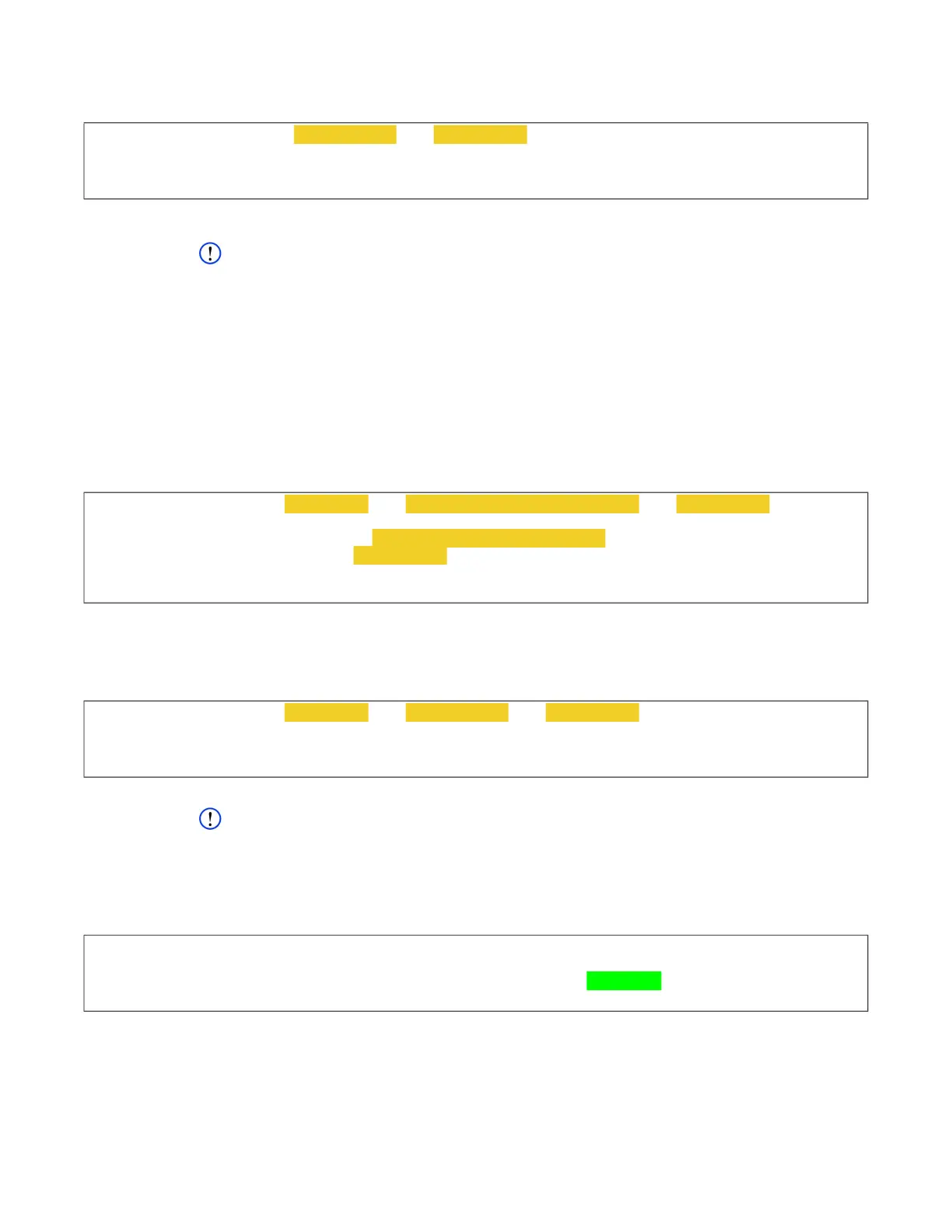
cw_dts> cmkey -s 0 -e EDEK string -m MAC string -force
[cmkey]
CMKEY: action=inst slot=0 status=ok
[!cmlogin] OK
cw_dts> cmkey --save 0 thru 31 -d User-generated DEK string -p PSK string
[cmkey]
Please enter plaintext DEK: User-generated DEK string
Please enter current PSK: PSK string
CMKEY: action=save status=OK
[!cmkey] OK
cw_dts> cmkey --save 0 thru 31 -e EDEK string -m MAC string --force
[cmkey]
CMKEY: action=save status=OK
[!cmkey] OK
cw_dts> cmkey
[cmkey]
CMKEY: id=125 init=1 login=1 s0=1 s1=0 s2=0 deks=0x0-31 HEX status=OK
[!cmkey] OK



 To Next Page