User Guide DDOC0199-000-A9
1-Slot Data Transport System (CSfC) 6 - 13 Encryption
© 2024 Curtiss-Wright Defense Solutions Revision 3.0
Example
6. Initialize the SWE container on partition 2 of a 100GB RMC module as follows:
a. Type rmcctl -p 2 --force -C and press E
NTER key.
b. At the overwrite query prompt type YES and press ENTER key.
c. Enter a password / passphrase different from partition 1 and complies with the password /
passphrase requirements.
d. Press E
NTER key.
e. Reenter the password / passphrase and press ENTER key.
If the passphrase is entered correctly both times and meets the requirements the
following message will be displayed: RMC_C0; action=cryp status=OK.
Example
7. Verify SWE container is initialized.
Command:
rmcctl
If SWE container is initialized, partition 2 (p# 2) scryp = 1
Example
6.4.2.2 Open SWE Container (Partitions - Different Passphrases)
NOTE
The SWE containers must be opened before they can be used.
1. Open the SWE container on partition 1 of a 100GB RMC module as follows:
Command:
rmcctl -p 1 -E passphrase1
If the passphrase is entered correctly the following message will be displayed:
RMC_C0; action=enter status=OK ‘Resetting attempts to 0’.
Example
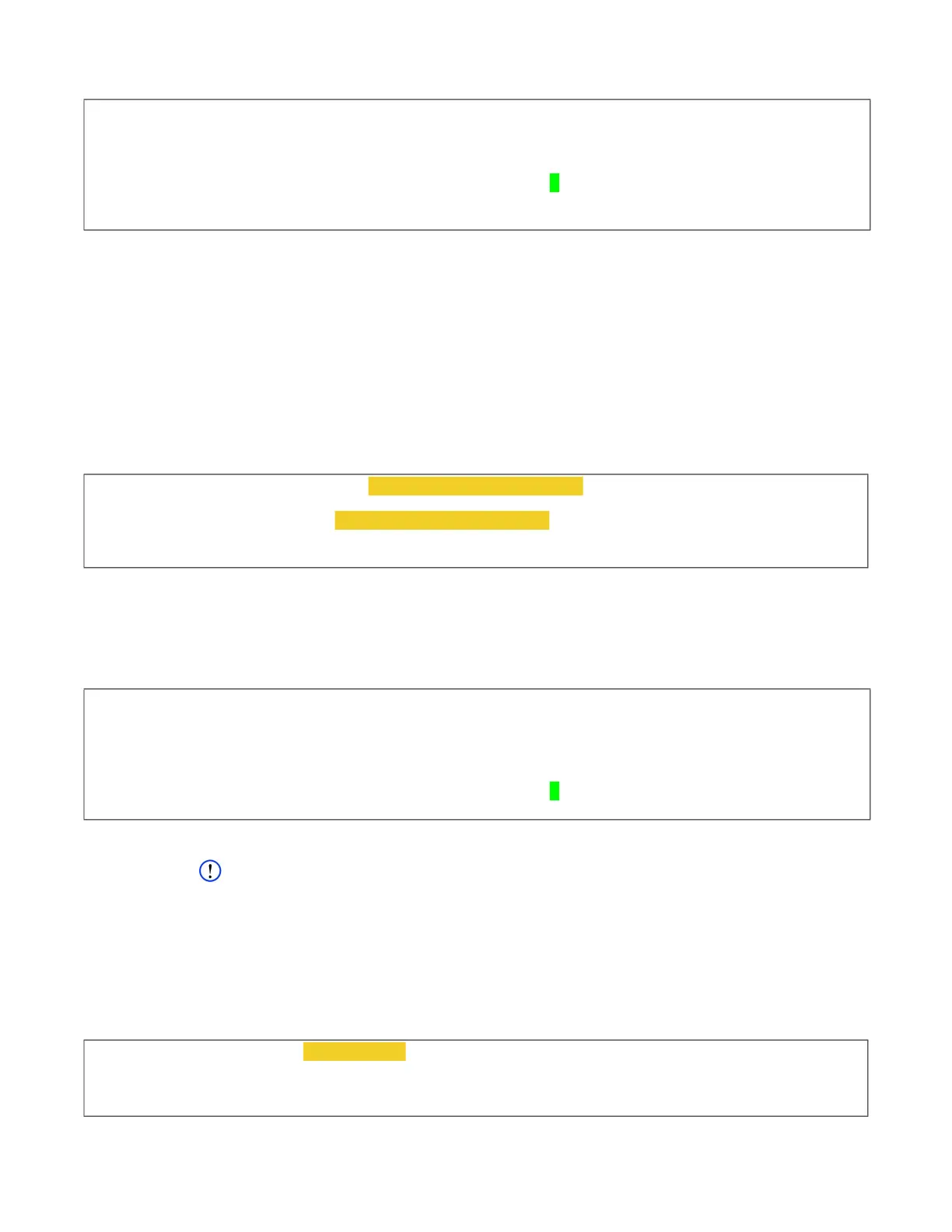
cw_dts> rmcctl
[rmcctl]
RMC_S#: ins hcryp osdr p# size serv scryp osdm fmt mnt rem mntpoint
*********************************************************************************
RMC_S0: 1 1 1 1 50 GB NAS
1 0 0 0 0 rmc0p1
RMC_S0: 1 1 1 2 50 GB NAS 0 0 0 0 0 rmc0p2
[!rmcctl] OK
cw_dts> rmcctl -p2 --force -C password2 / passphrase2
[rmcctl]
Please verify password: password2 / passphrase2
RMC_CO; action=cryp status=OK
[!rmcctl] OK
cw_dts> rmcctl
[rmcctl]
RMC_S#: ins hcryp osdr p# size serv scryp osdm fmt mnt rem mntpoint
*********************************************************************************
RMC_S0: 1 1 1 1 50 GB NAS 1 0 0 0 0 rmc0p1
RMC_S0: 1 1 1 2 50 GB NAS
1 0 0 0 0 rmc0p2
[!rmcctl] OK
cw_dts> rmcctl -p 1 -E passphrase1
[rmcctl]
RMC_CO; action=enter status=OK ‘Resetting attempts to 0’
[!rmcctl] OK



 To Next Page