6.2 Setup report
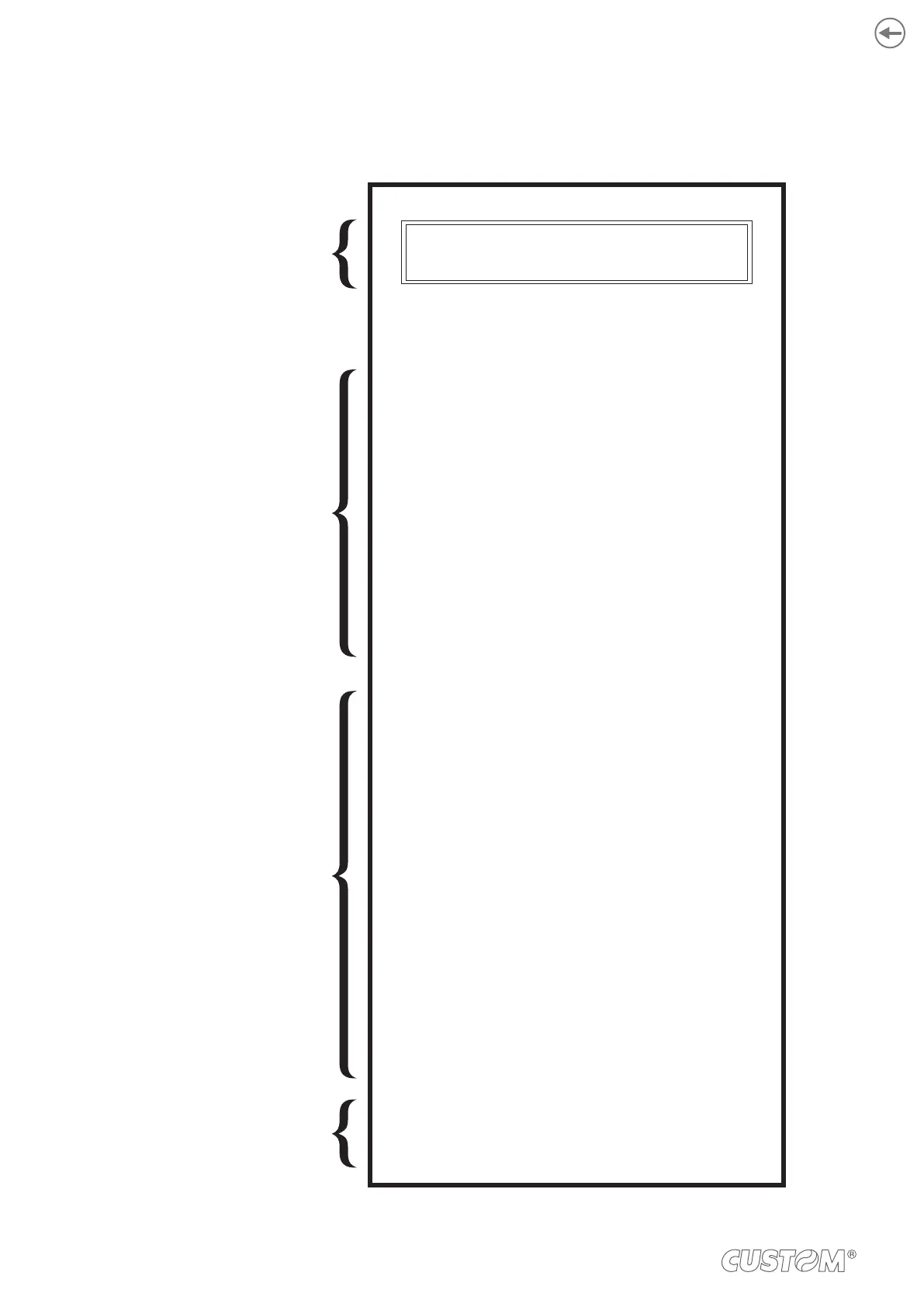
and the description of device parameters see the following paragraphs.
KEYS FUNCTIONS
DEVICE
STATUS
DEVICE
PARAMETERS
PRINTER SETUP
PRINTER TYPE = <device model>
CUTTER TYPE = C
BOOT LOADER = rel.1.00
BCODE = <code>
SCODE = <code>
HEAD VOLTAGE [V] = 23.57
HEAD TEMP. [°C] = 24
CUT COUNTER = 1
POWERON COUNTER = 10
PAPER PRINT [cm] = 60
PWM B. MARK AVG. = 50%
PWM B. MARK WHITE = 0%
PWM B. MARK BLACK = 100%
Printer Emul...............................: CUSTOM/POS
Baud Rate .................................: 115200 bps
Data Length...............................: 8 bits/chr
Parity .........................................: None
Handshaking .............................: XON/XOFF
Busy Condition ..........................: RxFull
Autofeed ....................................: CR Disabled
USB Address N .........................: 0
Print Mode .................................: Normal
Code Table ................................: PC437
Chars / inch ...............................: A=11 B=15 cpi
Speed / Quality..........................: Normal
Print Width.................................: 56 mm
B. mark Align. ............................: Enabled
B. mark ThresH .........................: 1.25V
B. mark Dist.mm........................: 00.0
Print Density..............................: 0 %
[Feed PUSH] enter setup
[Feed FAST PUSH] skip setup
< Device name > - rel 1.00
DEVICE NAME and
FIRMWARE RELEASE
50



 To Next Page