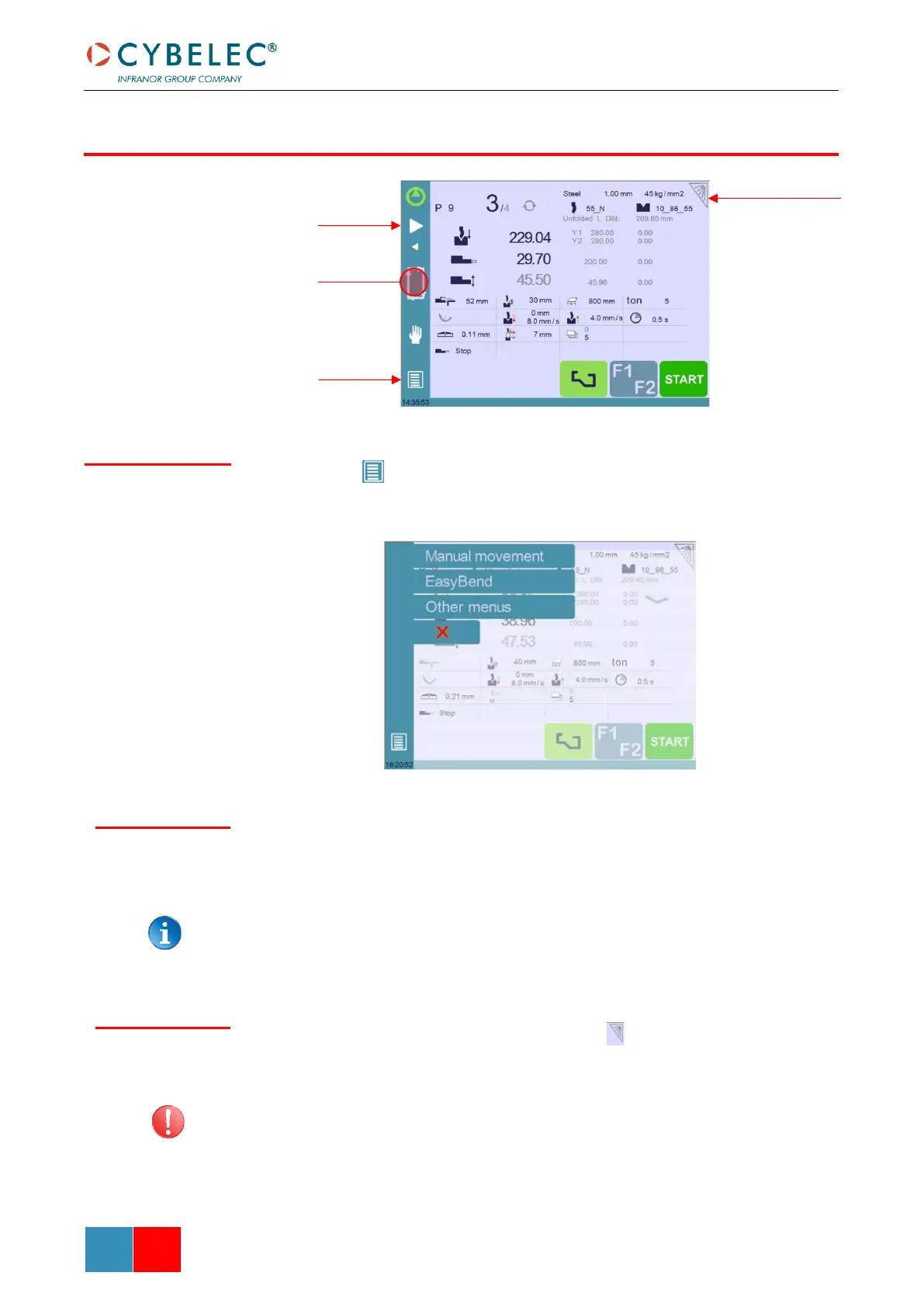
The Menu button allows you to directly select (jump to) the desired screen. The content
of the menu changes contextually.
Briefly touching the Status pages zone gives access to the Status page. This is really a zone
that is active at any moment from any page.
Touching this zone for more than 2 seconds will activate the Semi-Automatic mode.
To clean the screen while the CybTouch is on, touch the button.
Use only a damp and smooth cloth with soap or a neutral detergent.
NEVER use solvent, petrol, benzene, alcohols, etc.



 To Next Page