User Manual – CybTouch series
CybTouch series – User Manual
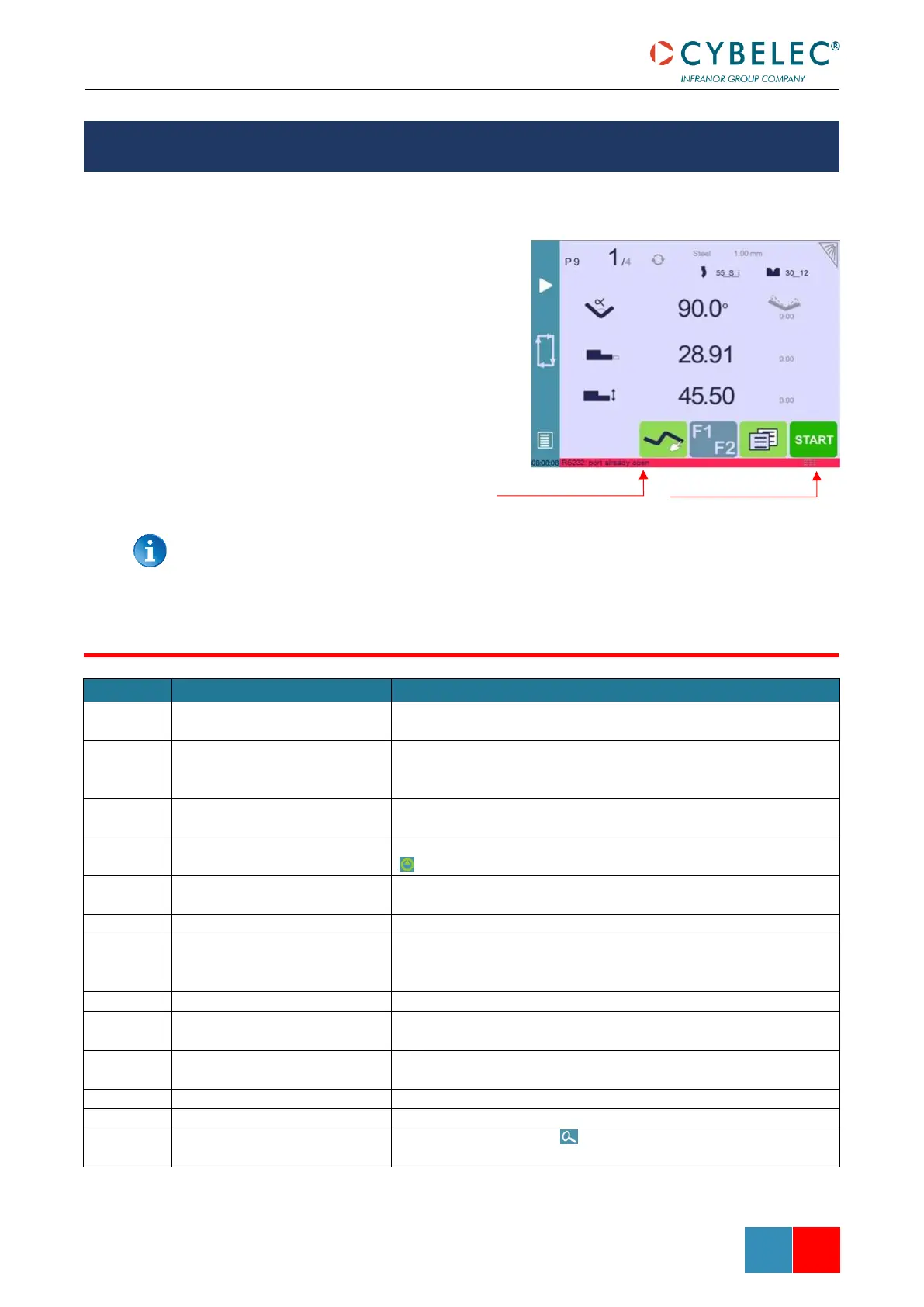
Following is a list of warning and error messages which may be displayed on the interactive
message line of the CybTouch. There are two types of messages:
• Warning Messages, which are
displayed on a green background.
They are information or
instructions that will disappear
automatically.
• Error Messages (machine or NC
errors), which are displayed on a
red background. They inform the
user of an error occurring on the
machine or NC, and sometimes
require intervention by the end
user or a technician.
When reporting error messages, please ALWAYS indicate the complete message,
including eventual numbers between brackets [ ], and of course the error number
at the end of the line. This number also refers to the first column in the section
below.
This message is displayed when a function is in development but
not yet fully implemented.
This message appears when the desired action makes no sense, like
for example clearing the indexation when the indexation was not
made.
This message is displayed when the correct password has been
entered.
This message reminds the operator to keep the start pump button
pressed for 2 seconds.
This message appears after the pump starting cycle has been
correctly executed.
This message indicates that the pump has been stopped.
This message is displayed when the operator tries to go to the Bend
2D screen from the Bend Order screen before defining the first
bend of the sequence (see Bend Sequencing).
Indicates that a validation is required to continue.
Not possible with graphic part
This message appears when trying to insert or delete a step in a
graphic part.
While this message is displayed, the machine cycle is in progress
and the screen is locked, except for the Stop button.
Indicates the indexation cycle was successful.
In the Axis Wizard, indicates the identification cycle was successful.
When the zoom function is activated, indicates that the HMI
will zoom around the next touch on the screen.
ERROR AND WARNING MESSAGES



 To Next Page