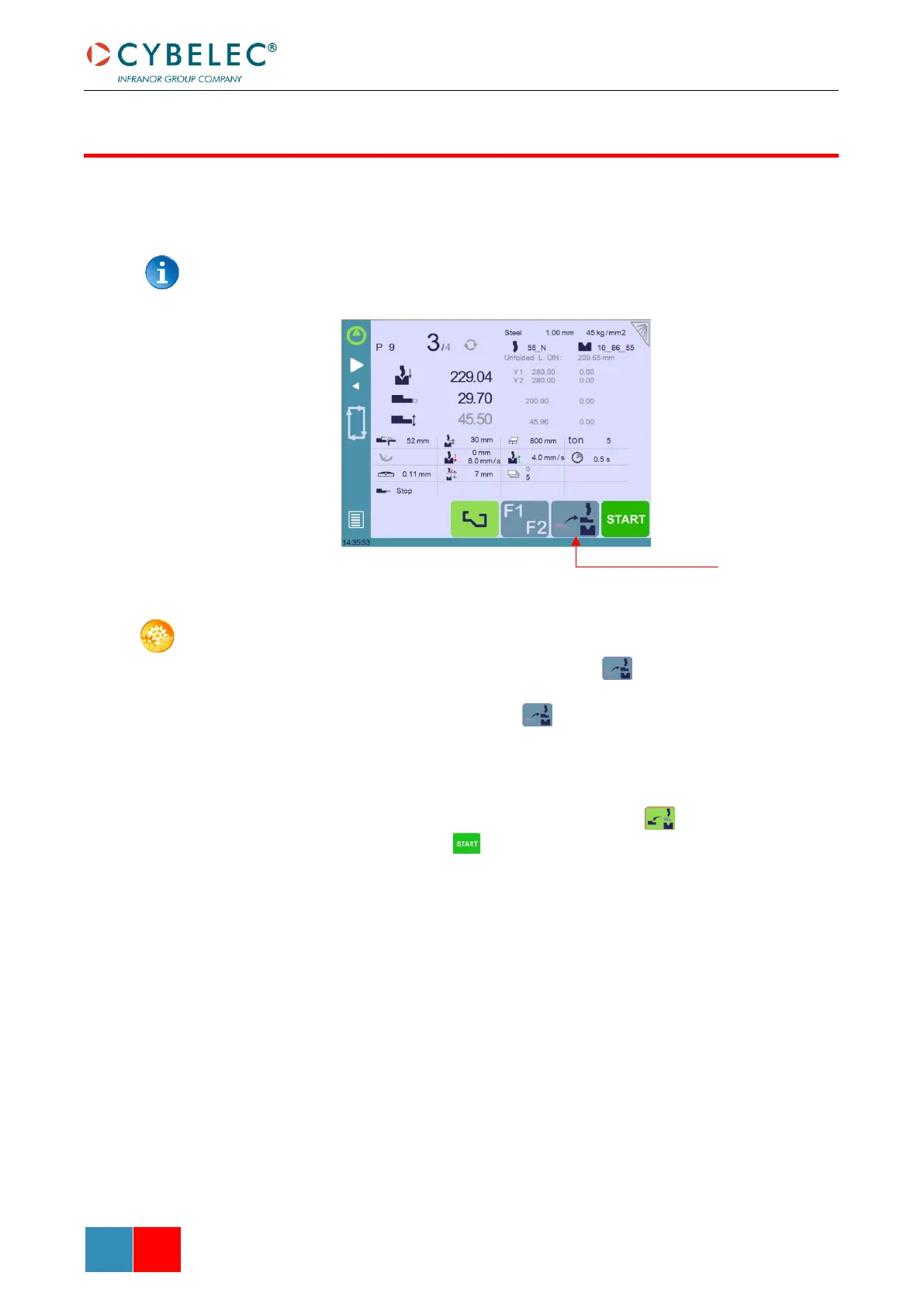
If the operator needs to intervene on the machine’s back gauges, he can use the back-gauge
cycle function, which will bring them all the way forward. He will then be able to work on
them without having to put his hands and arms between the tools.
This function may not be available, depending on the machine’s configuration. The
function’s icon is only visible when the machine is indexed.
SETTING INSTRUCTIONS:
1. Make sure the machine is indexed. This button is not available when it is not
the case.
2. Press the back-gauge cycle button for more than 2 seconds to initiate the
cycle.
3. The back gauges position themselves all the way forward, between the tools. If the
beam is not at TDC, it will move first all the way up before the back gauges begin to
move.
4. Once the intervention is done, touch the cycle button again to deactivate the
function, and press the button.



 To Next Page