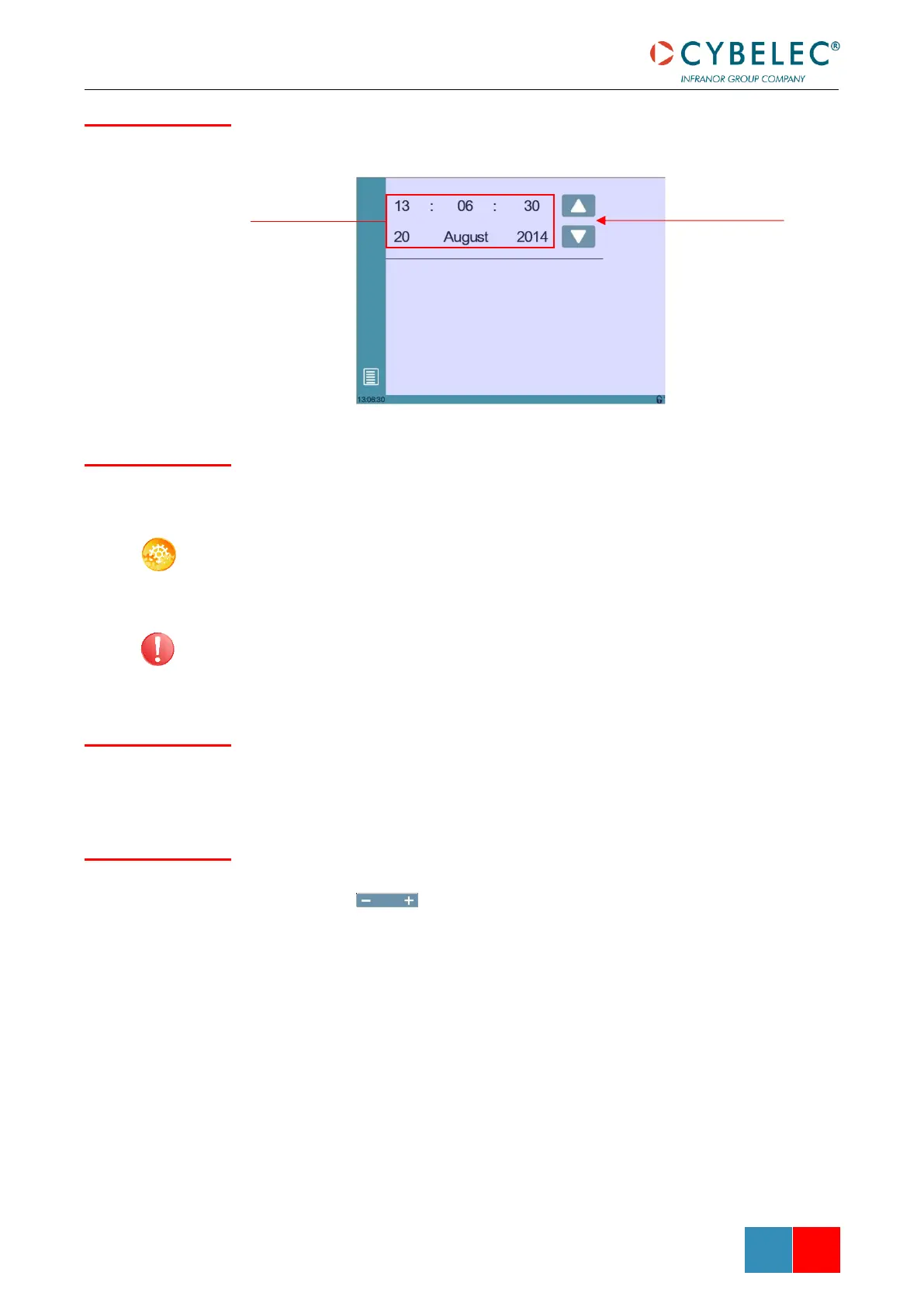
Allows the user to set the time and date on the CybTouch.
As a tall operator will tend to touch higher than a smaller one on the screen, this function
allows the calibration of the touch screen, and also makes sure that it is operating
correctly.
SETTING INSTRUCTIONS:
Simply follow the instructions on the page to calibrate the touchscreen.
Use your finger or the plastic tip of a pen to calibrate the Touchscreen. Never use sharp
objects as this will damage the screen.
When this parameter is set to yes, the Offset Pinch Point function is available in the Extra
Bending Parameters.
Here the brightness of the screen for normal mode and Eco mode can be defined:
1. Touch the mode for which you want to modify the brightness.
2. Use the buttons to set the brightness.



 To Next Page