To call (load) a program:
1. Touch the Program number (e.g. P1).
2. Touch Call program.
3. Select the program to be loaded from the list (e.g. 002 for P2).
4. The selected program (P2) is then loaded into the work memory and is ready to be
used.
To delete a program:
1. Touch the Program number (e.g. P1).
2. Touch Delete program.
3. Select from the list the program to be deleted.
4. Touch to confirm.
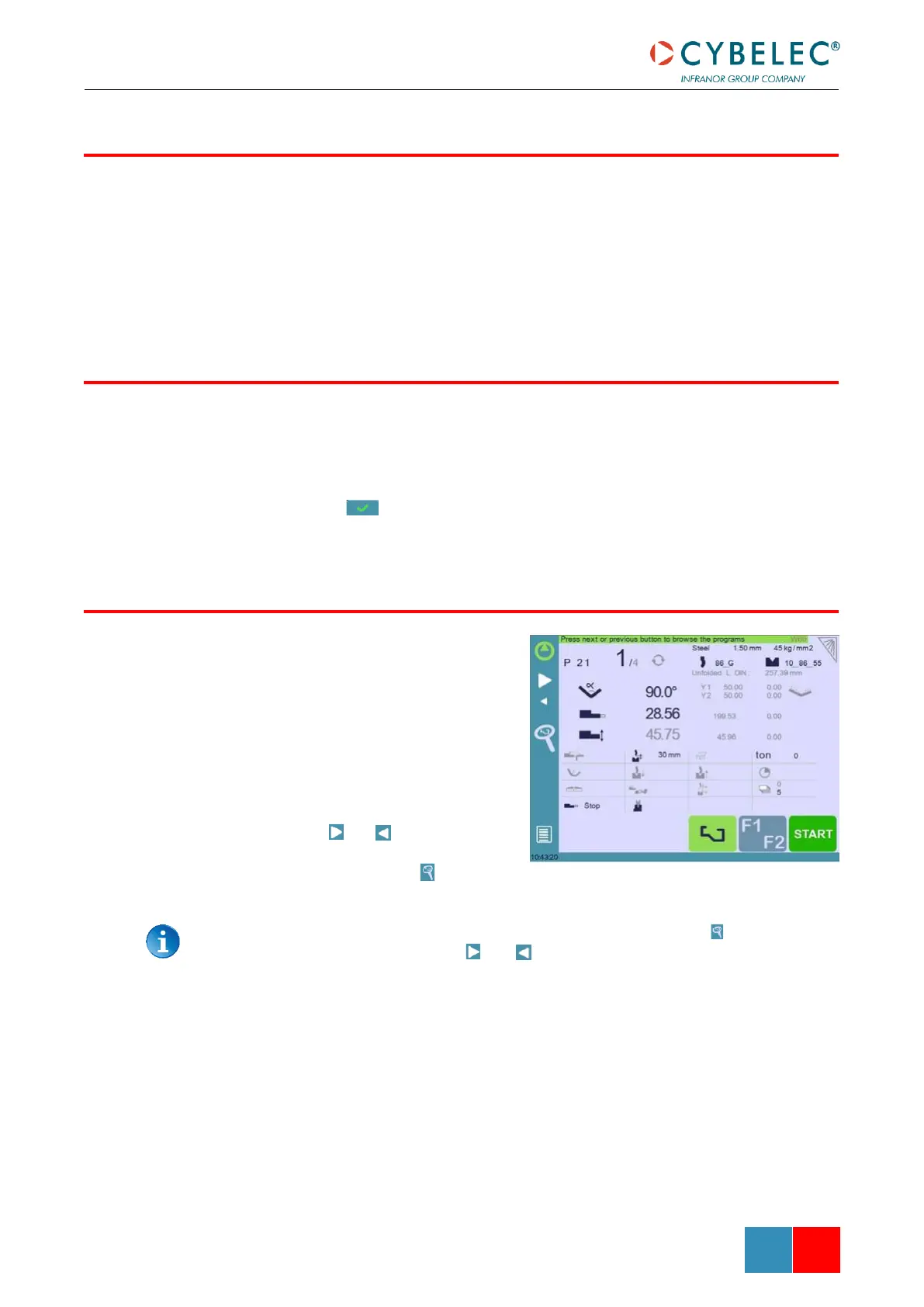
This function allows browsing visually
through the programs and is particularly
useful for graphic parts.
To browse programs:
1. Touch the Program number (e.g.
P21).
2. Touch Browse programs.
3. Browse through programs using
the and .
4. Validate your choice by touching
the browsing icon .
The browsing function remains active as long as the browsing icon is displayed.
Touching anything else but the and arrows will close the browsing mode.



 To Next Page