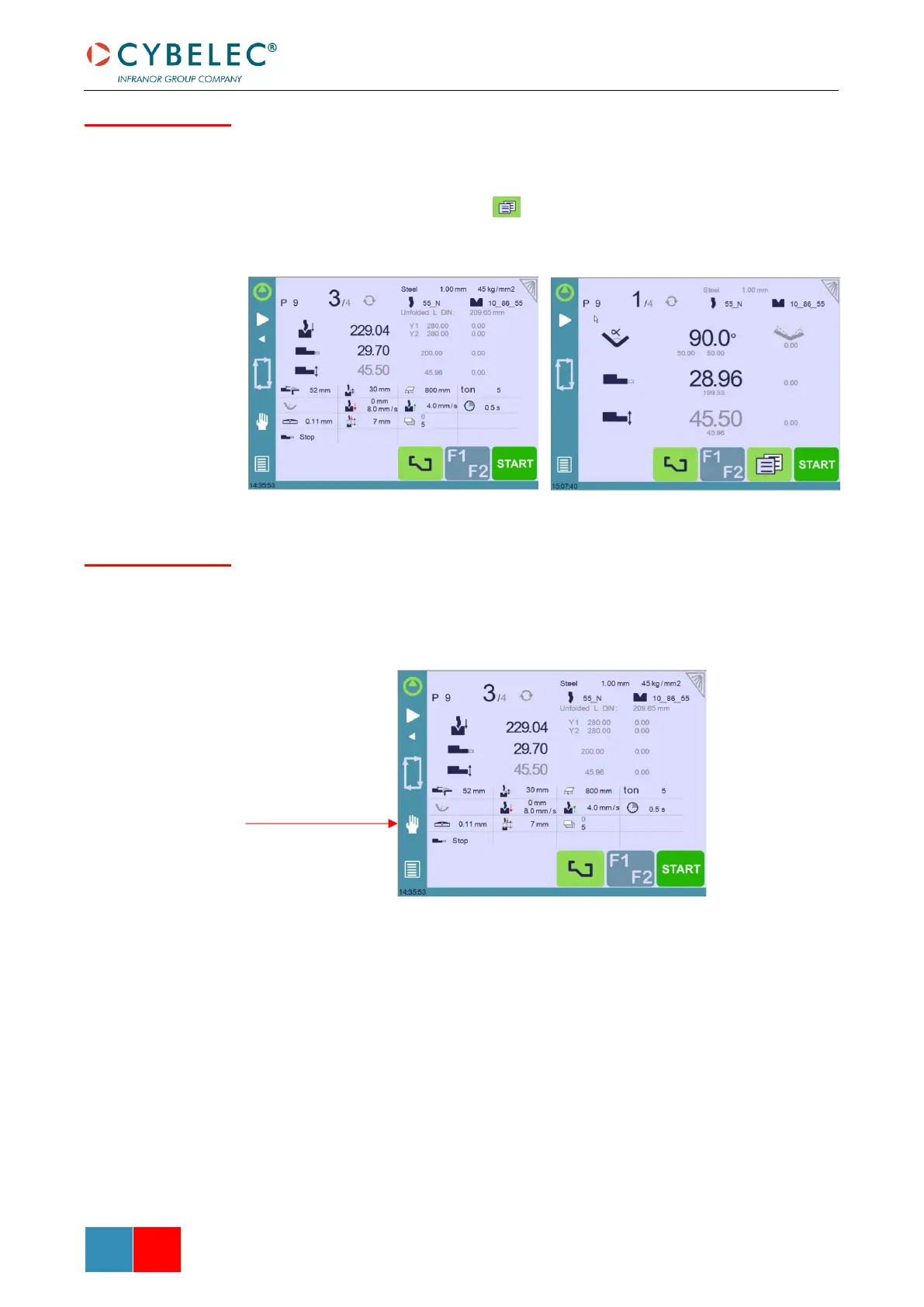
This parameter allows choosing the display on the Bend Numerical Page.
When set to all in one, all the parameters related to the part or the current bend (see
Available functions on the Bend Num page) are displayed on the Bend Numerical Page.
When set to “More page”, this button appears on the Bend Numerical Page, and gives
access to the special page shown below.
When set to yes, this parameter displays a manual button on the left side of the screen,
giving direct access to the Manual Axes Movement page.



 To Next Page