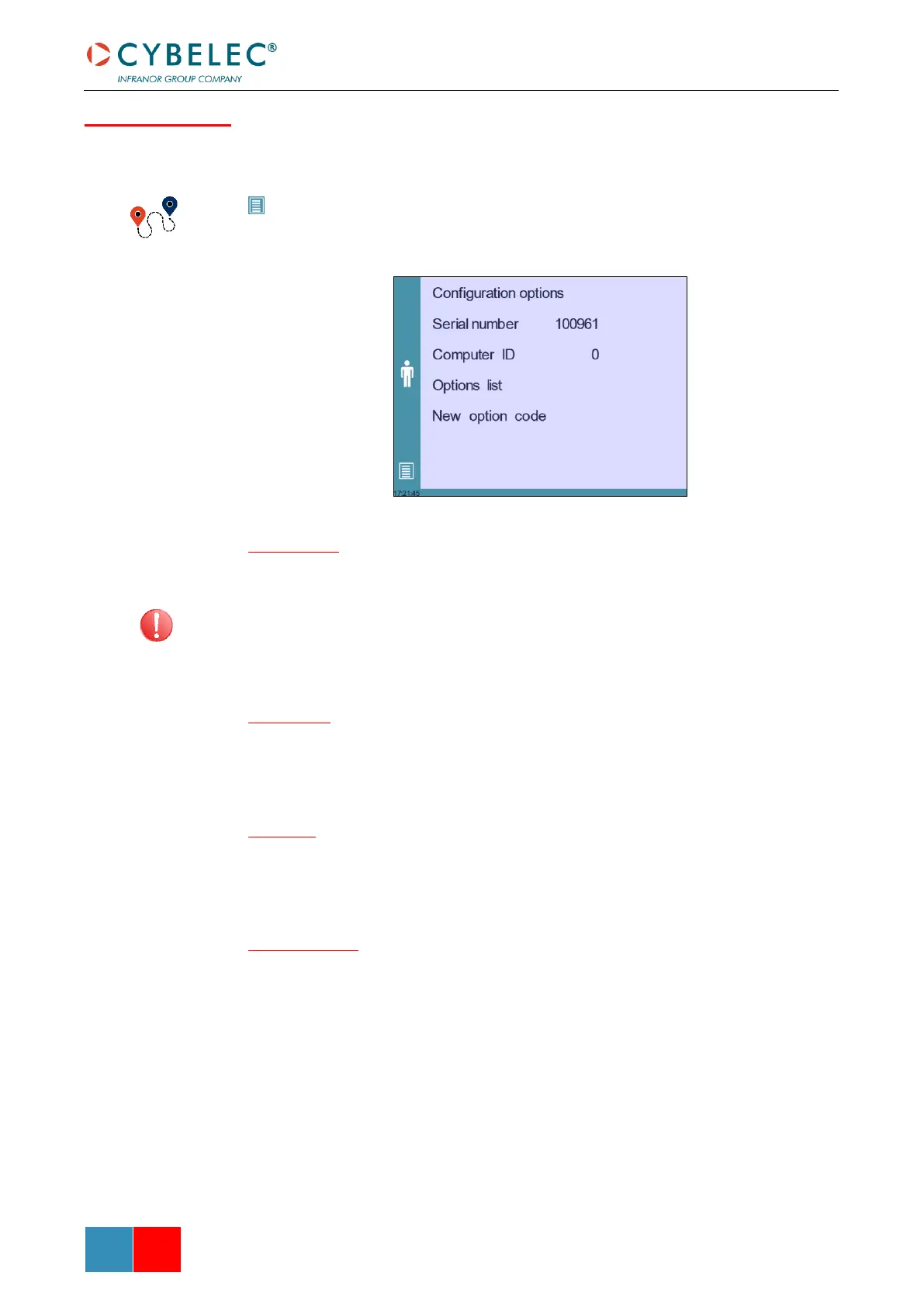
Touching this menu opens the following page, where one can find the computer’s
identification and manage the machine’s options.
(Menu Button) → Other menus → Service → Service → Configuration options
Serial number
This is the serial number of the CybTouch. It is entered at the factory at the end of the
machine’s initial setup and is related to the machine’s option list.
Changing the serial number means that all the options installed on the machine can be
lost.
Computer ID
This line displays an identification code that is unique to each CybTouch and guarantees,
together with the serial number, a correct identification of the machine.
Option list
This function opens a yellow pop-up window where all the options installed on the
CybTouch are displayed.
New option code
The function opens an alphanumerical pad where the code of the new option must be
entered. The format of an option code is ABC-DEF-GHI-JKLM



 To Next Page