EasyManua.ls Logo

CYBELEC CybTouch 15PS - Page 49

CYBELEC CybTouch 15PS
64 pages
Print Icon
To Next Page IconTo Next Page
To Previous Page IconTo Previous Page
Loading...
User Manual CybTouch series
CybTouch series User Manual
JAN.
2020
V5.0
48/98
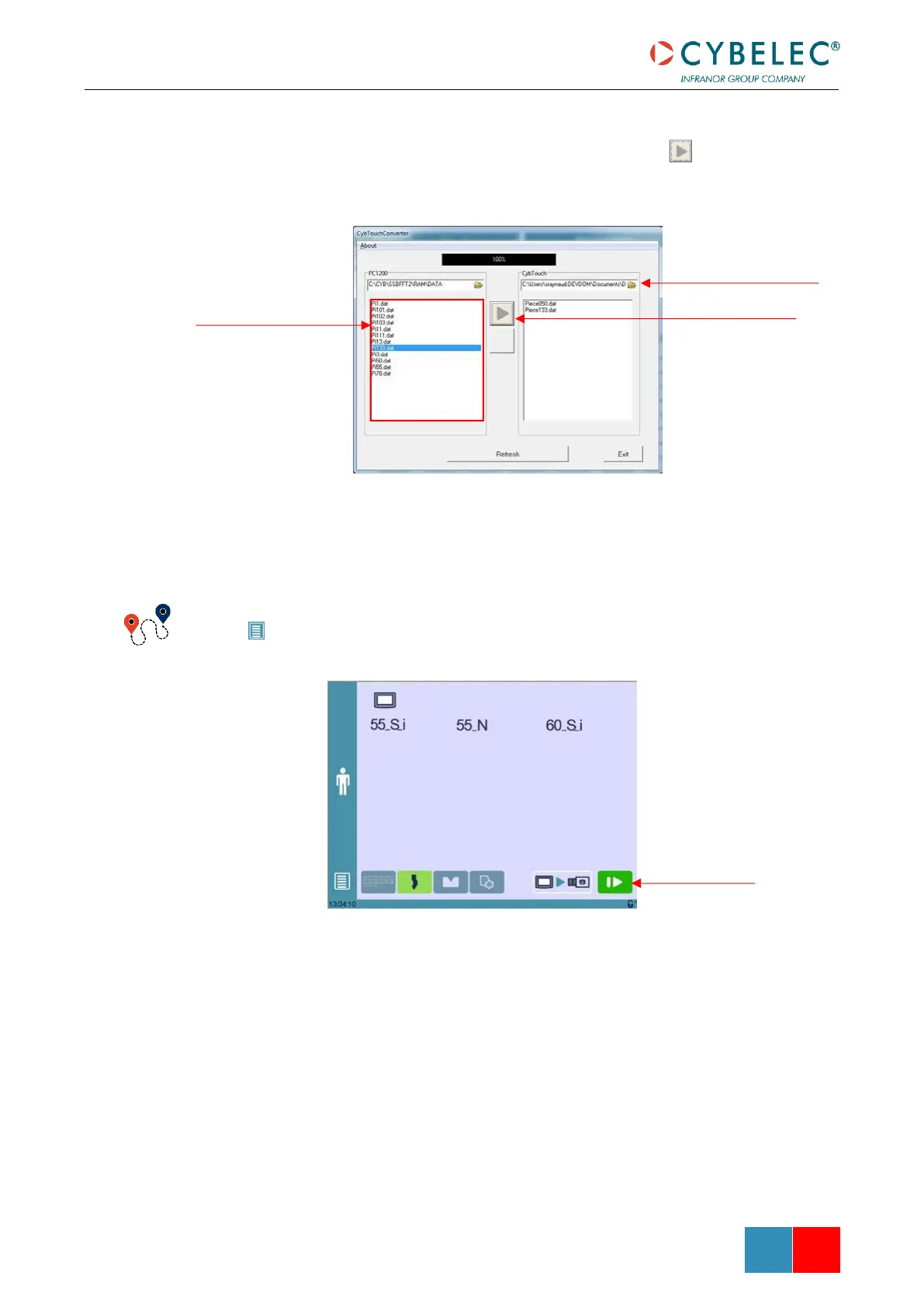
4. Select the destination folder for the converted files.
5. Select the part(s) that you want to convert and touch this button.
6. The program-parts are now converted and located on your PC or USB key. They can
be directly transferred on the CybTouch, using the USB Transfer.
(Menu Button) Other menus → USB transfer
Select in this window the
file(s) you want to convert
Touch this button to
convert files
Click here to select the
destination folder for the
converted files (PC or USB
key)
Transfer button

Table of Contents

Related product manuals