2. To delete a user, navigate to the user and press –.
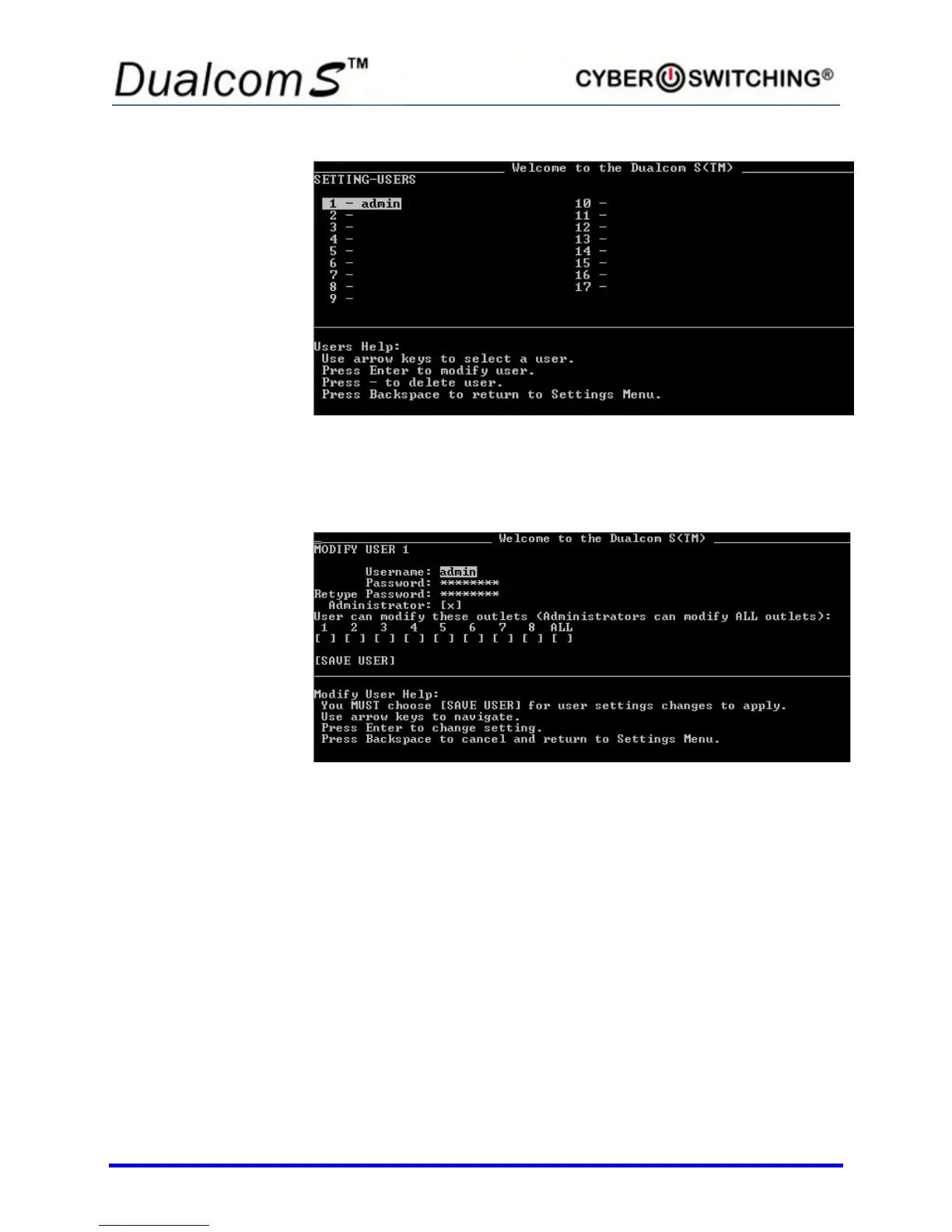
3. To edit the settings for a particular user (or add a new one), navigate to
the desired line and press Enter. A screen similar to following appears:
There are two User settings that can be changed:
• Username: Specify the username (3 to 15 characters).
Spaces are allowed.
• Password: Specify the password (6 to 15 characters).
Confirm on the next input box.
Note: You’ll need to re-enter your password under Retype
Password for verification purposes.
4. To change any of the values, navigate to the desired setting and press
Enter.
5. Use Backspace and the number/letter keys to change values. Press
Enter when done.
6. Repeat steps 4 and 5 for each general setting to be changed.


 To Next Page
 Loading...