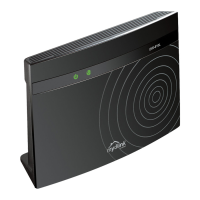
DIR-806A Wireless AC750 Multi-Function Router
User Manual
Installation and Connection
Also you can restore the factory default settings via the hardware button which is located on the
front panel of the router.
To restore the factory default settings, push the button (with the device powered on) and hold for
10 seconds.
Wait for about 30 seconds. Now you can access the web-based interface of the router using the
default IP address, username and password.
When you have configured all needed settings, click the Logout line.
Page 42 of 233



 To Next Page