33D-Link DSL-4320L User Manual
Section 3 - Getting Started
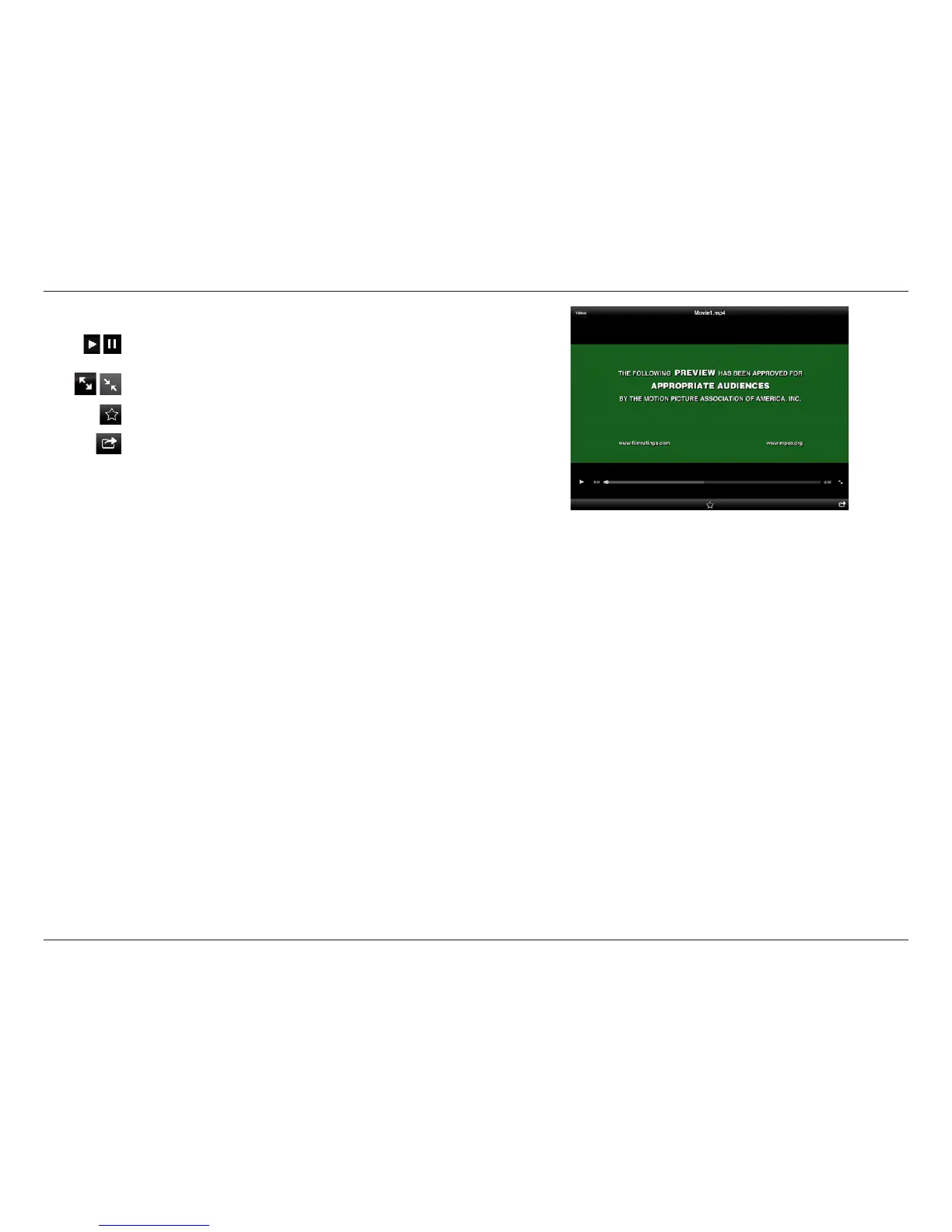
Tap on a le to start playing it. In the player:
Tap to play/pause the video. You can scroll to any time on the time
line by holding and sliding your nger.
Tap to enter/exit fullscreen mode.
Tap to add/remove the le from your Favorites.
Tapping this icon gives you additional options:
• Mail: Lets you e-mail the video.
• iCloud: Lets you store the video on iCloud.
• Open In...: Lets you use a third-party app to open the le.












 To Next Page