52D-Link DSL-4320L User Manual
Section 3 - Getting Started
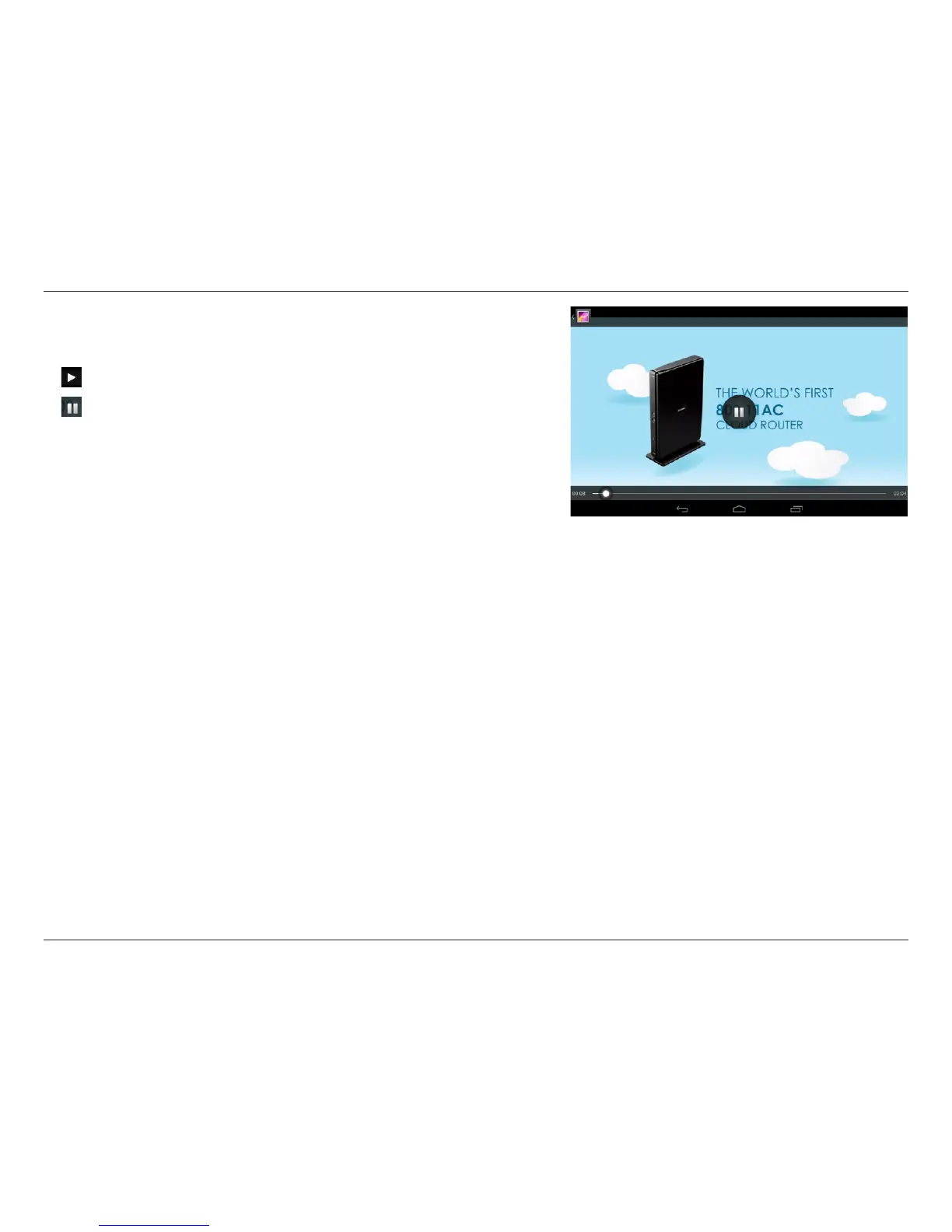
Tap on a le to start playing it. Tap on the screen to bring up the scroll
bar, pause button, and play button.
Tap to resume playback.
Tap to pause the video.
Note: Available features may vary depending on the Android OS version installed
on your device.












 To Next Page