18D-Link DSL-X3052E User Manual
Section 3 - Getting Started
Setup Wizard (continued)
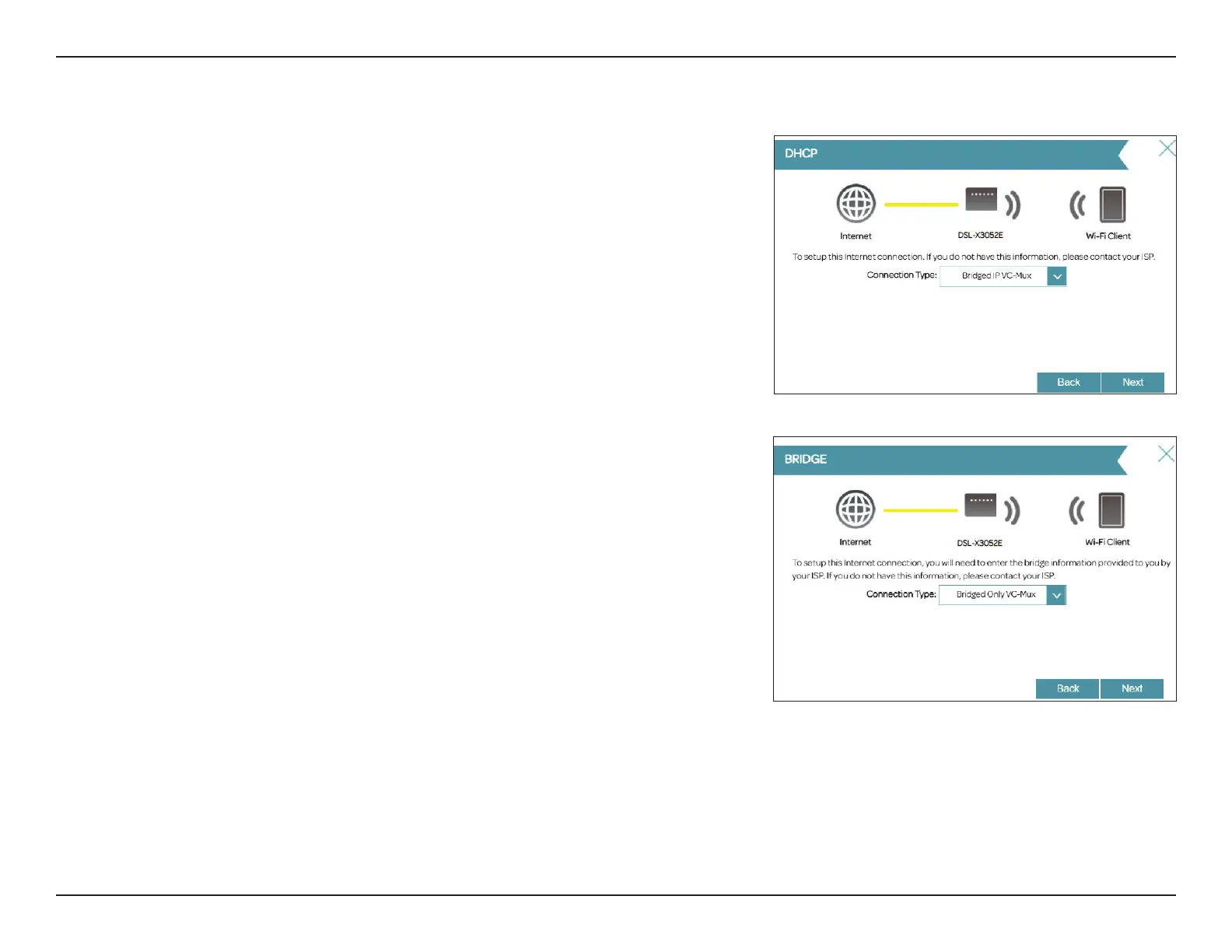
If the router detected or you selected Dynamic IP Address (DHCP), choose
the Connection Type if asked. Click Next to continue.
If you selected Bridge Mode, choose the Connection Type if asked. Click Next
to continue.



 To Next Page