80D-Link DSL-X3052E User Manual
Section 4 - Conguration
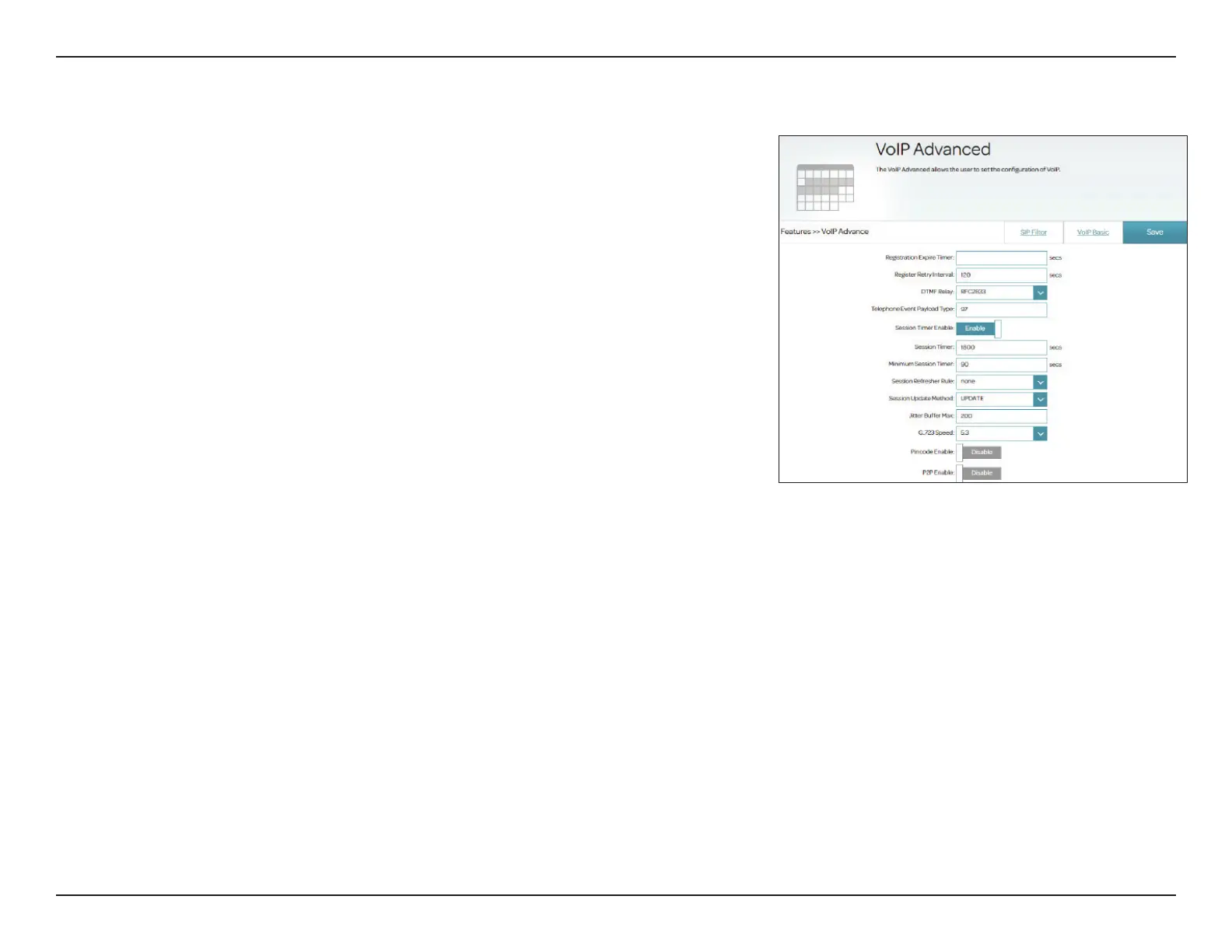
VoIP Advanced
Enter the information for VoIP registration in this section.
Registration
Expire Timer:
Enter the expiration time after which the router will change the VoIP
registration status in case there is no response from the SIP proxy
server. The default is 3600 seconds.
Register Retry
Interval:
Specify the interval after which the VoIP registration will repeat. The
default is 120 seconds.
DTMF Relay: Select the DTMF relay mode: SIP Info, RFC2833, or InBand.
• InBand: Transmission with voice data.
• RFC2833: Transmission in accordance with RFC2833.
• SIPInfo: Transmission in the relevant SIP messages.
For RFC2833, enter the below Telephone Event Payload Type.
Telephone Event
Payload Type:
Enter the Telephone Event Payload Type. The default is 97.
Session Timer
Enable:
Enable or disable the voice session timer.
Session Timer: Enter the VoIP session timer value. The default is 1800 seconds.
Minimum Session
Timer:
Enter the minimum voice session timer value. The default is 90
seconds.
Session Refresher
Rule:
Select the voice session refresher rule: none, user agent client (UAC),
or user agent server (UAS).
Session Update
Method:
Select the method for updating a voice session: Update or Invite.
With this menu, you can congure advanced settings for Voice over Internet
Protocol(VoIP). Go to Features> VoIP and select VoIP Advanced. Please
check with your Internet phone service provider, or leave the settings at
their defaults if you are not sure.



 To Next Page