89D-Link DSL-X3052E User Manual
Section 4 - Conguration
Admin
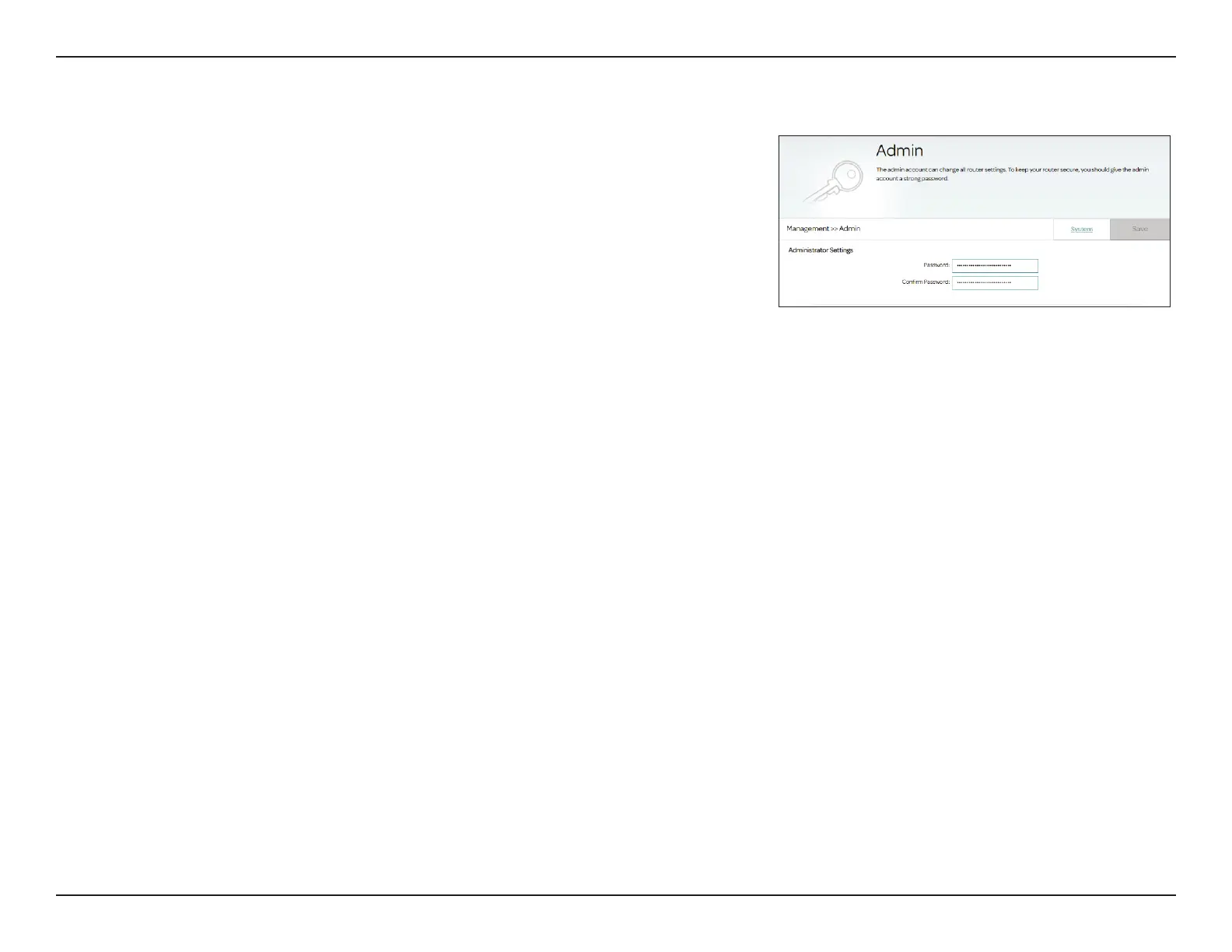
This page allows you to change the administrator (admin) password and
enable remote management of the router. To access this page, go to
Management > System Settings, and click the Admin tab.
Administrator Settings
Password: Enter a new password for the admin account. Passwords must contain 6
to 32 alphanumeric characters including a mix of uppercase, lowercase,
numeric, and special characters. You will need to enter this password
whenever you congure the router using a web browser.
Conrm Password: Conrm the administrator account password.
Click Save when you are done.



 To Next Page