93D-Link DSL-X3052E User Manual
Section 5 - Connect and Share a USB Device
After you have successfully installed and congured your D-Link Router, you are ready to enjoy the benets of D-Link’s USB
sharing technology. This allows you to quickly and easily share a USB storage device with multiple computers on your network.
Connect and Share a USB Storage Device
The DSL-X3052E will share a FAT32 or NTFS-formatted USB storage device using the Samba le sharing protocol. Once
connected, you can copy, move, delete, and edit les over the network like you would with any ordinary drive attached to your
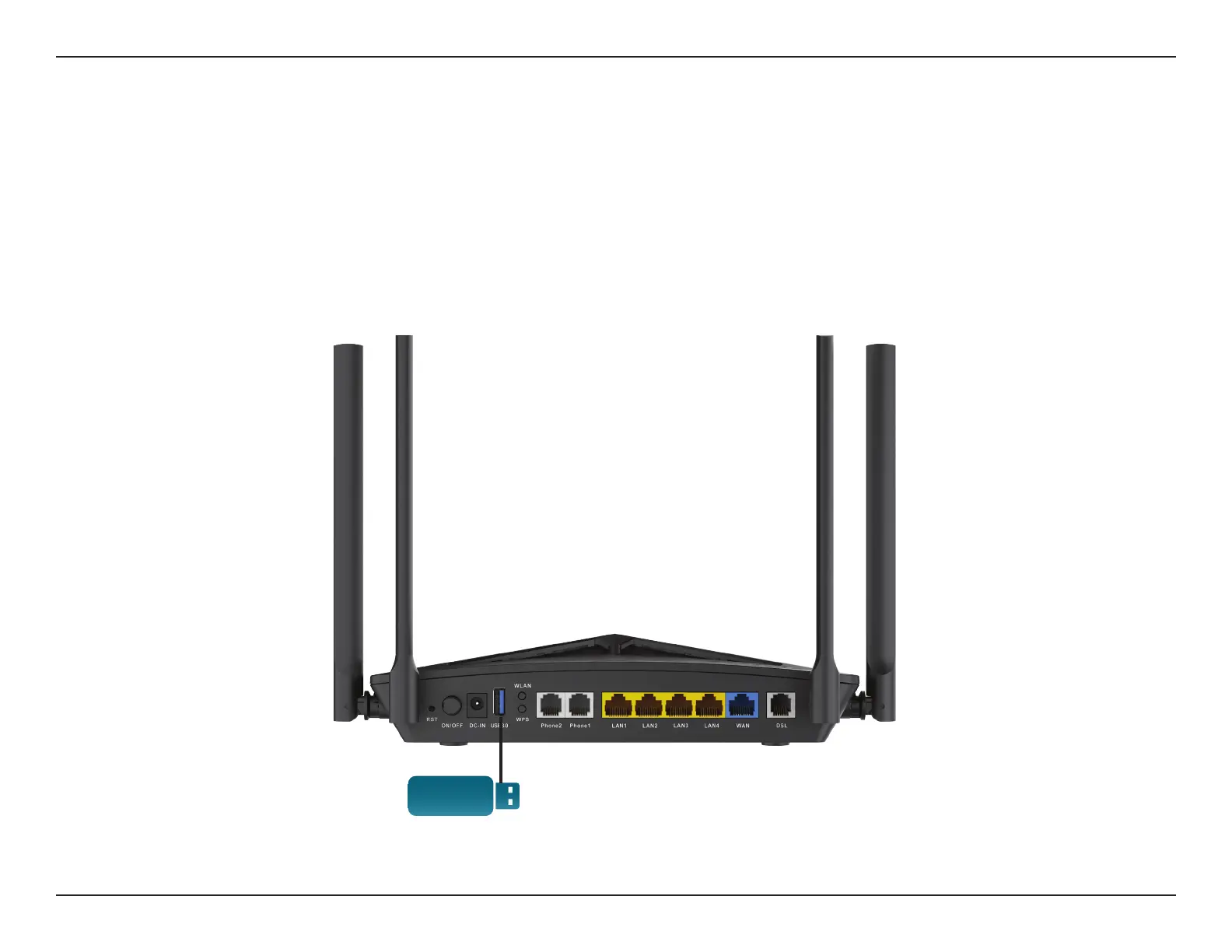
computer. First, connect a USB storage device to the USB Port on the DSL-X3052E.
USB Port



 To Next Page