71D-Link DSL-X3052E User Manual
Section 4 - Conguration
Parental Control
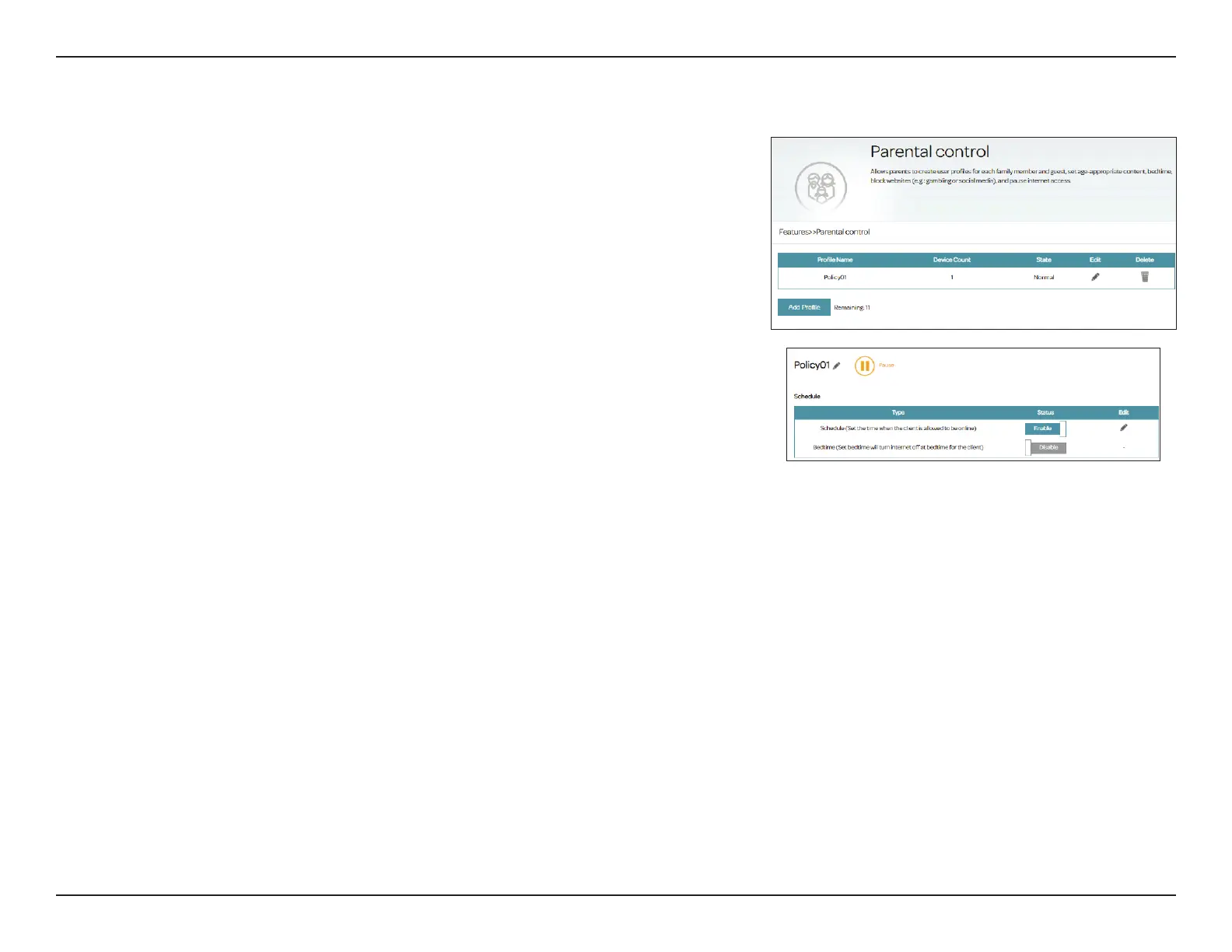
With Parental Control, you can congure schedules that set time limits for
Internet access and prevent access to certain websites. Go to Features >
Parental Control to congure parental control policies.
Click Save at any time to save the changes you have made on this page.
To add a prole, congure the following:
Schedule
Prole Name: Enter a name for this prole. Note that special characters such as space,
?, <, >, +, and - are not allowed.
Schedule
(Set the time
when the client
is allowed to be
online)
Click Enabled and dene the schedule to allow Internet access. Select
the time during which the Internet will be available.
To add a schedule:
Each box represents one hour, with the clock time (0~23) at the top
of each column. To add a time period to the schedule, simply click on
the start time and drag to the end time. You can add multiple days
and multiple periods per day to the schedule. Note that the below
Bedtime control takes precedence over the Allowed schedule. To
impose access limitation according to URL in the dened period, set
website lters in the below Website Filter section. If you do not set any
schedule after enabling this option, you will be prompted to set one
when applying the schedule.
Bedtime (Set
bedtime will turn
Internet o at
bedtime for the
client)
Click Enabled and dene the schedule to block Internet access during
bedtime.
To add a bedtime schedule:
Select the time during which bedtime schedule will be active. Select
the days of the week, then select the Start time and the End time for
the period during which Internet access will be blocked. If you do not
set any schedule after enabling this option, you will be prompted to
set one when applying the schedule.



 To Next Page