82D-Link DSL-X3052E User Manual
Section 4 - Conguration
SIP Filter
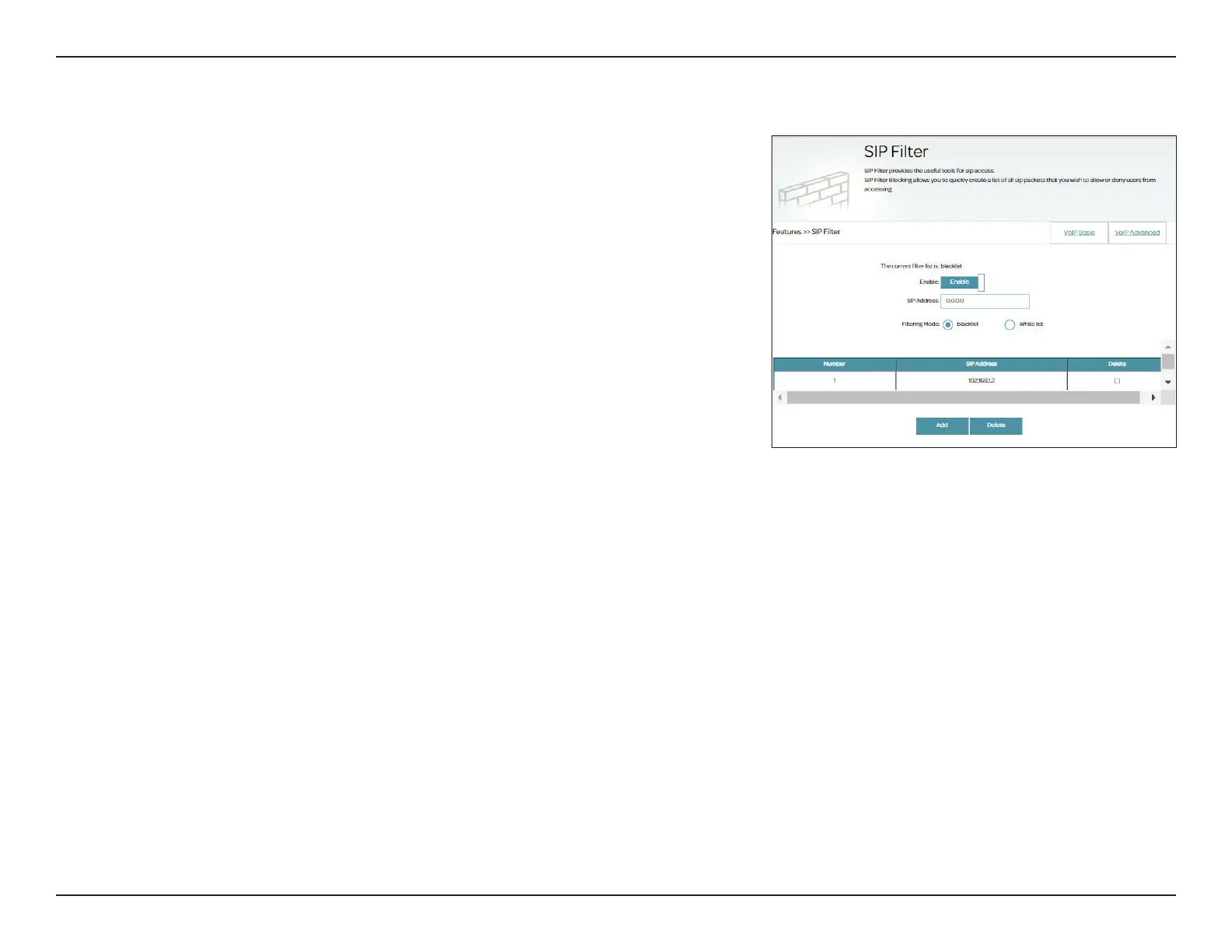
SIP Filter allows you to congure lter rules for incoming calls of the phone
connected to the phone ports of the router. Go to Features > VoIP and
select SIP Filter. Please check with your Internet phone provider, or leave
the settings at their defaults if you are not sure. To start conguring lter
rules, click Enable.
Enter the following information for ltering SIP messages:
SIP Address: SIP server uses Session Initiation Protocol to communicate with VoIP
devices to control communication sessions for voice and multimedia
content delivery.
Filtering Mode: Specify the ltering mode: blacklist or whitelist:
Blacklist: With this policy, the router accepts incoming calls (INVITE
packets) from any IP addresses or domains except for those specied
in a blacklist.
Whitelist: With this policy, the router accepts incoming calls (INVITE
packets) only from IP addresses or domains specied in a whitelist.
Click Add to add your lter rule. After adding the rules, you can select a rule and click Delete
to delete it. A maximum of 16 rules can be created.



 To Next Page