91D-Link DSL-X3052E User Manual
Section 4 - Conguration
Statistics
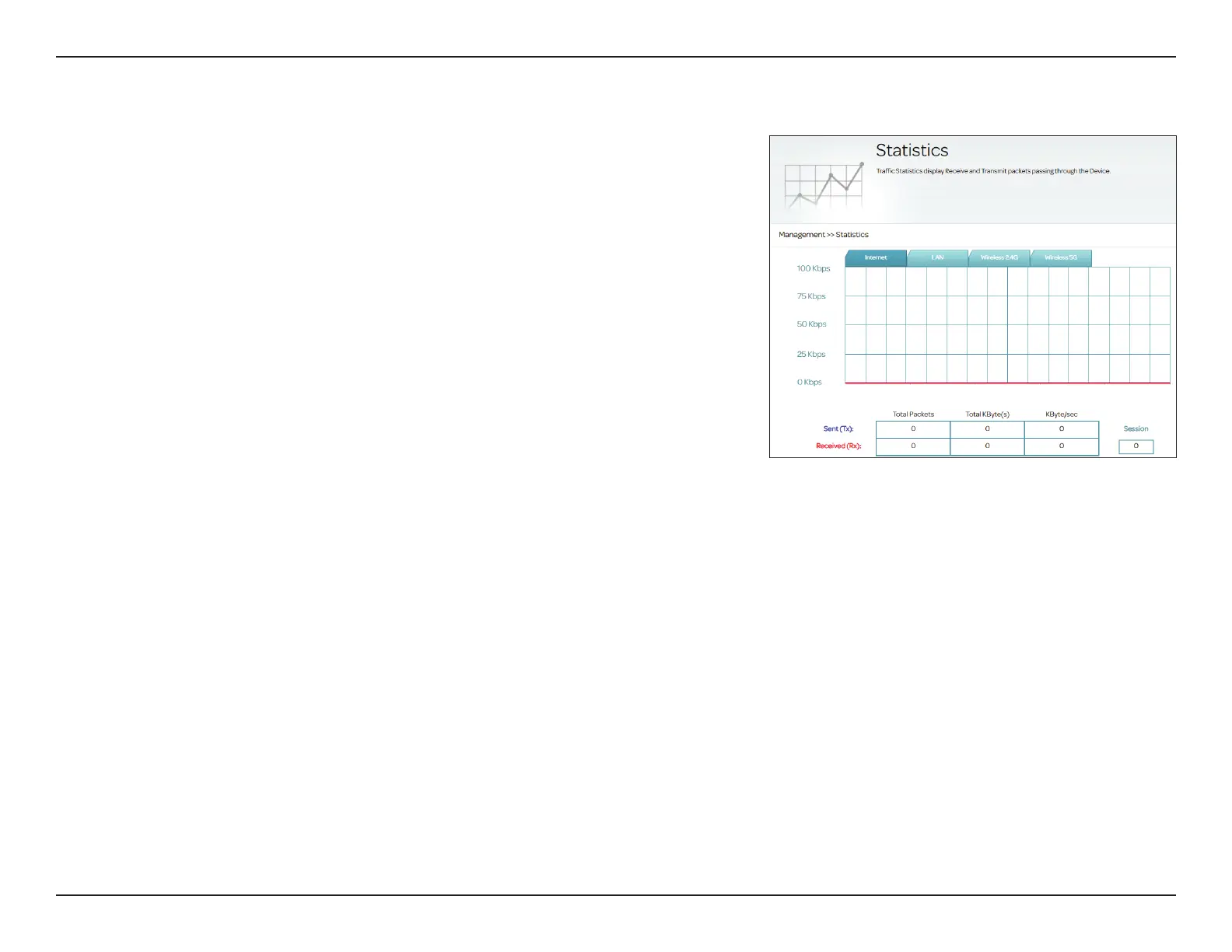
This page gives you various statistics about data transmitted and received by
your router through the Internet and on your wired network (LAN) and your
wireless networks. To access this page, go to Management > Statistics.
You can view the statistics of the Internet, LAN, Wireless 2.4 GHz, or Wireless
5 GHz interface by clicking on the respective tab at the top of the graph.
The current amount of trac being sent and received, measured in kbps is
displayed, along with the current number of sessions. The graph will update
every few seconds.
The table at the bottom of the page displays the total number of packets and
the amount of data sent and received since the DSL-X3052E started.
Note: The trac counter will reset if the device restarts.



 To Next Page