11D-Link DSL-X3052E User Manual
Section 2 - Installation
Manual Setup
1
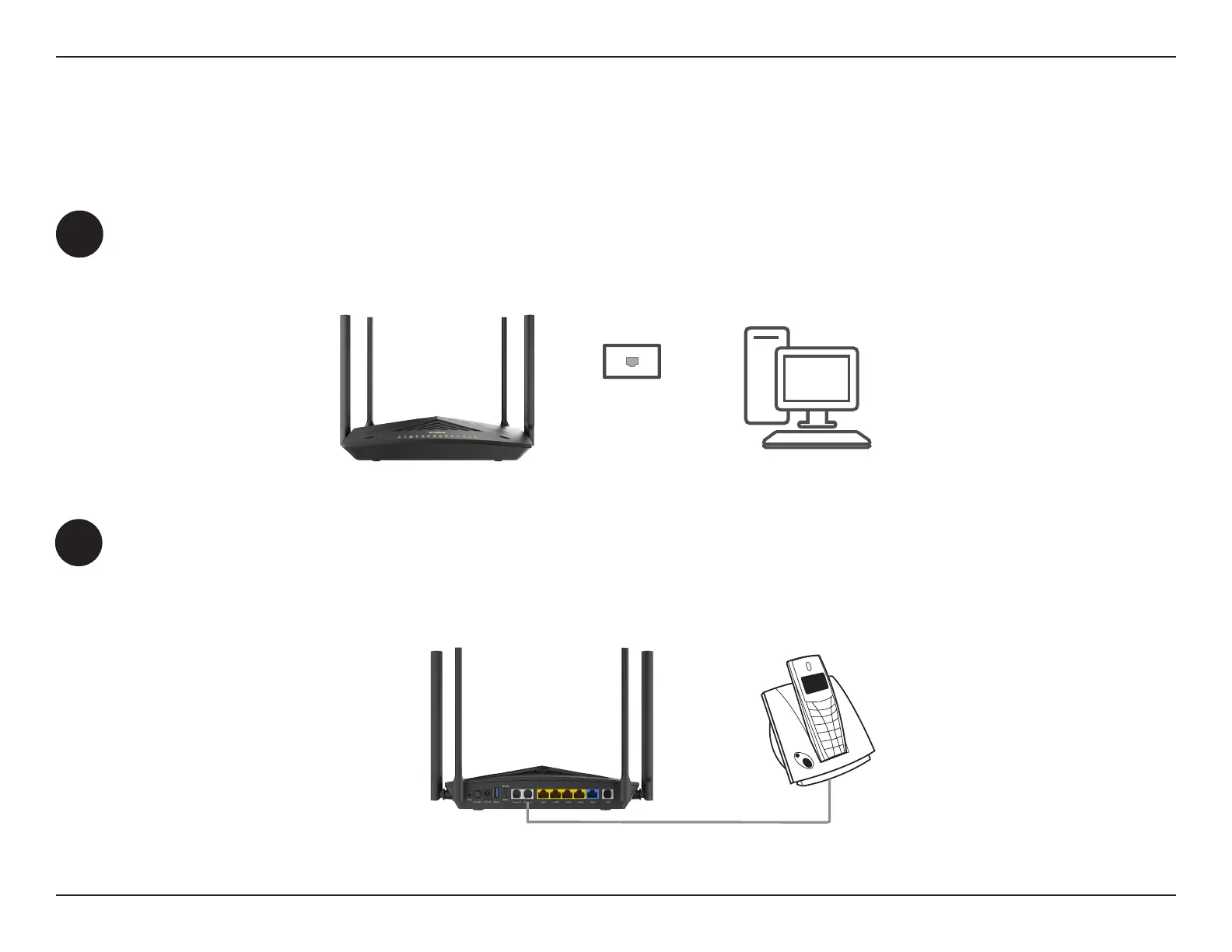
Position your DSL-X3052E near your PC and a telephone wall jack that provides DSL service. Keep the router in an open
area for better wireless coverage.
2
Connect the RJ-11 phone cable to the router’s Phone 1 port. Connect the other end to your analog telephone. If you
have a second Internet phone service account, connect a second telephone to the Phone 2 port.
Caution: Do not connect the Phone port to a telephone wall jack. This port can be only connected with an analog
circuit telephone device.
PHONE
DSL-X3052E
Note: Power o your network devices, including your existing connection box/modem and PC.
PCDSL-X3052E
WALL JACK



 To Next Page