61D-Link DSL-X3052E User Manual
Section 4 - Conguration
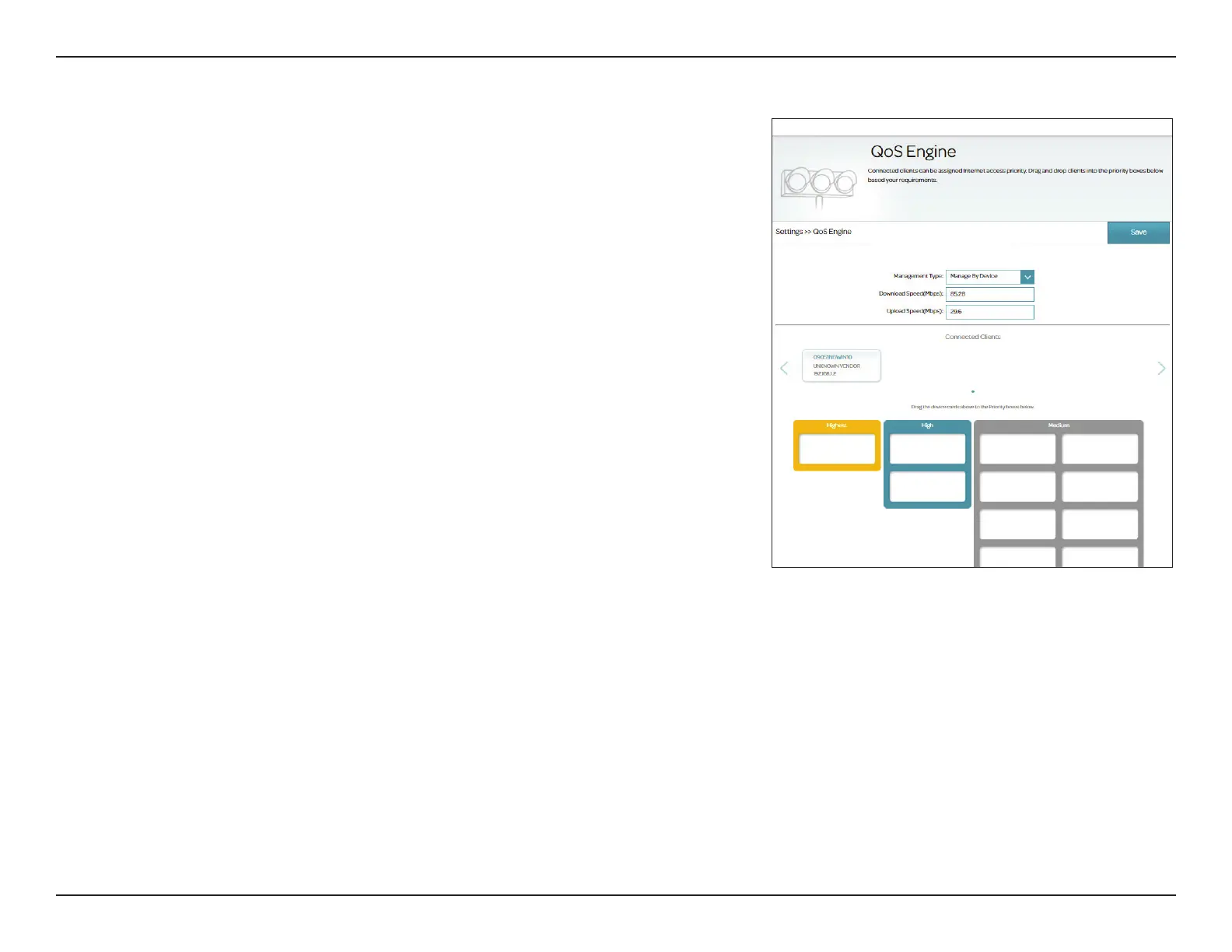
The QoS Engine allows you to assign priorities to designated clients. Go
to Settings > QoS to congure clients' Internet access priorities. It aims to
optimize Internet trac to enhance the overall user experience.
QoS
Management
Type
Upload Speed
(Mbps)
(Mbps)
Select O to disable this feature or Manage By Device to enable
this feature.
The rate at which the content is being transferred to the Internet.
The rate at which the content is being transferred to the router.
Upload/download speeds can be obtained from your Internet Service
Provider.
Click Save after lling in the above information.



 To Next Page