62D-Link DSL-X3052E User Manual
Section 4 - Conguration
This Quality of Service (QoS) Engine allows you to prioritize particular clients over others, so
that these clients receive higher bandwidth. For example, if one client is streaming a movie
and another is downloading a bulk of les, you might want to assign the former device a
higher priority than the latter so that the movie streaming is not disrupted.
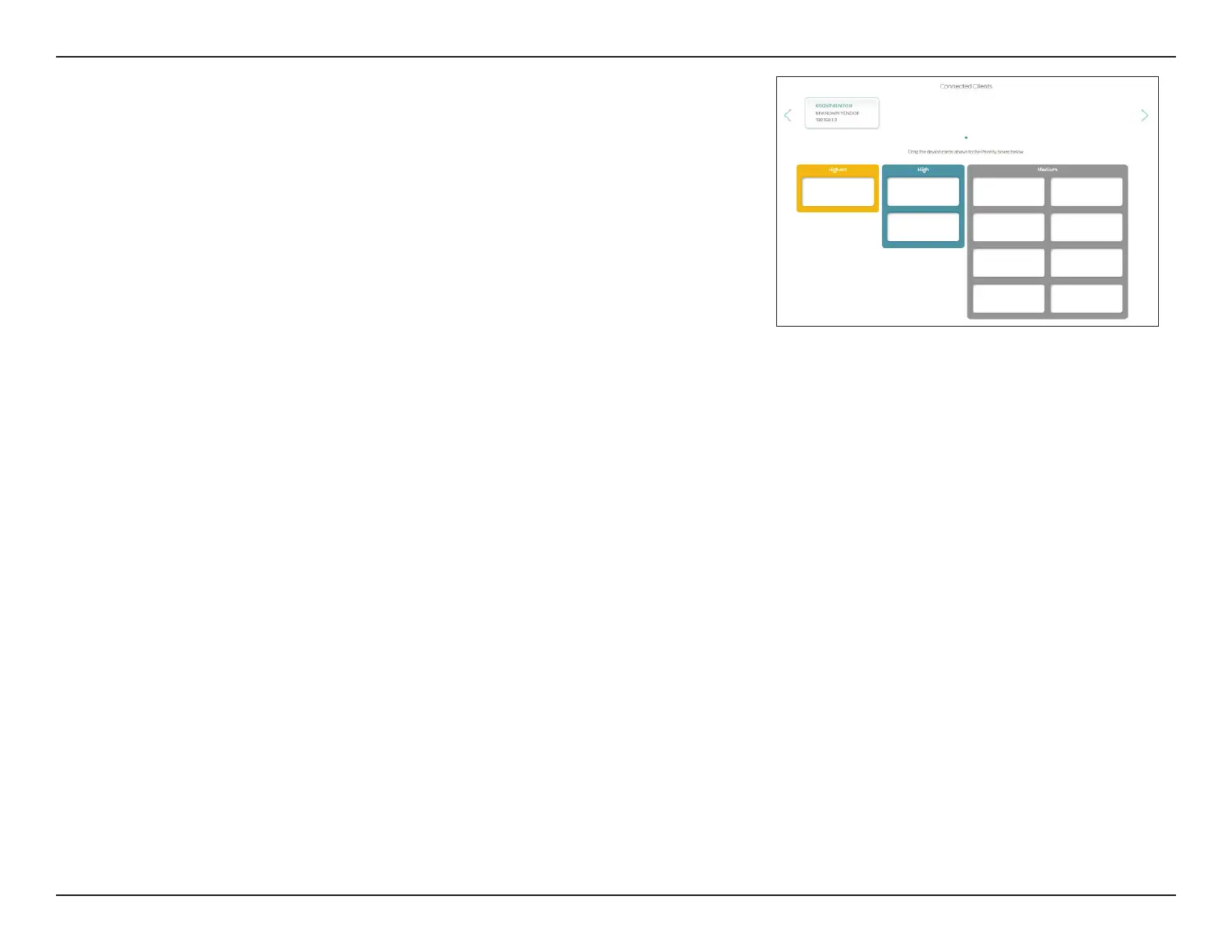
Under Connected Clients, you will see device cards representing each connected client.
To assign a priority level to a device, click the client and drag and drop to one of the priority
categories: Highest, High, or Medium.
To change the client's priority, click x on its card to place it back to the Connected Clients.



 To Next Page