5D-Link DSL-X3052E User Manual
Section 1 - Product Overview
Hardware Overview
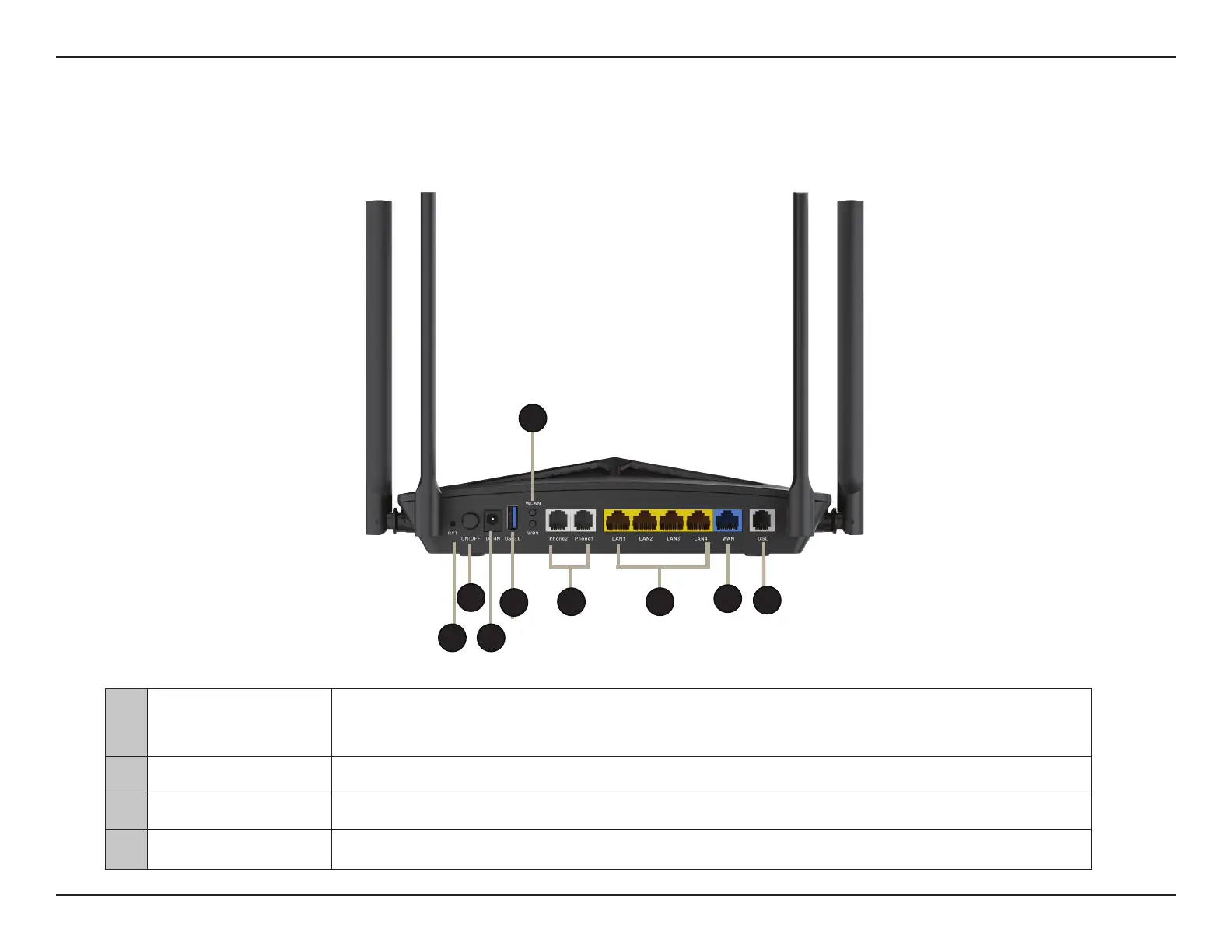
Back Panel
1 Reset Button
To reset the device to its factory default settings, use a paper clip to press and hold the reset
button for 5 seconds. During the reset process, all lights will turn o and back on again.
2 Power Button Power on/o switch.
3 Power Connector Connector for the supplied power adapter.
4 USB 3.0 Port Connects to USB ash drives to share content.
1
4
6
5
2
3
7
8
9



 To Next Page