25D-Link DSL-X3052E User Manual
Section 4 - Conguration
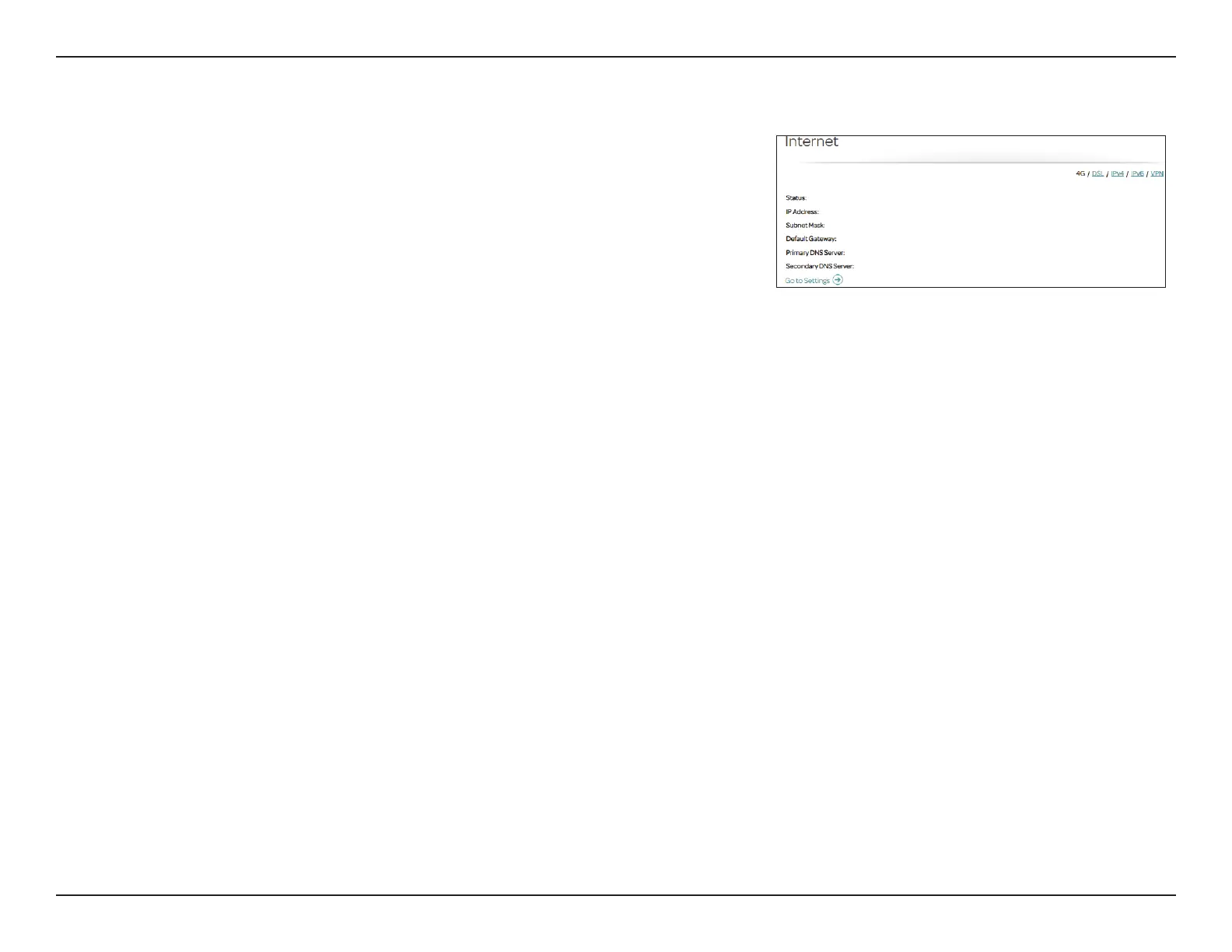
4G
Status: Displays the current status of the data link to your 4G service provider.
IP Address: Displays the IP address of the adapter's interface.
Subnet Mask: Displays the subnet mask of the IP address.
Default Gateway: Displays the current default gateway for the interface.
Primary DNS
Server:
Displays the current primary DNS server.
Secondary DNS
Server:
Displays the current secondary DNS server.
4G
The onboard USB port supports 3G/4G mobile broadband adapters as a
backup of your current DSL connection.
Connected
100.75.240.125
255.255.255.255
100.75.240.253
100.75.100.210
100.75.100.211
Click Go to Settings below to go to the USB Modem conguration page.



 To Next Page