7D-Link DWM-156 User Manual
Section 1 - Product Overview
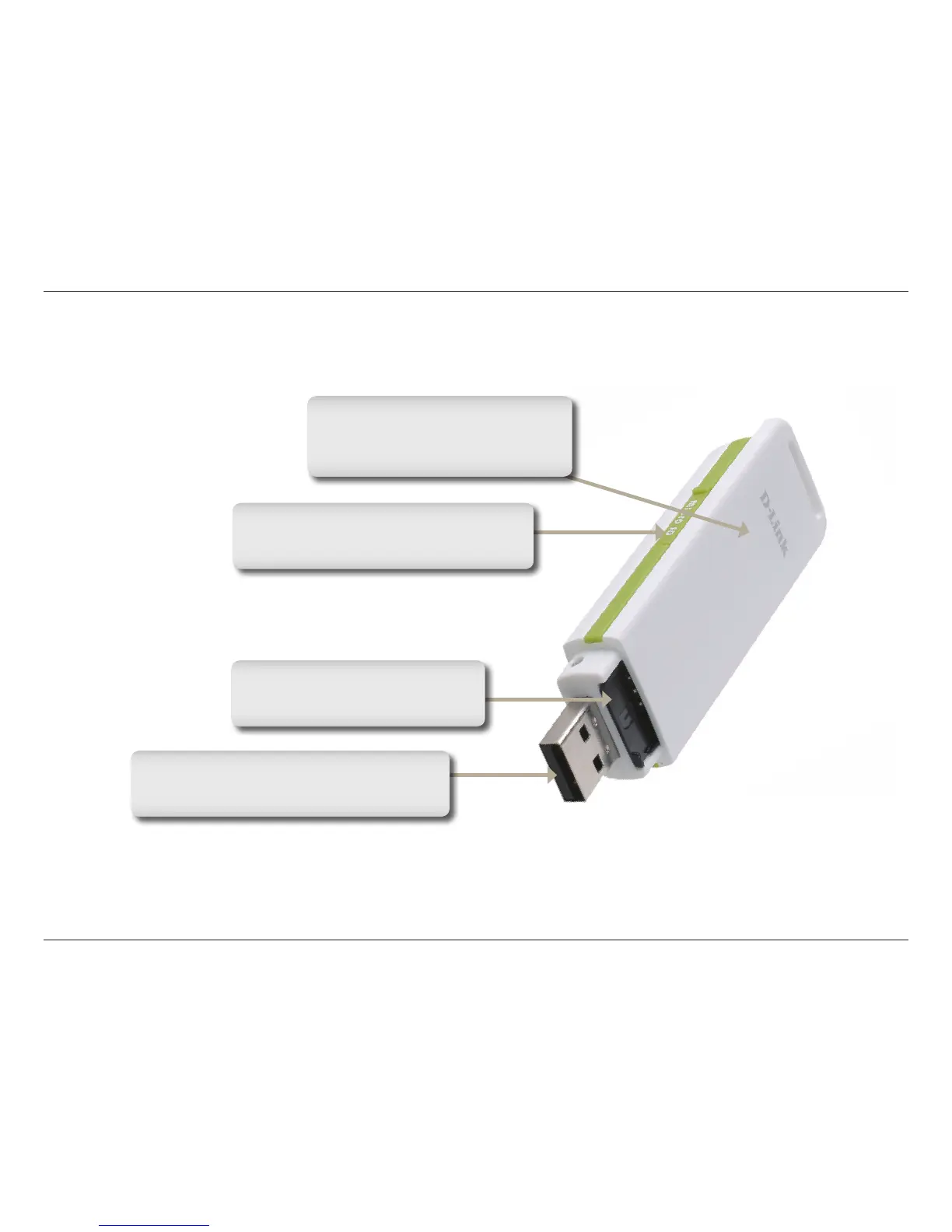
Hardware Overview
USB Port
Connects the DWM-156 to a computer.
Status Indicator
A multi-colored LED indicates
connection status information.
SIM Card Slot
Accepts a standard SIM Card.
MicroSD Card Slot
Accepts a MicroSD card (up to 8GB).


 To Next Page