Section 16 – Login to the Web-based User Interface
D-Link DWR-2101 User Manual
Login to the Web-based User Interface
Make sure your device is connected either wirelessly or via an Ethernet cable to the DWR-2101.
Open a web browser and enter 192.168.0.1 in the address bar to access the DWR-2101's Web-based User Interface.
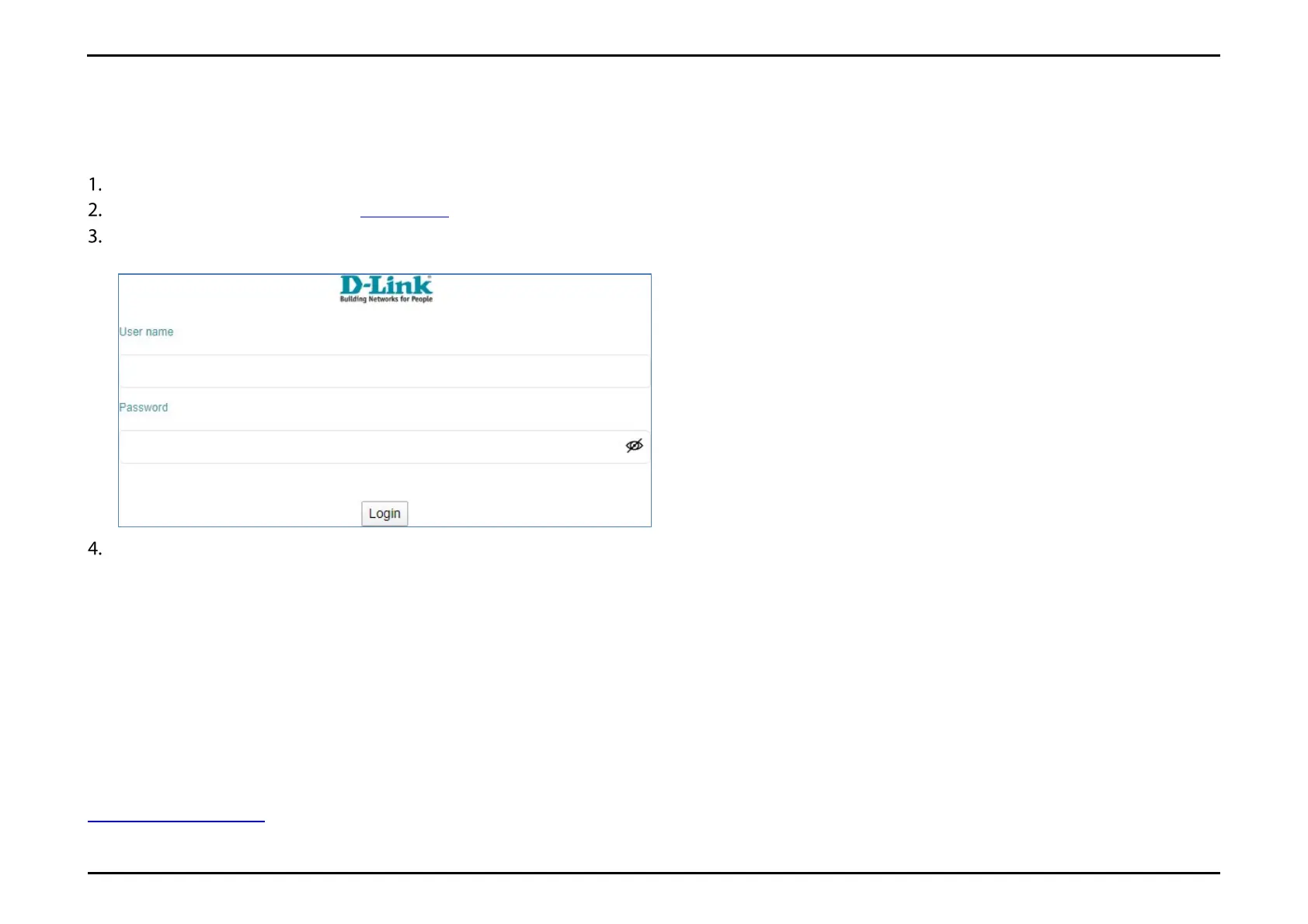
Once you have reached the configuration utility through your web browser, you will need to log in. Enter admin as the username, then enter
admin for the password.
Click Login.
You also have the ability to change the Web-based User Interface's language on this page before you login to the configuration utility.
Upon logging in for the first time, you will be prompted to change the password for access to the Web-based User Interface. Refer to Account
Configuration for more details.
Related Topics
Account Configuration



 To Next Page