Section 35 – Troubleshooting
D-Link DWR-2101 User Manual
Troubleshooting
Why am I unable to connect to my mobile Internet service?
Check to make sure the SIM card is installed properly, and that your SIM card has data service. Also, make sure that antivirus software is not blocking
your connection and you are not connected to other Internet sources.
How do I restore my device to its factory default settings?
Swipe the screen to find and tap on the Settings icon then scroll down and tap on Restore Default. Tap the Restore button to restore the device to its
default settings, which will erase the current configuration settings.
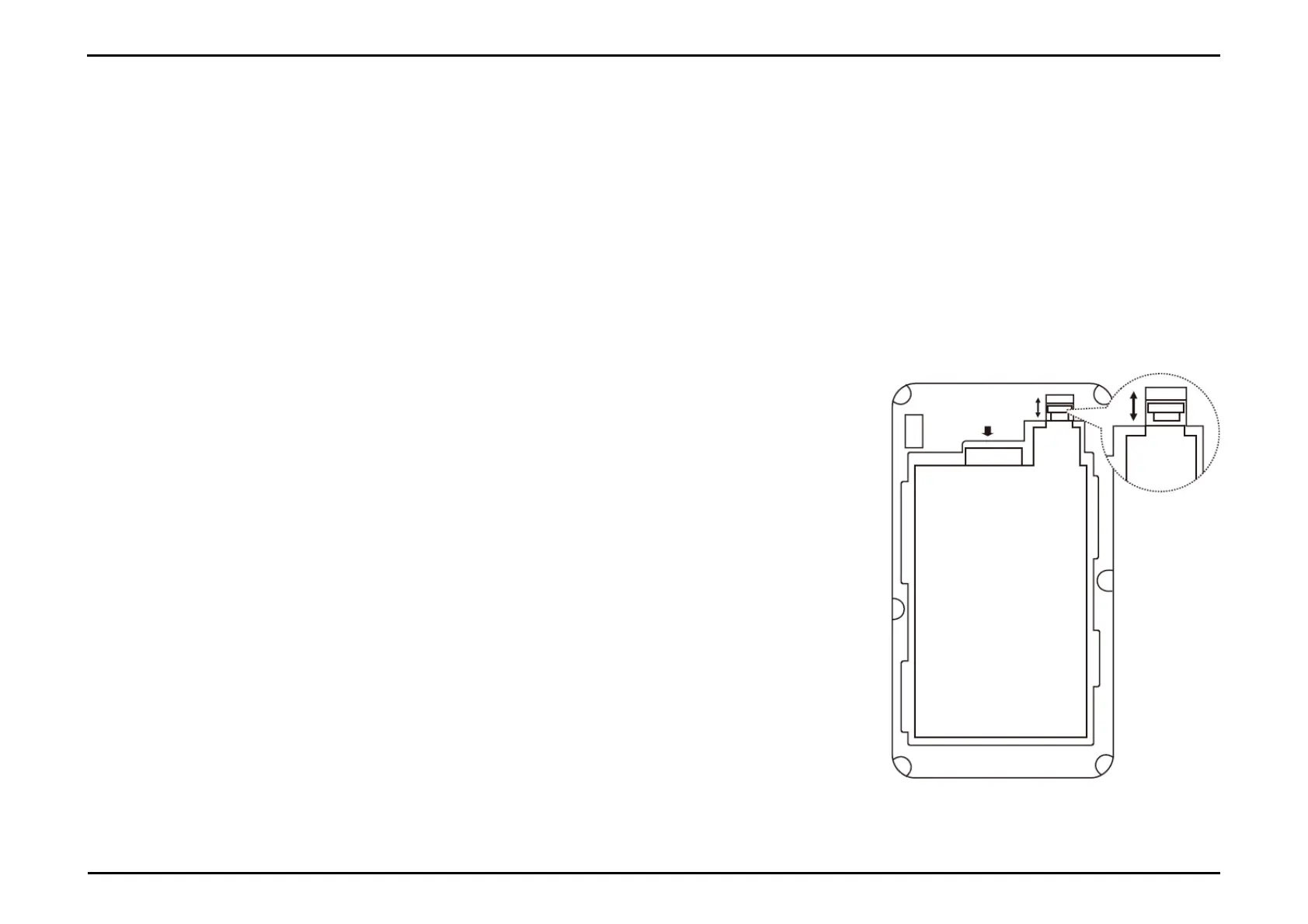
How do I remove the battery?
the device off, then remove the battery cover on the back of the device by gently prying it up from
case using the corner notch. Then unlock the white latch by sliding the latch switch up. Use the gap
to the battery latch switch as leverage to gently pull the battery out of its compartment.
to slide the latch switch down to lock the battery back in place before replacing the battery



 To Next Page