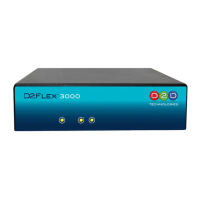
FLEX 3000 / Flex 3500 Set Up Guide
Default IP Address on ETH 1: 192.168.1.205
Default UN: admin
Default PW: admin
D2D Technologies
9802-12 Baymeadows Rd Suite 106 Jacksonville, FL 32256. USA
Phone: +1 904-323-4777
D2D Technologies.com
d2care@d2dtechnologies.com
Note: This manual is being updated frequently. Please go to
http://www.d2dtechnologies.com/support/ to be certain that you have the latest copy.


 To Next Page

 General