D2D Technologies
FLEX 3000 V5.2-2301
11
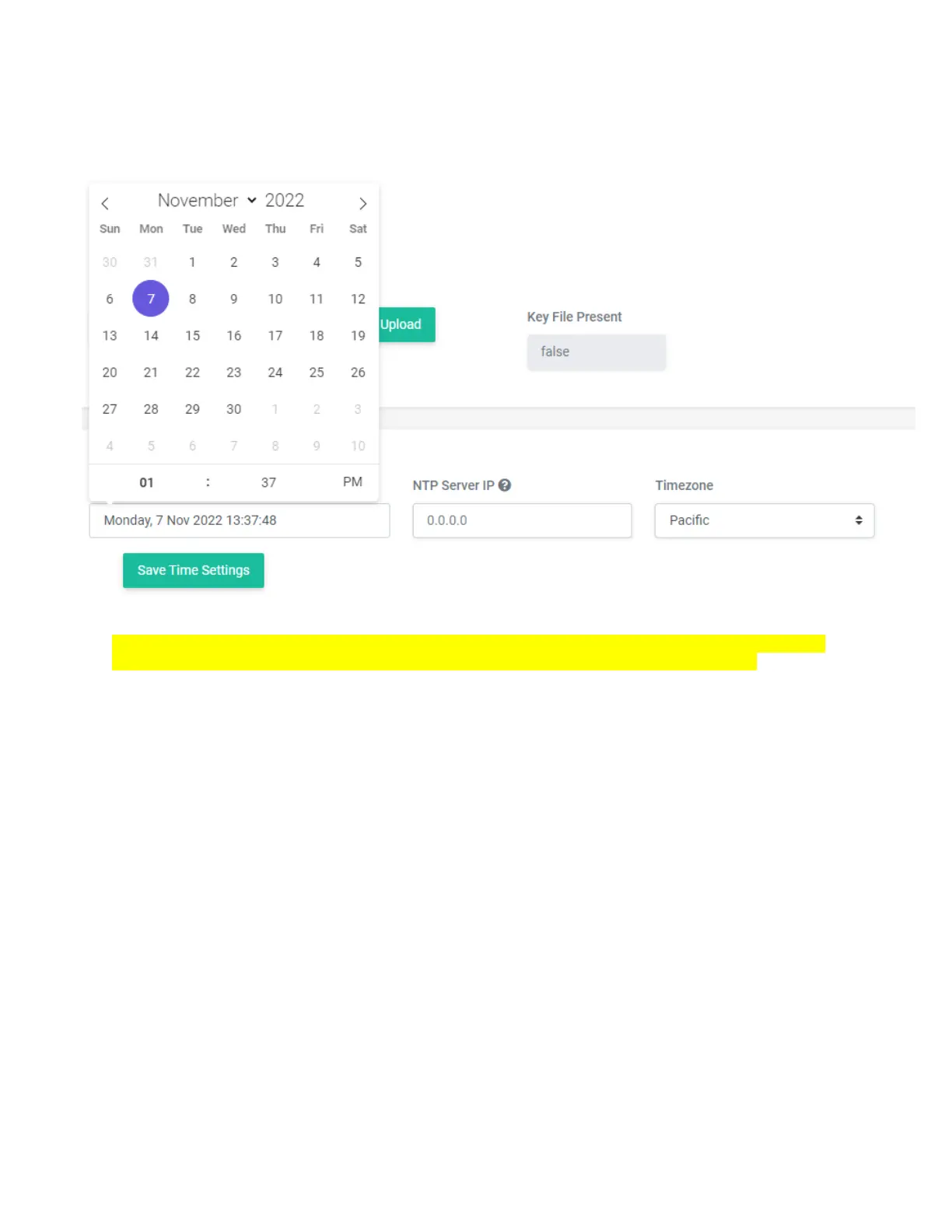
2. Manually setting the time
Set the NTP Server IP to 0.0.0.0 and press “save Time Settings” and allow it to save. Then, you can set
the time.
NOTE: If the bottom of the browser has a year of 1969, that means that the time is incorrect, and
the unit is not seeing an NTP. This will affect the EPG (Dynamic PSIP) and the log files.


 To Next Page