D2D Technologies
FLEX 3000 V5.2-2301
14
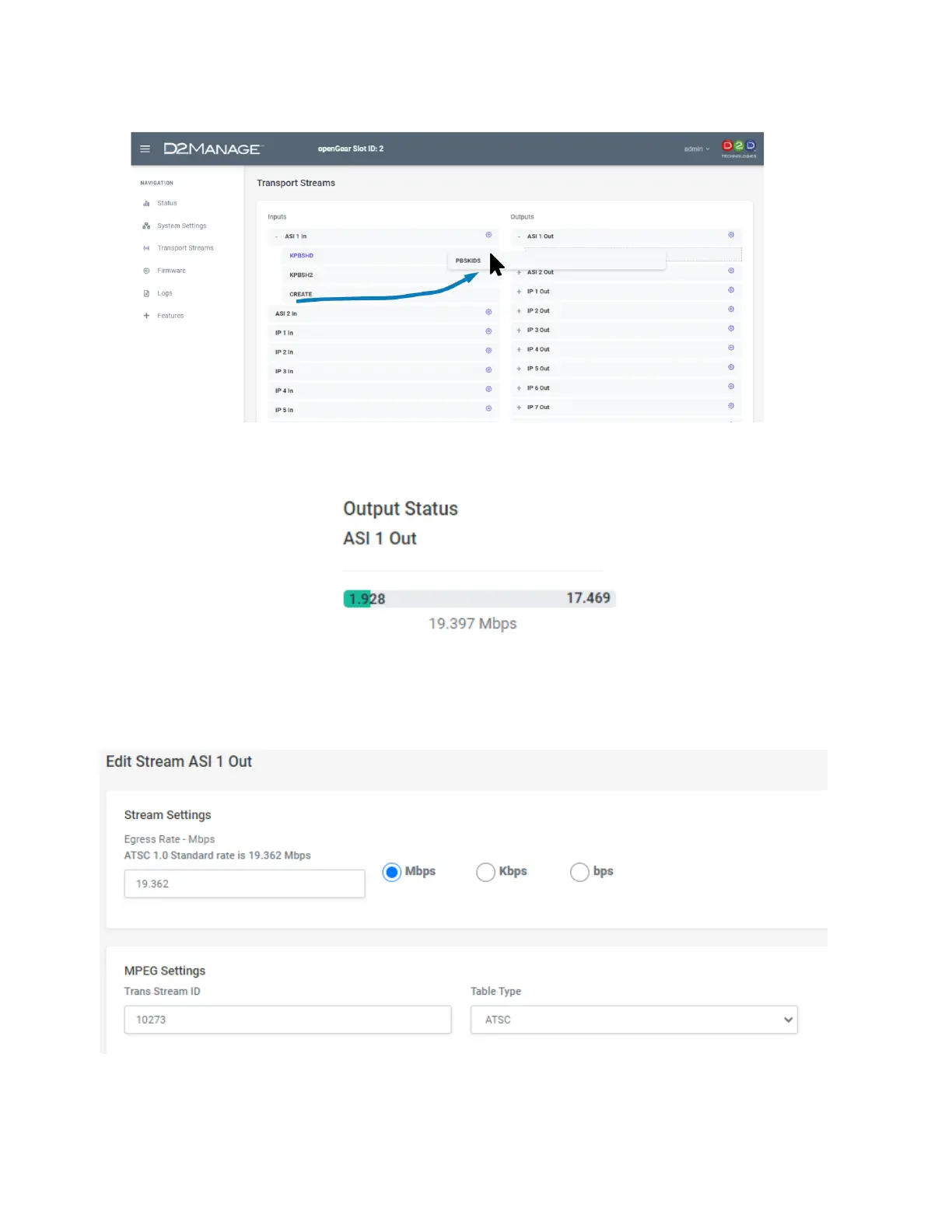
At that point, some data should show up on the output you dragged it to.
5. Configuring the ASI Out
You can edit the total output aggregate rate. This will stuff or add null packets as needed to fill to the
needed bandwidth.
NOTE: You cannot output LESS than the payload (green) rate is showing.
If needed, set the Transport Stream ID.
Set the desired table type. (Most common is ATSC and needed if you are rebranding or adding EPG).


 To Next Page