D2D Technologies
FLEX 3000 V5.2-2301
27
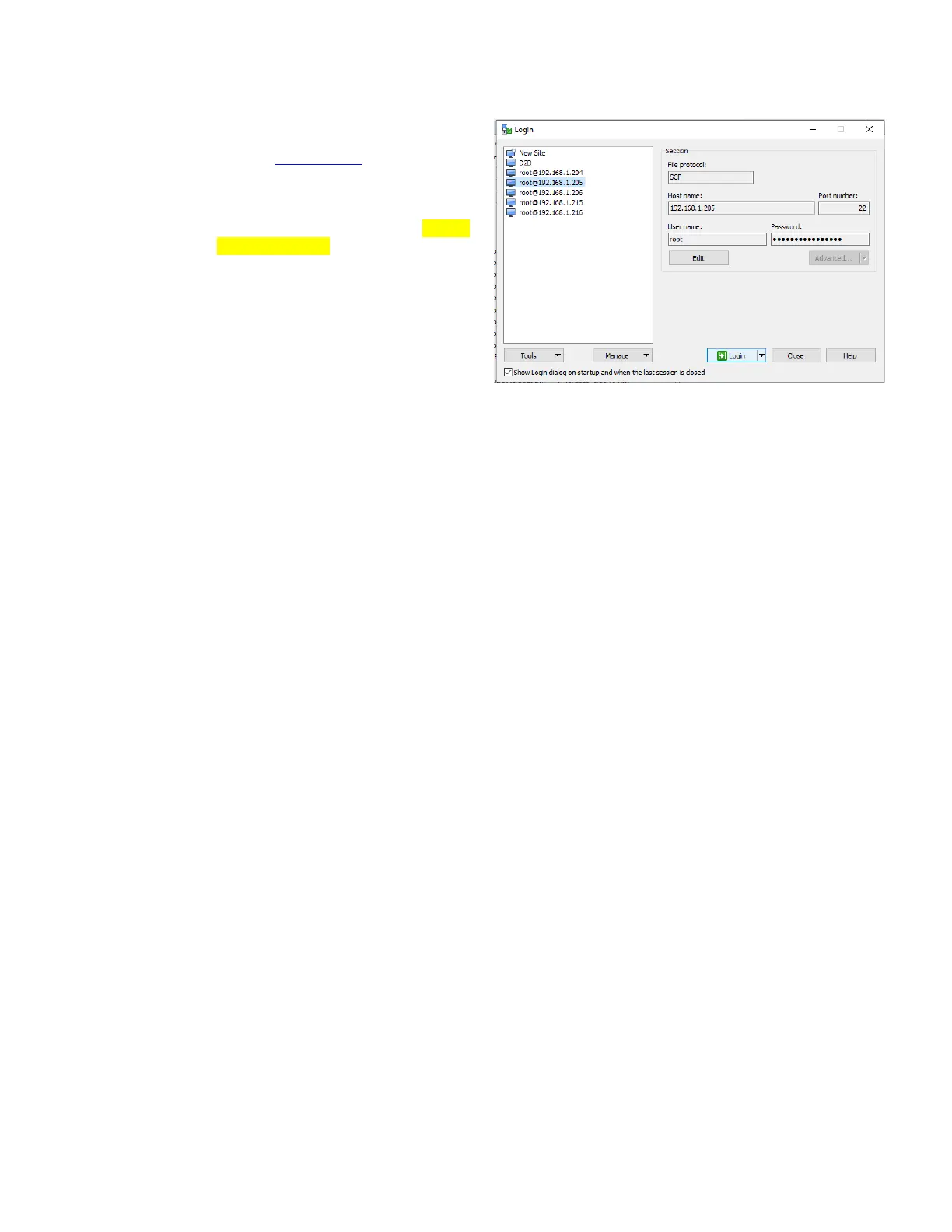
3. Host Name: Is the IP address of the
FLEX.
4. Contact D2D support for login
credentials.
5. Navigate to the “sch” Directory found
in the root/d2flex directory. If there is
no sch directory, create one. NOTE:
Lower case only.
6. Move (or copy) the .txt file you
created in Excel.
7. Reset the unit, wait a few minutes and
see if any PSIP is passing through.
8. The log should show if there is ETT
and EIT tables being generated.


 To Next Page