EasyManua.ls Logo

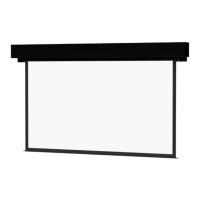
Da-Lite Cosmopolitan Electrol - User Manual

Da-Lite Cosmopolitan Electrol
16 pages
Print Icon
To Next Page IconTo Next Page
Loading...
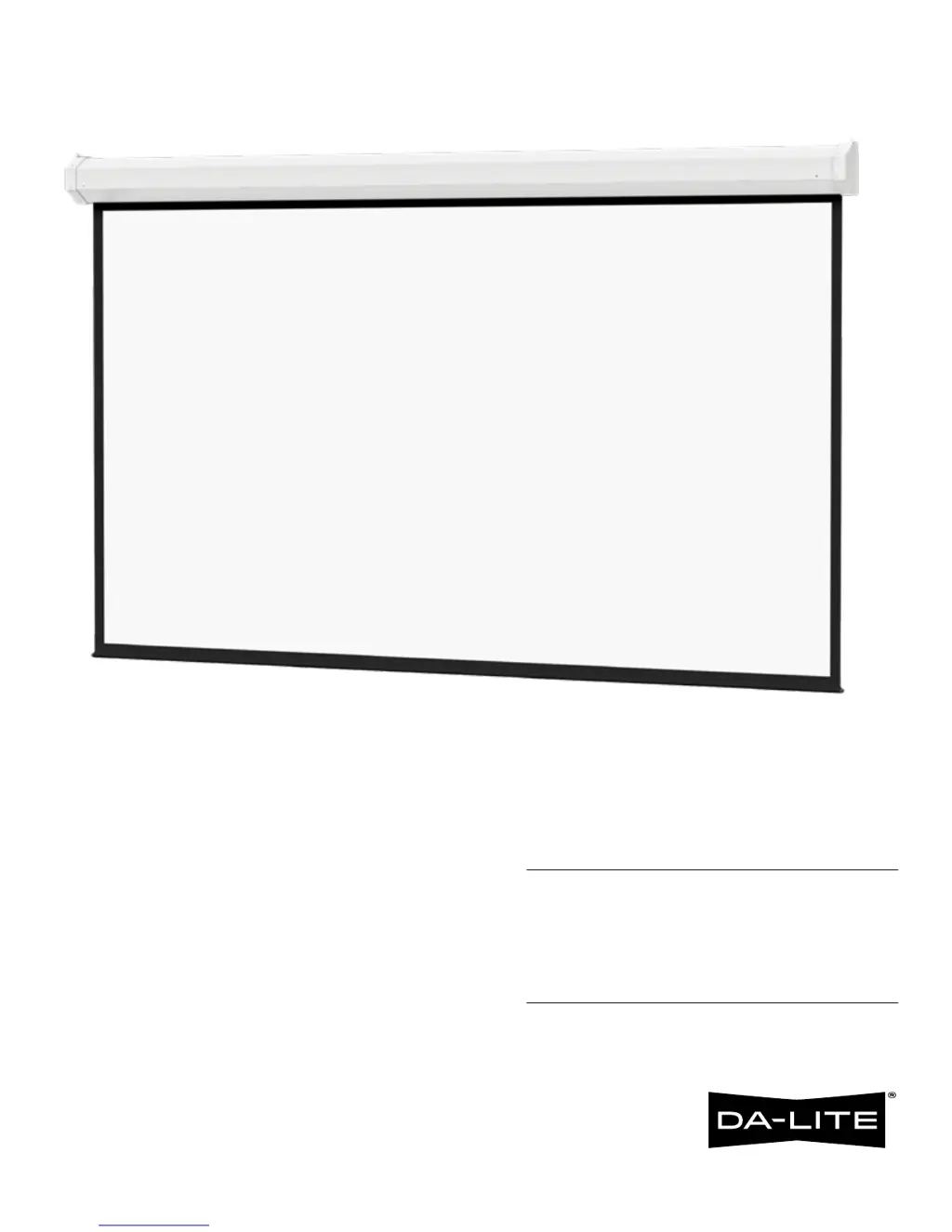
INSTRUCTION BOOK FOR
Cosmopolitan Electrol
For Sizes Up To 9' x 12'

Questions and Answers

  • L
    leejimmySep 13, 2025
    What to do if my Da-Lite Whiteboard screen will not operate?
    • S
      Steven KeithSep 13, 2025
      If your Da-Lite Whiteboard screen isn't operating and the motor isn't humming, possible causes include a blown fuse (replace it), a tripped circuit breaker (reset it), or no power to the operating switch or junction (check and tighten wire connections, ensuring correct connections; check for power across black and white leads in the 'down' position). If the motor hums, the issue might be a thermal overload (let the motor cool for 15 minutes), a broken wire in the 'down' position (check for continuity and reconnect), a defective motor, limit switch, or capacitor (replace the motor assembly), temporary binding (turn the roller by hand with the power off), or a burned-out capacitor (replace the motor assembly).
  • R
    Rachel FordSep 12, 2025
    How to fix a Da-Lite Cosmopolitan Electrol roller displaced from mounting bracket?
    • J
      Jill MartinezSep 12, 2025
      If the roller of your Da-Lite Projection Screen is displaced from the mounting bracket, it's likely that the pin end slipped out of the nylon bearing. To fix this, realign the pin end bracket.
  • N
    Nicole HaynesSep 12, 2025
    What to do if my Da-Lite Cosmopolitan Electrol is coasting?
    • M
      Margaret JenkinsSep 12, 2025
      If your Da-Lite Projection Screen is coasting, it indicates a defective brake. To resolve this, replace the motor assembly.
  • M
    Monica VillanuevaAug 25, 2025
    Why does my Da-Lite Cosmopolitan Electrol Projection Screen coast?
    • J
      Jennifer LewisAug 25, 2025
      If your Da-Lite Projection Screen is coasting, the cause may be a defective brake. The suggested solution is to replace the motor assembly.
  • M
    Mrs. Claudia Moody MDSep 8, 2025
    What to do if my Da-Lite Cosmopolitan Electrol Projection Screen has an incorrect stopping position in upward direction?
    • M
      Melissa AllenSep 8, 2025
      If your Da-Lite Projection Screen stops at the wrong position when moving upwards, it could be due to a lost roller wrap. Another possibility is that the “up” limit switch is out of adjustment. If this is the case, adjust the 'up' limit switch.
  • P
    Patricia StoneSep 7, 2025
    Why does my Da-Lite Cosmopolitan Electrol Projection Screen have an incorrect stopping position in downward direction?
    • S
      steinrandySep 7, 2025
      If your Da-Lite Projection Screen stops at the wrong position when moving downwards, it might be due to a lost roller wrap. Another potential cause is that the 'down' limit switch is out of adjustment. See installation instructions for solutions.
  • A
    Antonio BrownSep 6, 2025
    What to do if the roller of my Da-Lite Projector Accessories screen is displaced from the mounting bracket?
    • R
      Rachel GutierrezSep 6, 2025
      If the roller of your Da-Lite Projector Accessories screen has come away from the mounting bracket, this may be because the pin end slipped out of the nylon bearing. To fix this, remove the pin end mounting, realign the motor in the tube, and re-attach the pin end.
  • S
    Sara KirbySep 4, 2025
    Why is my Da-Lite Projector Accessories screen stopping at the wrong position when going up?
    • J
      Jason JacksonSep 4, 2025
      If your Da-Lite Projector Accessories screen isn't stopping correctly in the upward direction, it could be due to: * Lost roller wrap. * The 'up' limit switch being out of adjustment. Adjust the 'up' limit switch by turning it clockwise to expose more fabric. See installation instructions.
  • D
    Debra ColemanSep 3, 2025
    Why is my Da-Lite Projector Accessories screen stopping at the wrong position when going down?
    • H
      hulldylanSep 3, 2025
      If your Da-Lite Projector Accessories screen isn't stopping correctly in the downward direction, it could be due to: * Lost roller wrap. * The 'down' limit switch being out of adjustment. See installation instructions.
  • H
    Howard ParkSep 2, 2025
    What to do if my Da-Lite Projector Accessories screen coasts?
    • A
      Andrew AdamsSep 2, 2025
      If your Da-Lite Projector Accessories screen is coasting, it's likely due to a defective brake. The suggested solution is to replace the motor assembly.

Da-Lite Cosmopolitan Electrol Specifications

General IconGeneral
BrandDa-Lite
ModelCosmopolitan Electrol
CategoryProjection Screen
LanguageEnglish

Related product manuals