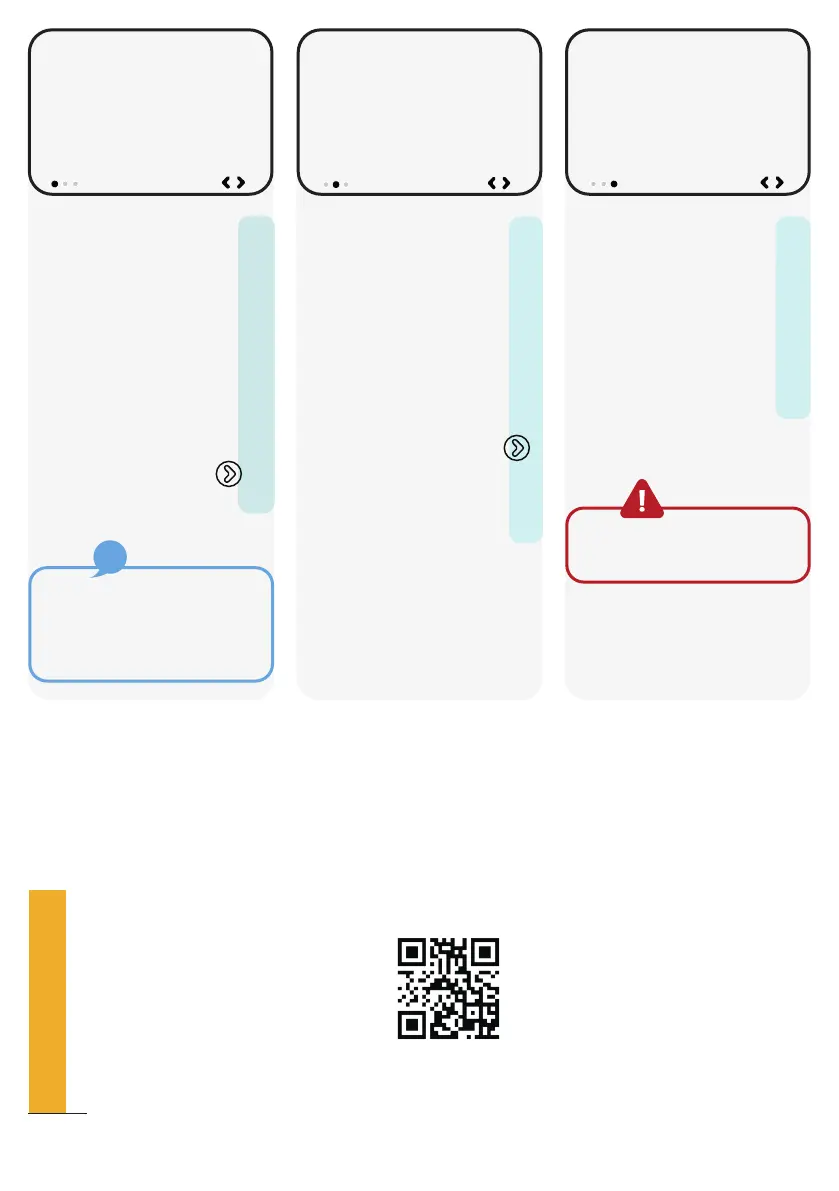
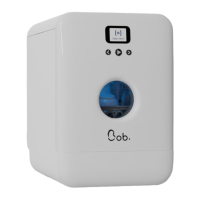
Step 1/3
Connect your
smartphone or a
computer to the Wi-Fi
network “Bob_XXXX”
with the following
password: XXXXXXXXXX
Once you are
connected, select to
go to the next step.
If you do not manage
to connect Bob, please
restart your smartphone or
computer.
If required, a video to guide you through the steps of the Wi-Fi
connection is available on our website.
Step 2/3
Enter the following in
the address bar of your
web browser :
10.10.0.1
Once the website is
loaded please select
to proceed to the next
step.
Step 3/3
In your web browser
on your smartphone or
computer, select the
Wi-Fi network to which
you want to connect
Bob.
Please use a private network
secured with a password.
Join network
Connect with a smartphone
or computer to the Wi-Fi
network
BOB_XXXX
with the following password
XXXXXXXXXX
Choose Wi-Fi
Choose a Wi-Fi network to
connect to Bob
On the Internet
Enter in your browser
10.10.0.1
Please scan the QR code to check it out.
12
QUICK SET-UP GUIDE



 To Next Page