EasyManua.ls Logo

Daan Tech Bob 2020 - Page 19

Daan Tech Bob 2020
84 pages
Print Icon
To Next Page IconTo Next Page
To Previous Page IconTo Previous Page
Loading...
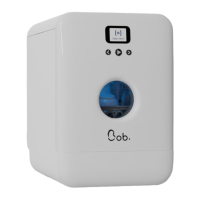
Your Bob is unique and
has therefore a unique
ID or MAC address as
follows:
00:00:00:00:00:00
Once the Wi-Fi
network is selected,
Bob connects and
a validation screen
appears.
BRAVO, your Bob is
now connected to the
internet. Now, you
need to pair it to your
Daan Tech account.
If the connection is lost
during the pairing process,
an error message is
displayed.
You can either try again or
cancel your connection and
consequently not connect
Bob to your account (for
more information, please
refer to page52).
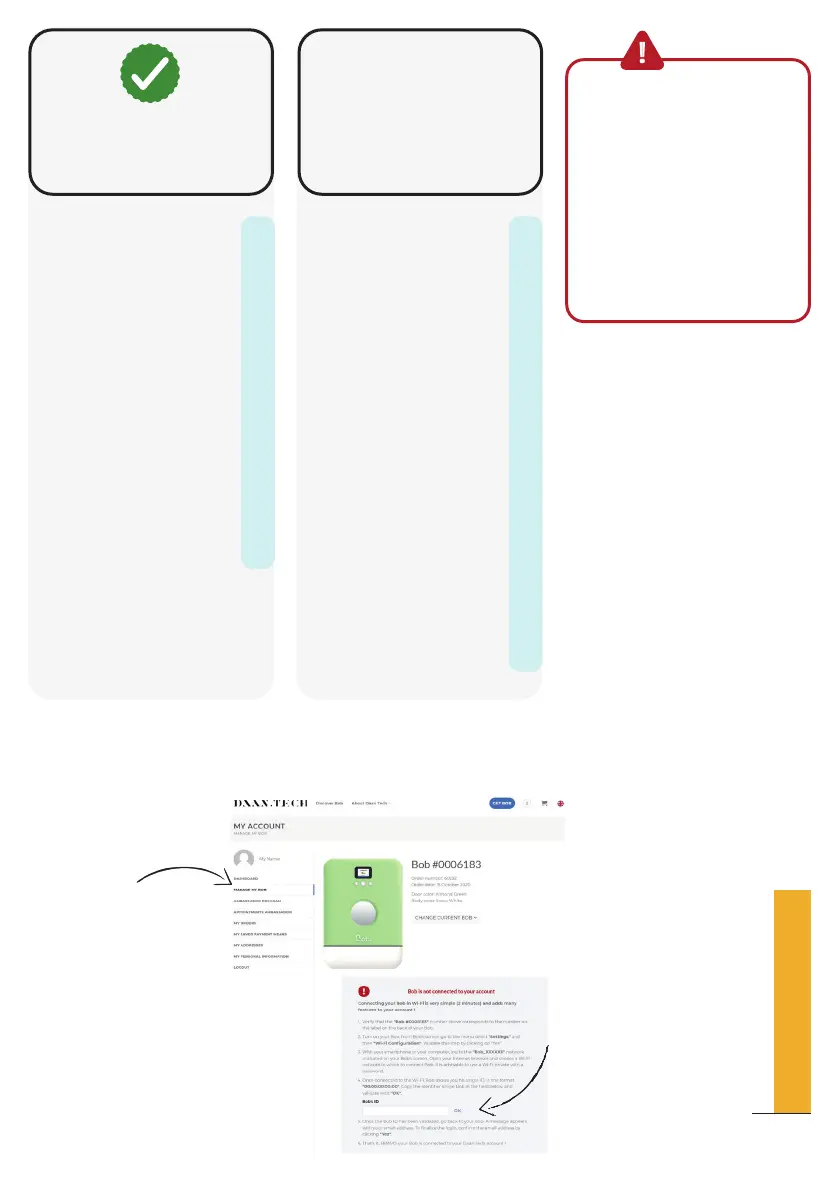
Connect to your Daan
Tech account on
www.daan.tech
In your account “My
account”
Select the “Manage my
Bob” tab.
Enter the unique ID
of your Bob in the
dedicated field.
Validate
On your web browser
Manage my Bob tab
Here you can connect Bob
Bob ID:
Login to your account on
www.daan.tech and enter
this ID in the "Manage my
Bob" tab
00:00:00:00:00:00
Bravo
Bob is now connected to
Wi-Fi
13
QUICK SET-UP GUIDE

Related product manuals