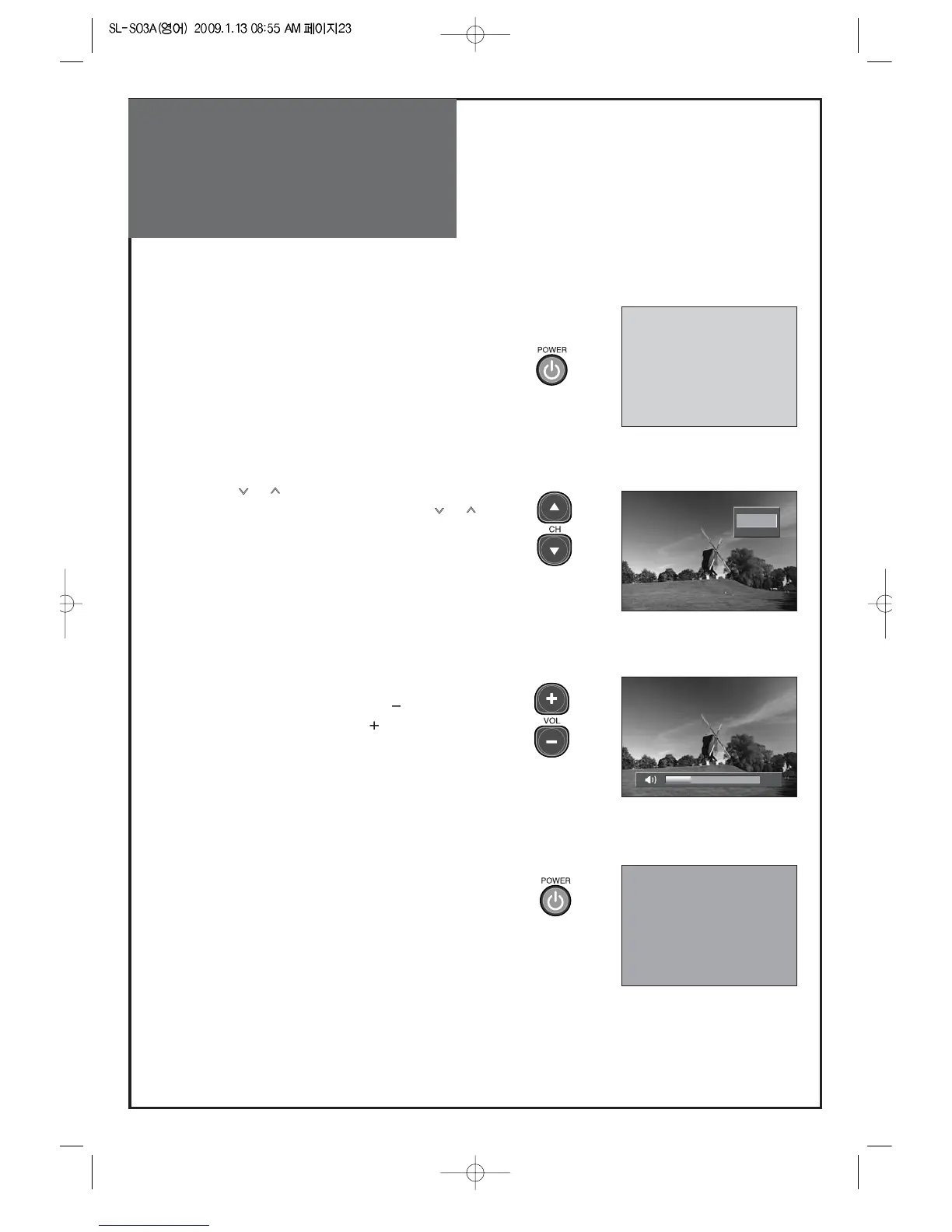
1. Press the “POWER” button on TV set or remote
control.
• The Stand-by LED lamp turns on in red color.
• Press the “POWER” button on the TV set or remote
control.
• The Stand By LED lamp on the front panel begins to
flicker in red color and the TV turns on.
2. Press the “ CH ” button.
• Select the desired program by pressing the “CH”
button or the number buttons.
3. Adjust volume.
• Sound reduces by pressing the “VOL
” button.
• Sound increases by pressing the “
VOL” button.
Note : Sound mutes by pressing the “MUTE” button.
4.Press the “POWER” button of right side of the set or
Remote control for turning the TV off.
• TV turns off and the power lamp changes to red color.



 To Next Page