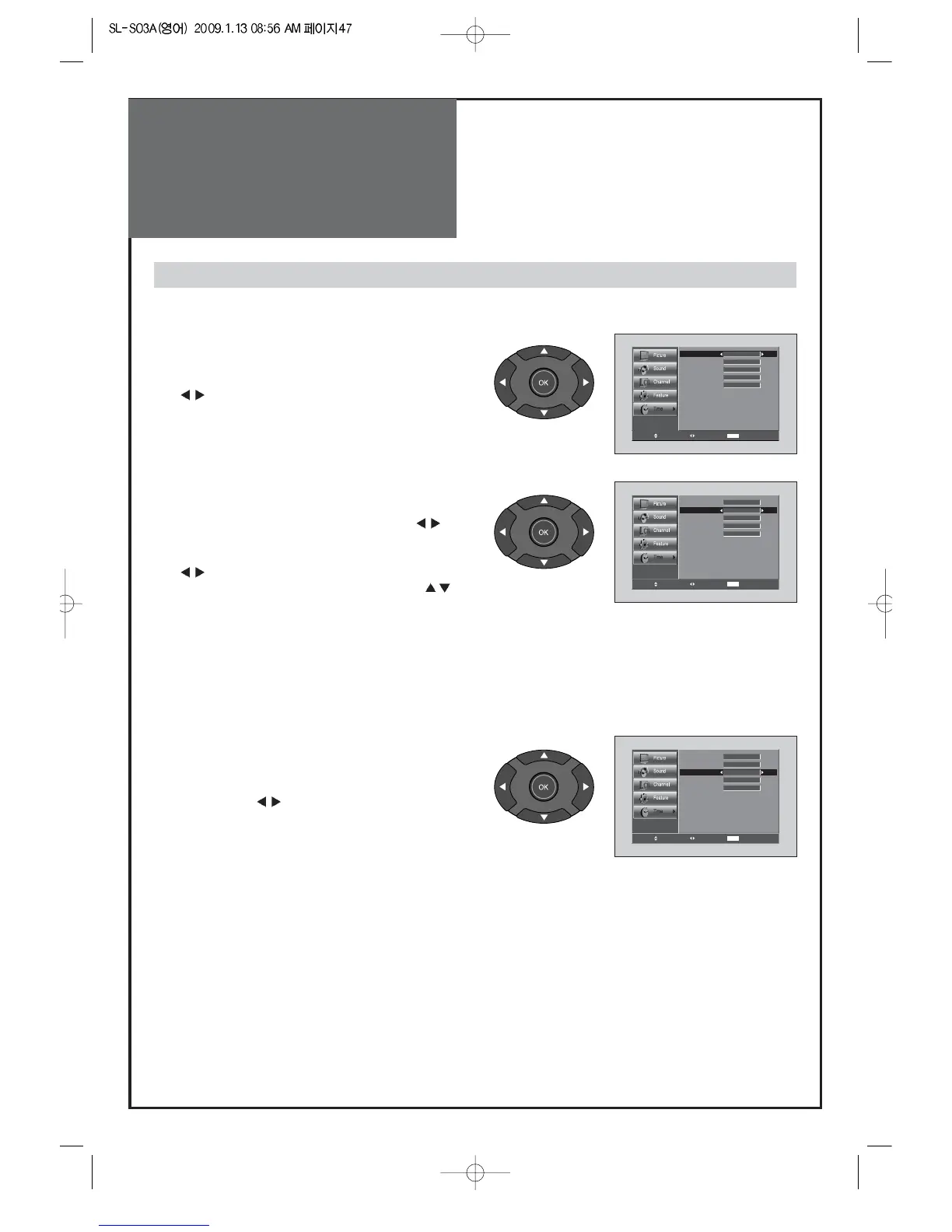
1. Clock Menu
• Move to Clock mode in the Time menu.
• It can change ‘MANUAL’ , ‘AUTO’ by pressing
“
“ buttons.
2. Current Time Set
• Move to Current Time Set in the Time menu.
• To go to the Current Time Set, press the “
“
buttons.
• Place the cursor to AM / PM / Hour / Min. with
“
“ buttons.
• Set the AM / PM / Hour / Min. with the ”
”
buttons and then presses the “OK” button to
complete.
Note :
1. Information of Auto Clock is required to DTV signal.
2.Current Time Set is available in MANUAL mode.
3. Time Zone
• Move to Time zone in the Time menu.
• Select the Time zone to desirable Time zone by
pressing the “
“ button.
• The Time zone change as the followed:
Central => Eastern => Atlantic => Hawaii =>
Alaska => Pacific => Mountain



 To Next Page