1. General Information
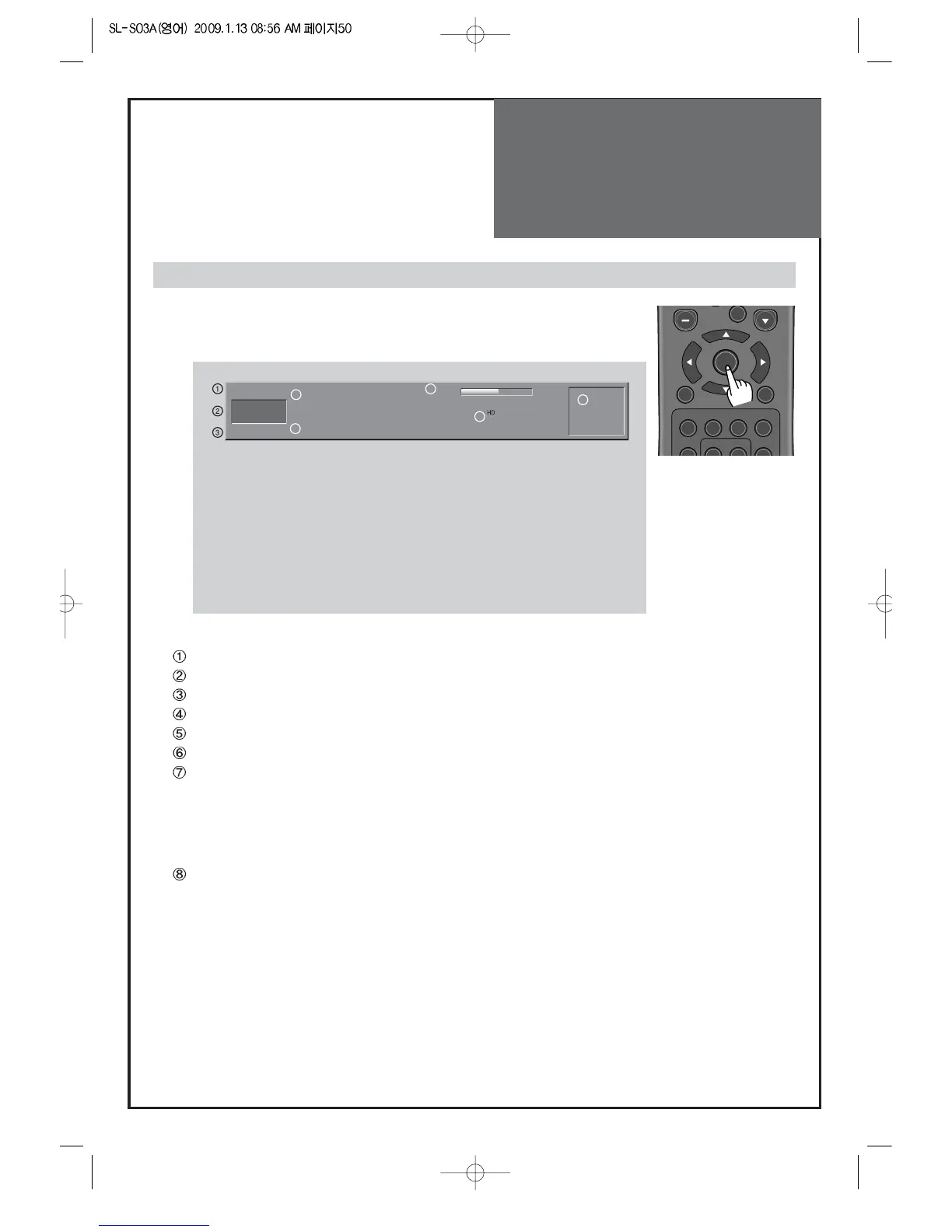
Channel Mode: Display the current channel mode (Air/Cable/DTV).
Channel Number: Displays the current channel number.
Channel Name: Displays the current channel name. (Digital TV mode only)
Program Name: Displays the current program name. (Digital TV mode only)
Program information: Displays the next program information. (Digital TV mode only)
Program time: Display the current / next program time (start ~ end). (Digital TV mode only)
Icon: Displays the service items (Channel State, Screen Size, Audio Service, Dolby Digital, Favorite
Channel, and ETC) in the current program.
Note: Owing to our policy of continuous improvement, the availability of icon which depends upon
the program may change.
Current time: Displays the current time.
- The channel banner displays information about a channel number, name,
broadcasting time, audio service and more. You can see this banner by pressing
“OK” button on the Remote Control.



 To Next Page